
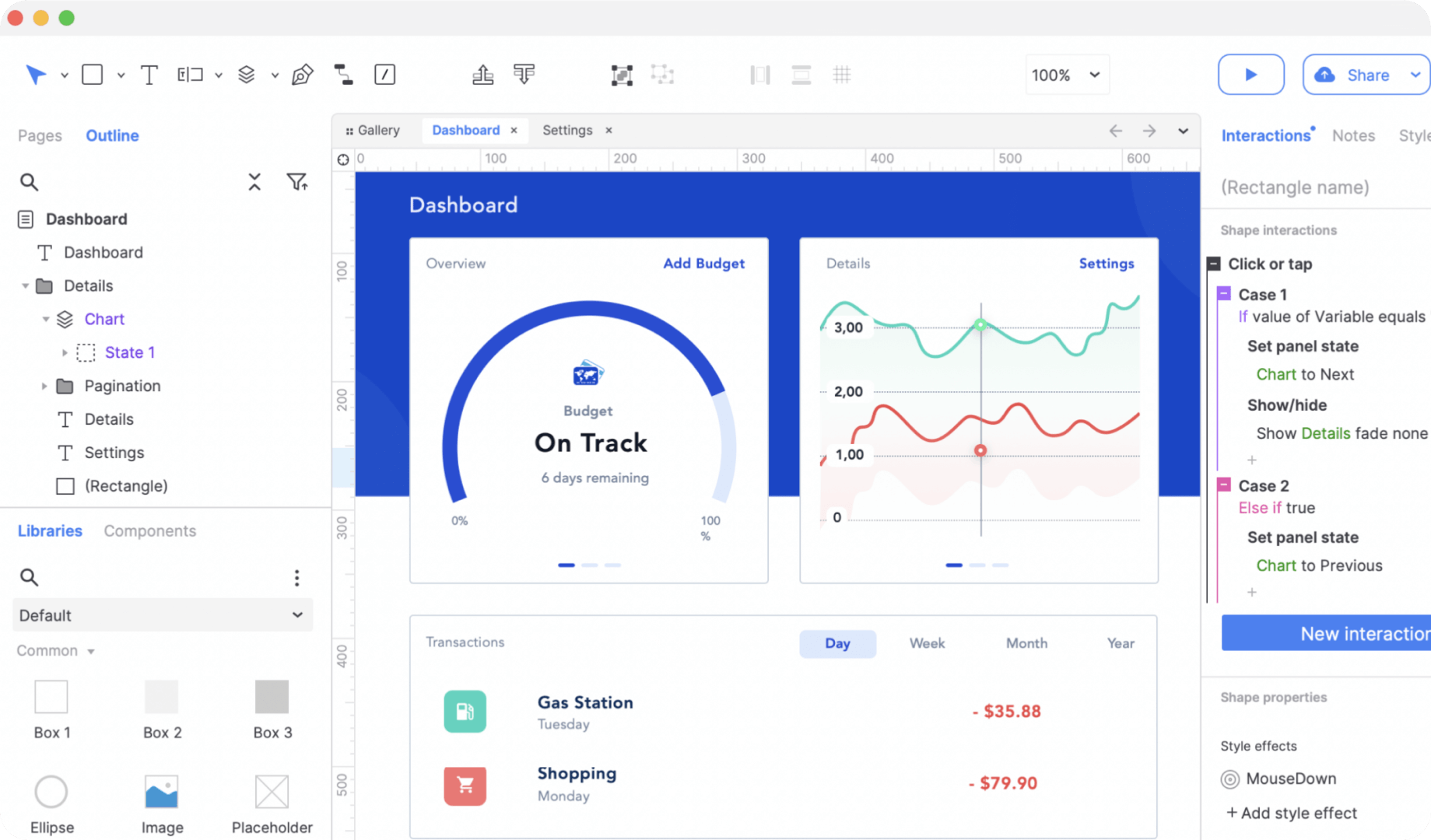
4. Common Axure Shortcuts
Axure provides many shortcuts for frequent operations. After learning the Axure basics, you can use these shortcuts according to your habits to improve design efficiency and become proficient at prototype design.
Basic File Operations
Ctrl + N (Windows) / Command + N (Mac): Quickly create a new project.
Ctrl + O (Windows) / Command + O (Mac): Open an existing project file.
Ctrl + S (Windows) / Command + S (Mac): Save the project.
Select and Edit Components
Ctrl + A (Windows) / Command + A (Mac): Select all components on the page; set properties or move them together.
Ctrl + C (Windows) / Command + C (Mac): Copy selected components.
Ctrl + V (Windows) / Command + V (Mac): Paste copied components.
Delete (Windows) / Command + Delete (Mac): Delete selected components and remove unnecessary elements.
Ctrl + Z (Windows) / Command + Z (Mac): Undo the last action.
Ctrl + Y (Windows) / Command + Y (Mac): Redo the last undone action.
Align and Distribute
Ctrl + L (Windows) / Command + L (Mac): Align components left.
Ctrl + R (Windows) / Command + R (Mac): Align components right.
Ctrl + T (Windows) / Command + T (Mac): Align components to the top.
Ctrl + B (Windows) / Command + B (Mac): Align components to the bottom.
Ctrl + H (Windows) / Command + H (Mac): Center components horizontally.
Ctrl + K (Windows) / Command + K (Mac): Center components vertically.
F8 (Windows & Mac): Evenly distribute components horizontally.
F9 (Windows & Mac): Evenly distribute components vertically.
Interaction Design
Ctrl + / (Windows & Mac): Quickly open or close the Interactions panel.
Ctrl + E (Windows) / Command + E (Mac): Edit interaction events.
5. How to Use Axure for Free
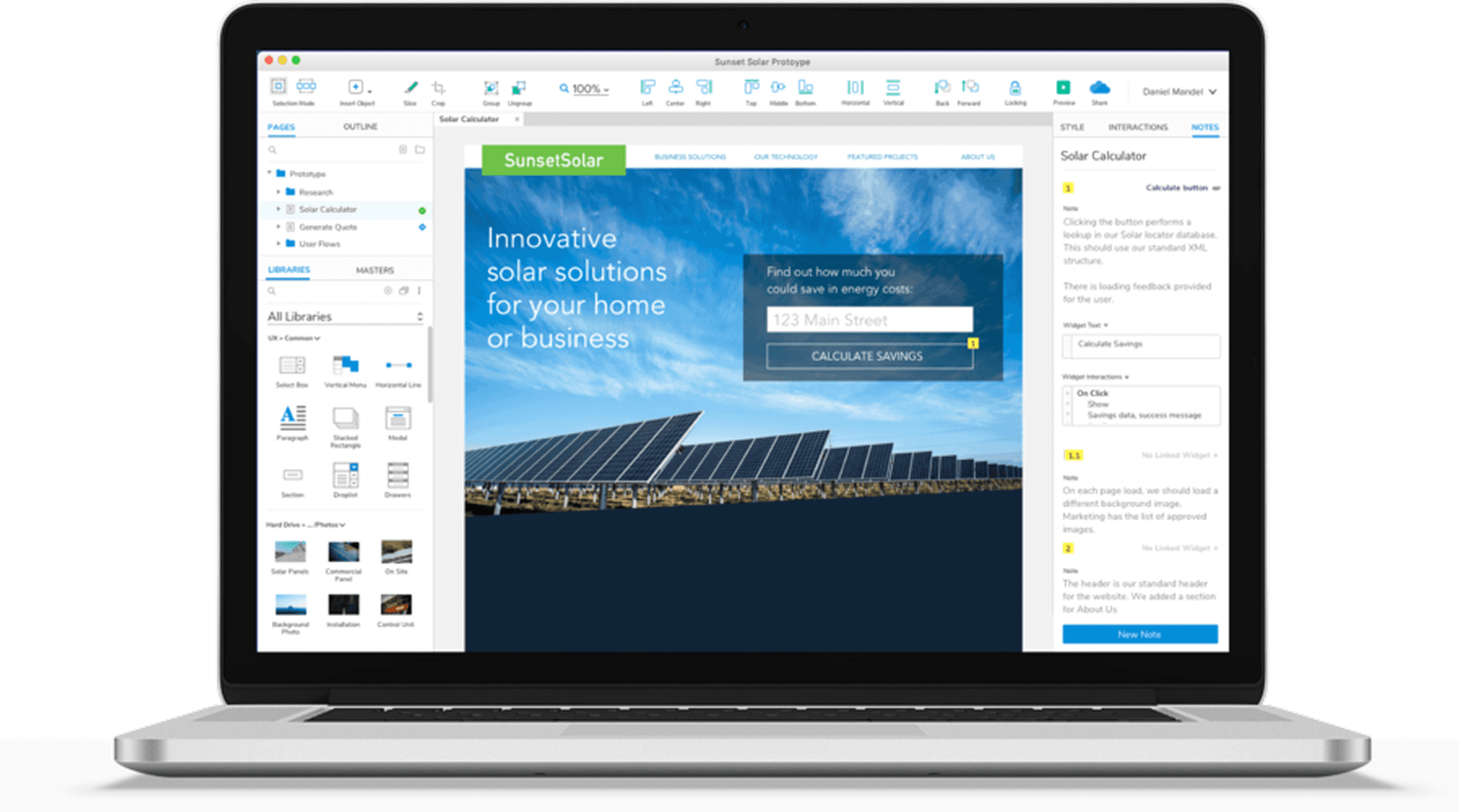
Axure is commercial software and does not offer a completely free version for long-term use. However, Axure provides a 30‑day free trial. During the trial, you can experience all features—from basic page design to advanced interactions, dynamic panels, and repeaters. If you subscribe to Axure RP Pro, individual plans cost $29/month and team plans cost $49/month.
Axure does not provide a browser-based online version; you need to download the desktop client. Different Axure versions have OS requirements—for example, Windows 7/10 or higher on Windows, and macOS 10.10 or later on Mac—to ensure proper installation and operation.
Axure does not deploy servers in Mainland China, so teams cannot collaborate online via Axure Cloud. If you need to collaborate or share files, make sure your installed version is compatible with teammates’ versions to avoid opening or compatibility issues. Generally, higher versions can open lower-version files, but not vice versa.
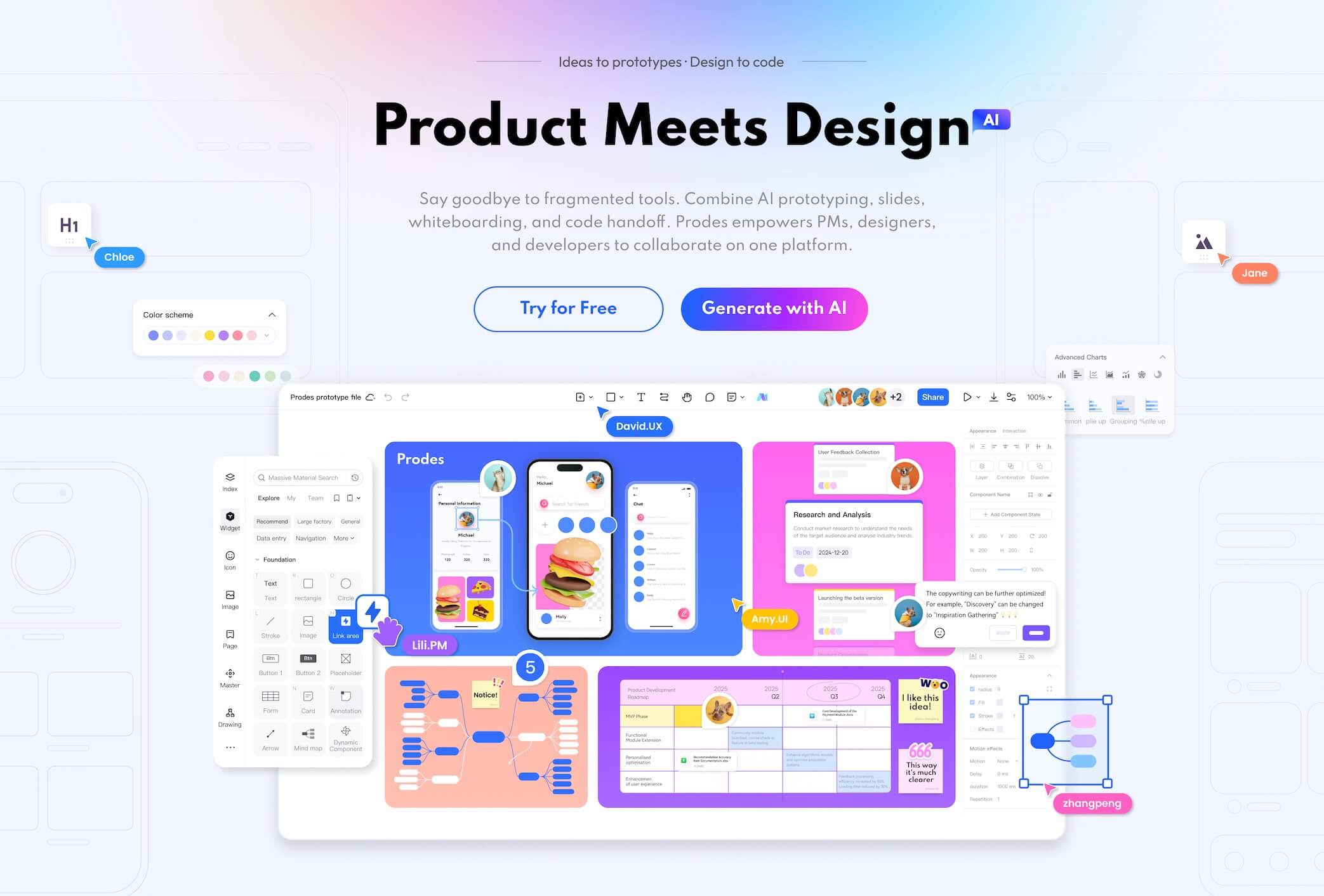
If you prefer not to install a client and need online collaboration—for example, product managers collaborating with UI designers and developers, or presenting to managers and clients—we recommend Prodes, an online product design tool that integrates requirements planning, prototypes, UI design, and delivery in one place.
Easy to Start, Lower Learning Curve
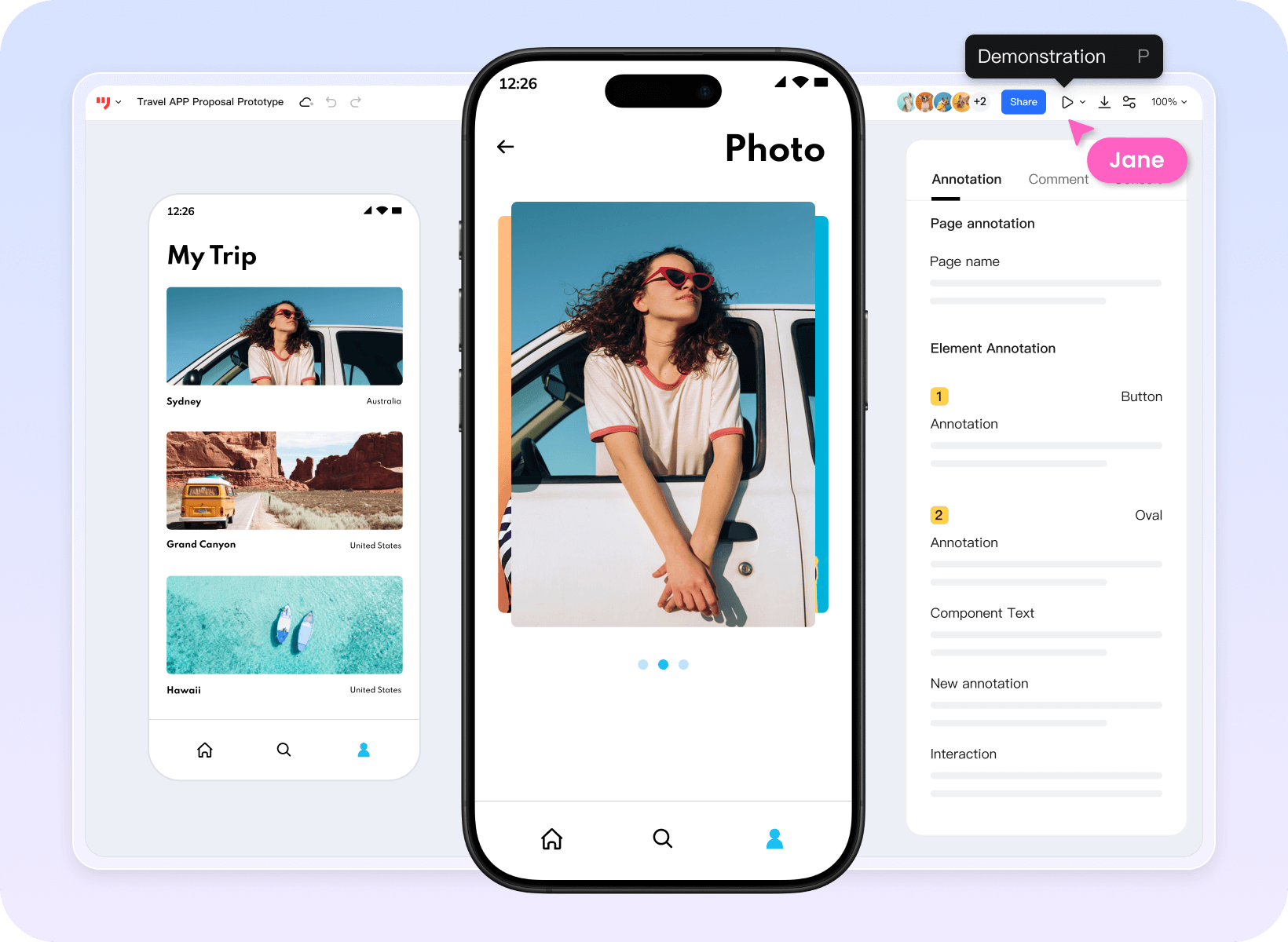
As an Axure alternative, Prodes has a clean, intuitive interface and clear workflows. New product managers and designers can quickly get familiar and start using it. For basic page elements or simple interactions, Prodes supports direct drag‑and‑drop, significantly shortening the learning period and helping teams start product design faster.
Use Online, Seamless Remote Work
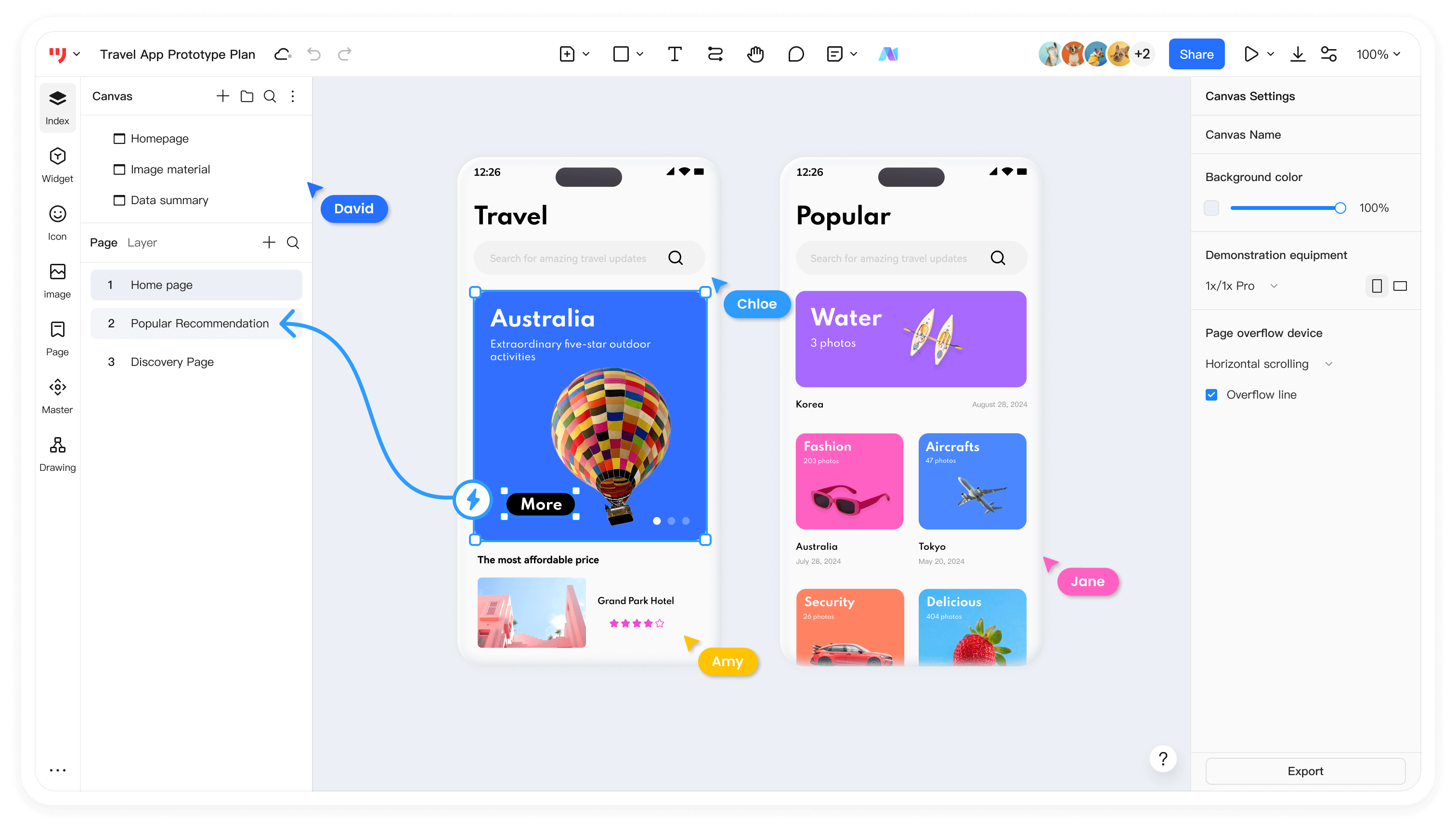
One of Prodes’s biggest advantages is online use—no complex downloads or installation. There are no limits on device, OS, or location. Whether in the office, at home, or on the go, with an internet connection you can visit the Prodes website and work anytime, anywhere.
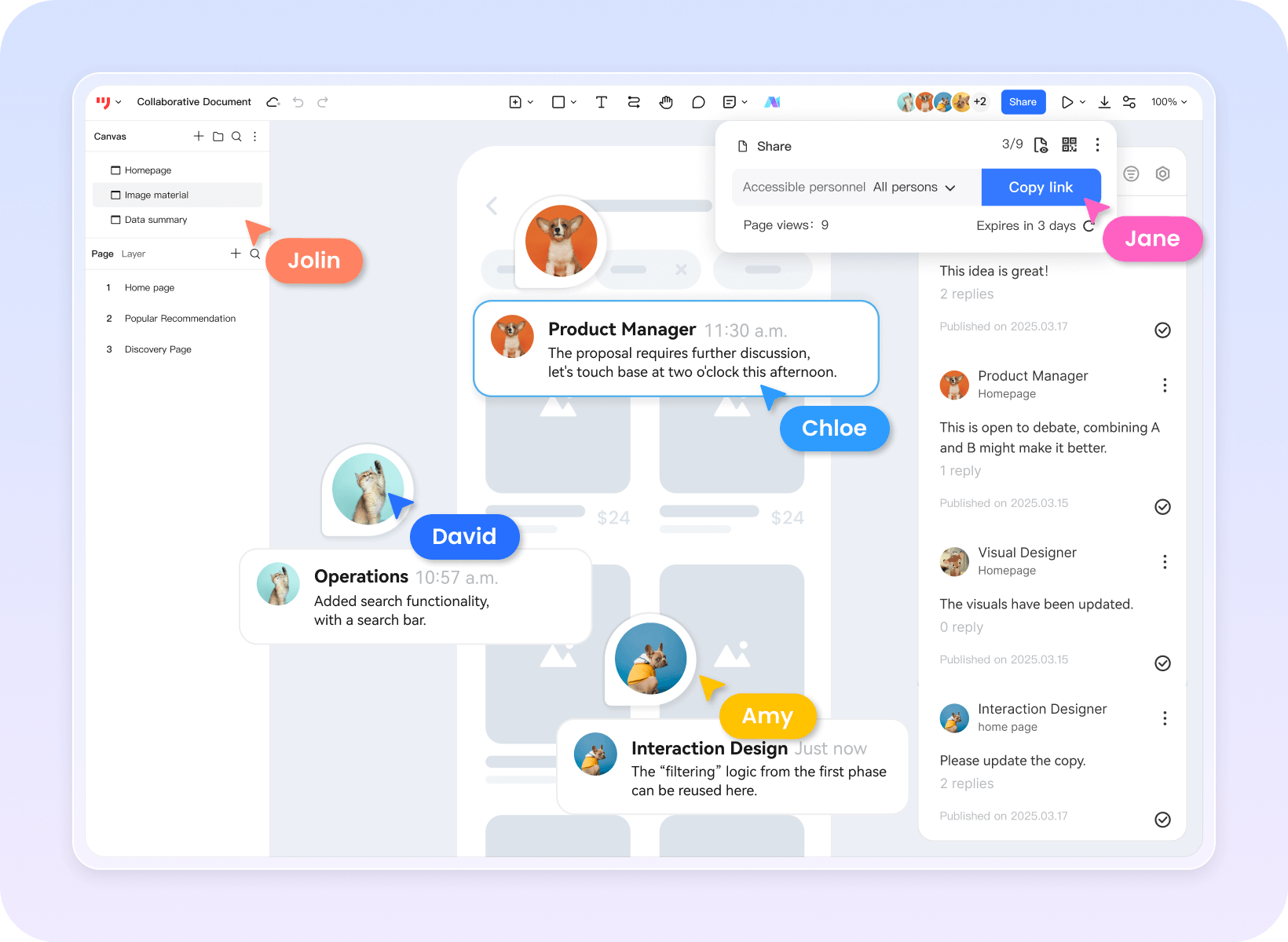
For remote teams, smooth communication and collaboration are essential. Prodes offers robust team collaboration features—members can co‑edit and manage projects, see each other’s changes in real time, and brainstorm effectively. Permission settings ensure everyone operates within their scope, keeping projects secure and orderly.
Prodes also supports link sharing and preview. Team members can share designs with others or clients anytime, gather feedback promptly, and improve efficiency to move projects forward together.
Practical Features for Diverse Needs
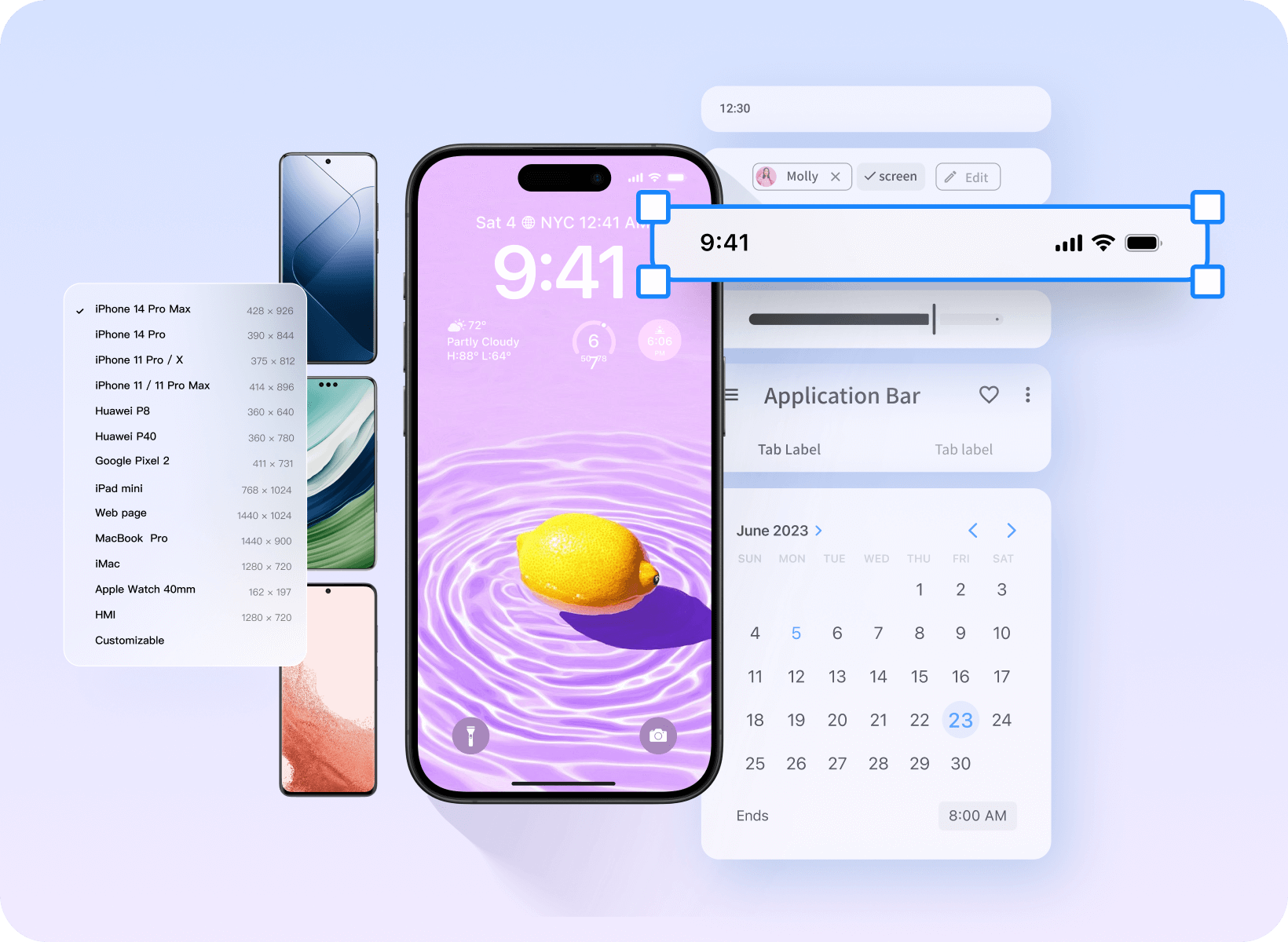
Like Axure, Prodes provides rich component libraries covering common scenarios such as apps, websites, admin systems, mini‑programs, H5, and industrial HMI, making it easy to build prototypes quickly. For interactions, Prodes supports realistic effects—such as page navigation and dynamic show/hide—meeting the needs of most complex projects.
Prodes is unique in integrating whiteboards, prototypes, UI design, and delivery to cover the full workflow. During research, use Prodes Whiteboard to collect and organize user needs, sketch early ideas, and draft PRDs. During prototyping, use Prodes Prototype to draw product wireframes, present demos, and align with teammates and clients. During UI design, designers can complete UI work in Prodes and hand off downstream to close the loop.
To avoid switching between tools, Prodes provides plugins for Axure, Sketch, Photoshop, and Adobe XD. You can upload design files to Prodes for seamless progress and easier collaboration across product, design, and engineering in the cloud.
Cost Advantages for Every Budget
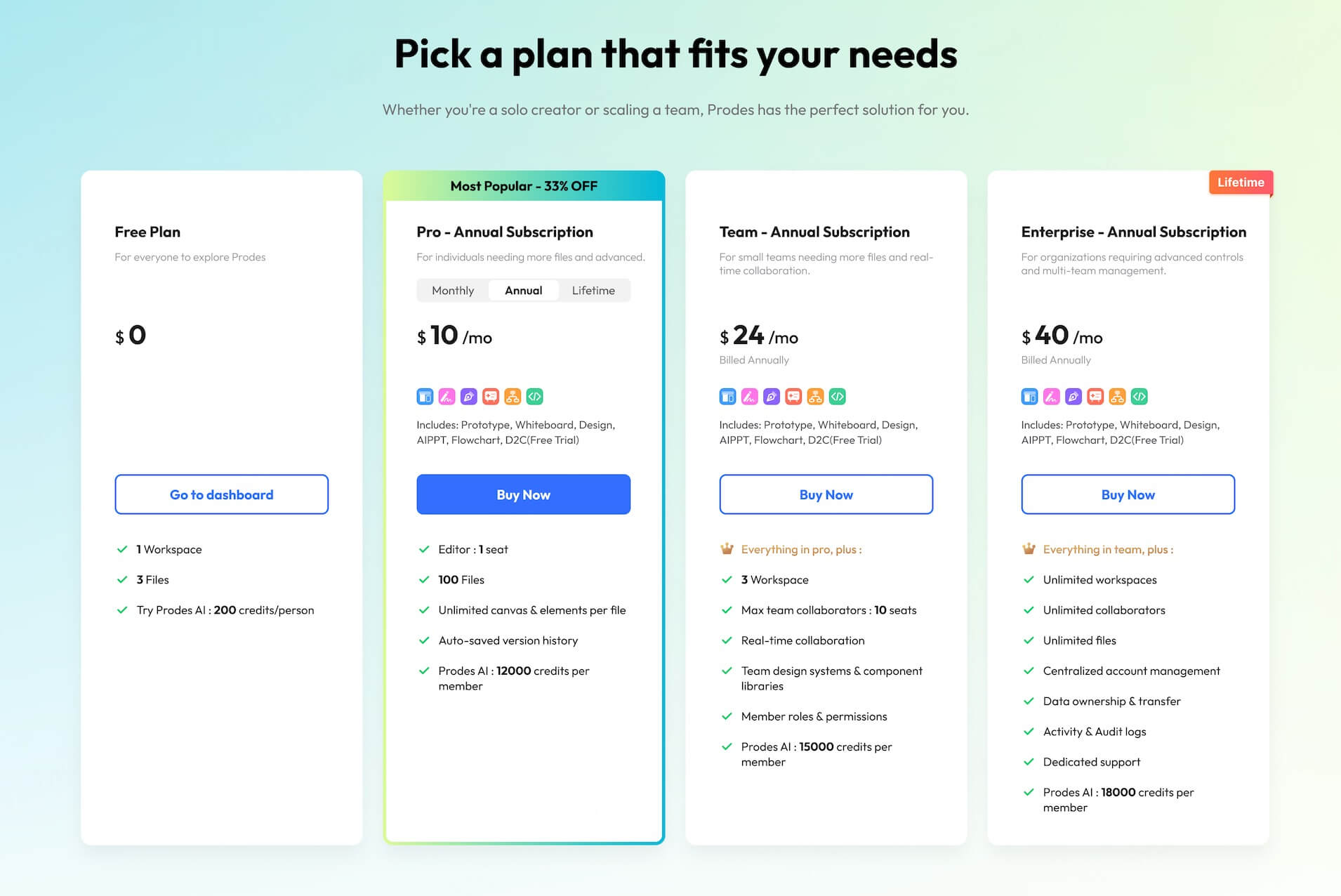
Axure’s pricing can be significant for individuals and small teams. Prodes offers flexible plans, including a free version and multiple paid tiers. The free version covers basic prototyping and is free forever. If you need advanced features or custom services, paid plans are affordable and more powerful. These cost advantages make Prodes a high‑value choice for budget‑conscious teams or individuals without compromising quality.
Prodes excels in ease of use, practical features, collaboration, and cost control. If you’re looking for a convenient, free, online product prototyping tool, visit the Prodes website and start your product design journey today!