ProdesDiagram
Built for product and development teams
Drag to create, instantly. No
learning curve, no installs. Real-time saves.
From flowcharts to UML and architecture diagrams.
Drag to create, instantly. No
learning curve, no installs. Real-time saves.
From flowcharts to UML and architecture diagrams.
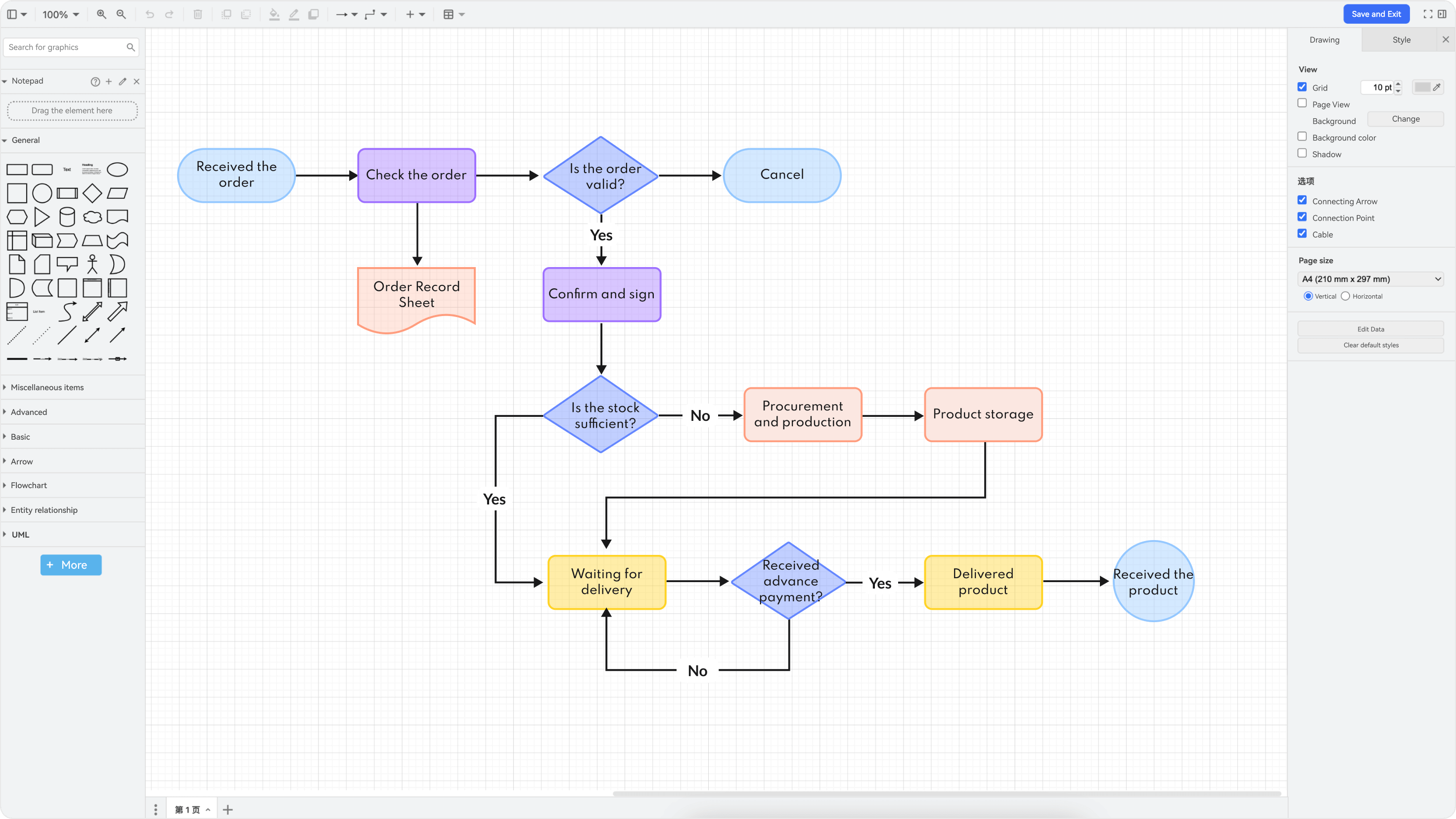

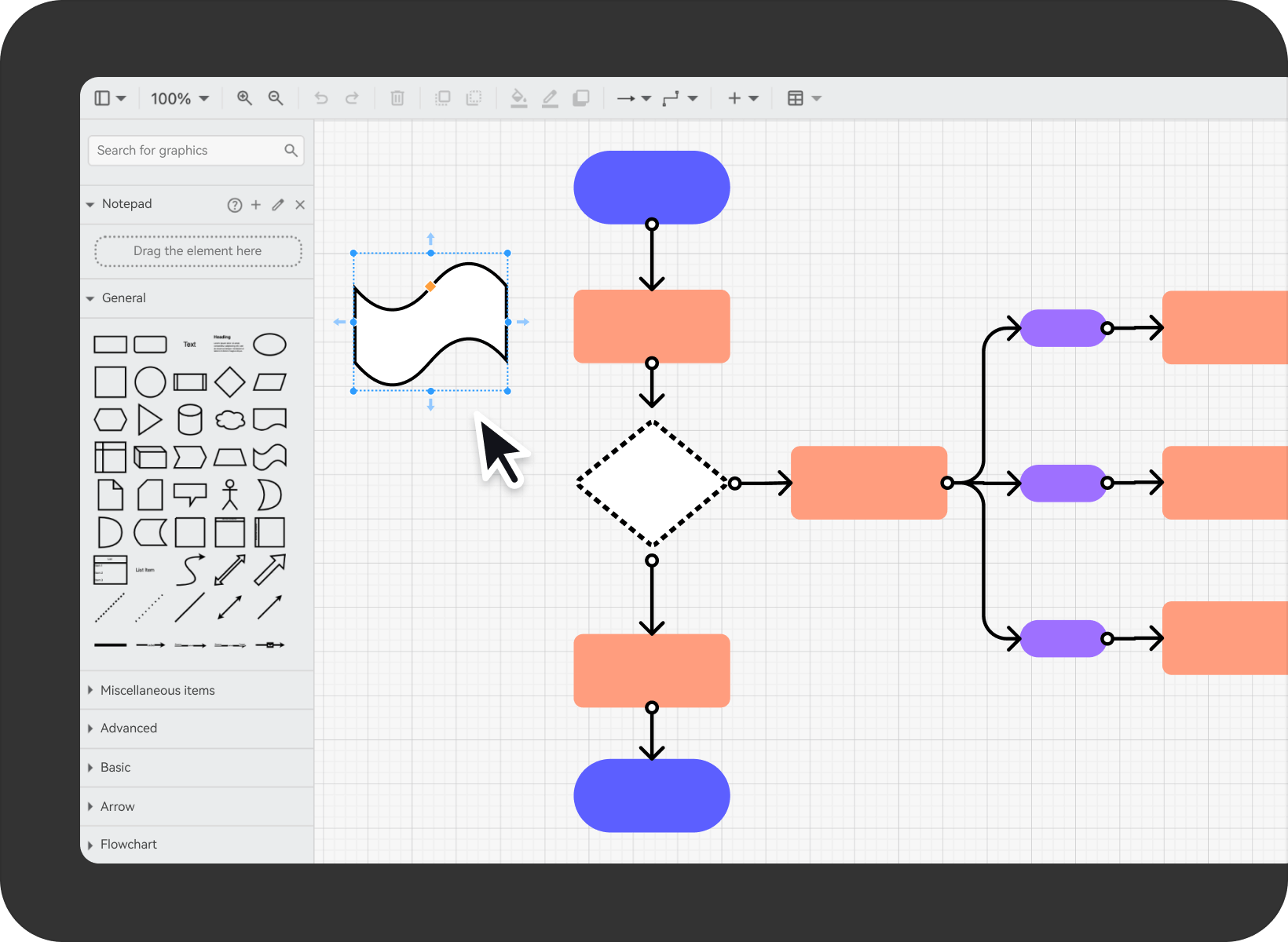
Drag-and-drop editing
As free as sketching
- · Zero learning curve required. Freely move and adjust each element with your mouse to build your own flowchart. What you see is what you get.
- ·Automatic graphic alignment and snapping ensure smooth, lag-free operation, maintaining stability and high speed even when drawing complex structural flowcharts.
- ·Infinite canvas provides virtually limitless expansion space for complex structural diagrams, enabling clear presentation of intricate details regardless of the number of components or complexity of relationships.
Multiple chart types
One-stop solution for all your charting needs
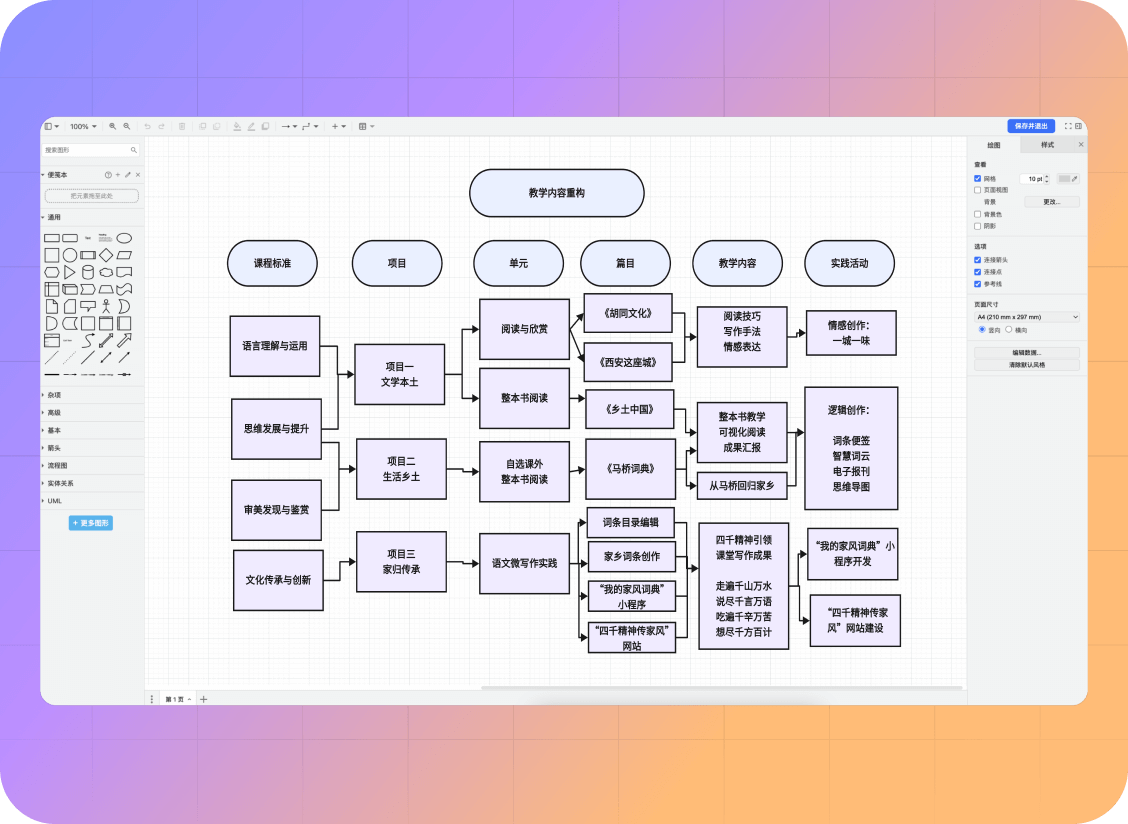
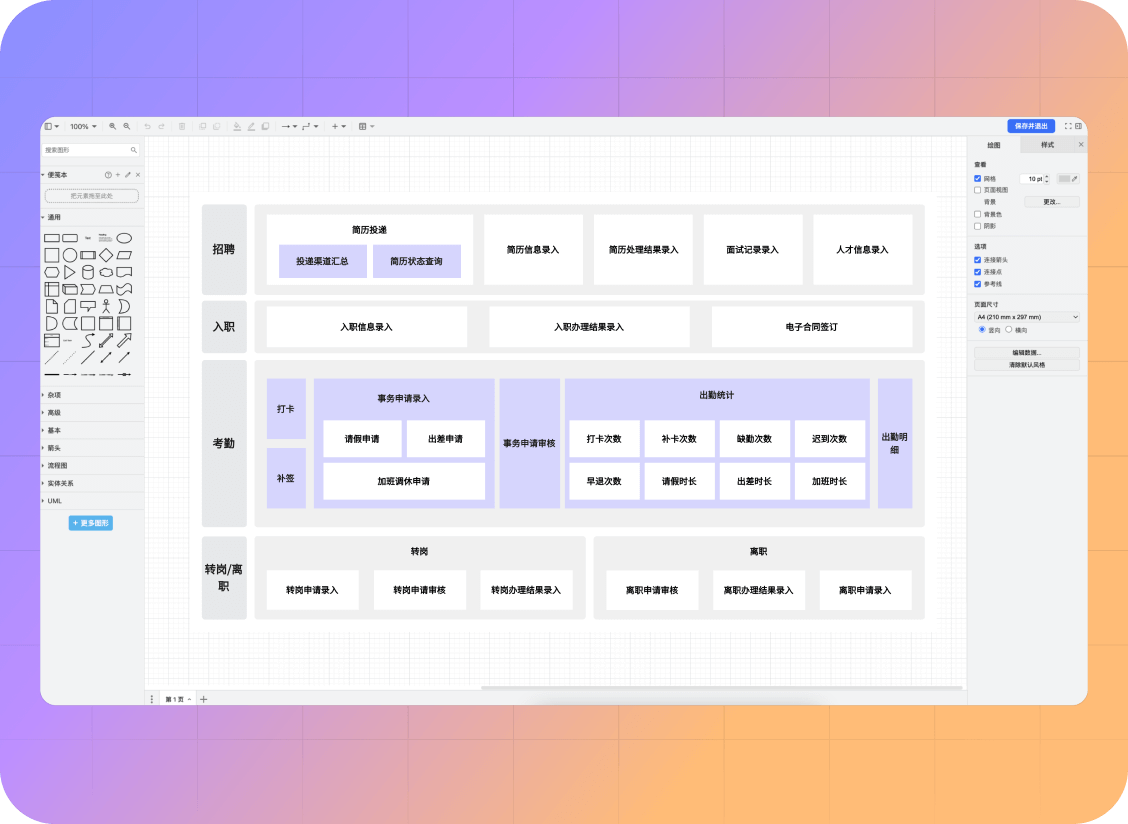
- ·Supports over 10 chart types including flowcharts, UML diagrams, organisational charts, and ER diagrams, clearly illustrating business processes, data flows, and architectural structures.
- ·Comes with an extensive graphics library, featuring a comprehensive range of standardised icons to help you swiftly build your business model.
- ·Seamlessly switch between chart types to adapt flexibly to diverse charting requirements, accurately conveying core business information.
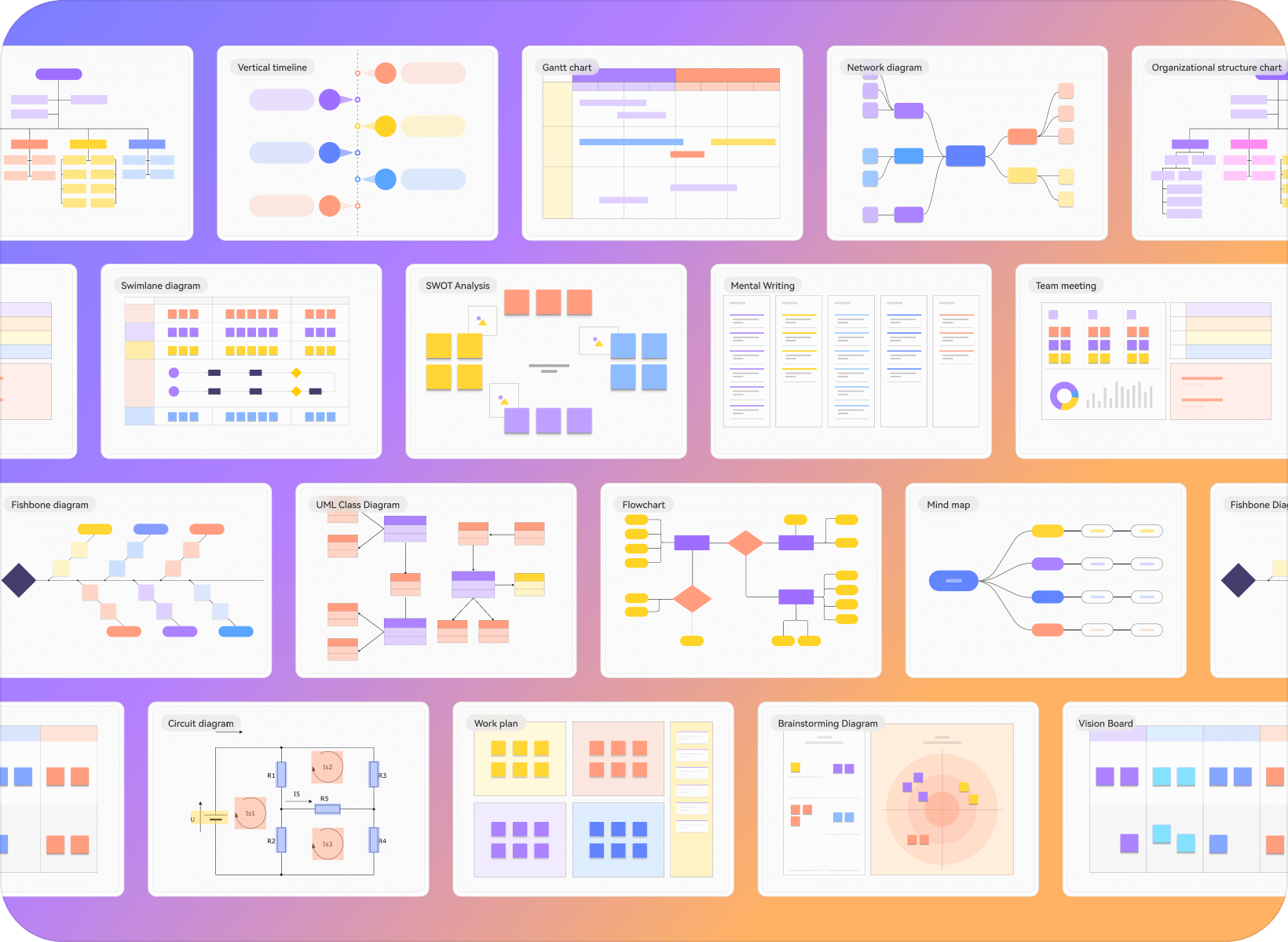
Smart Templates
Quickly kickstart your creation
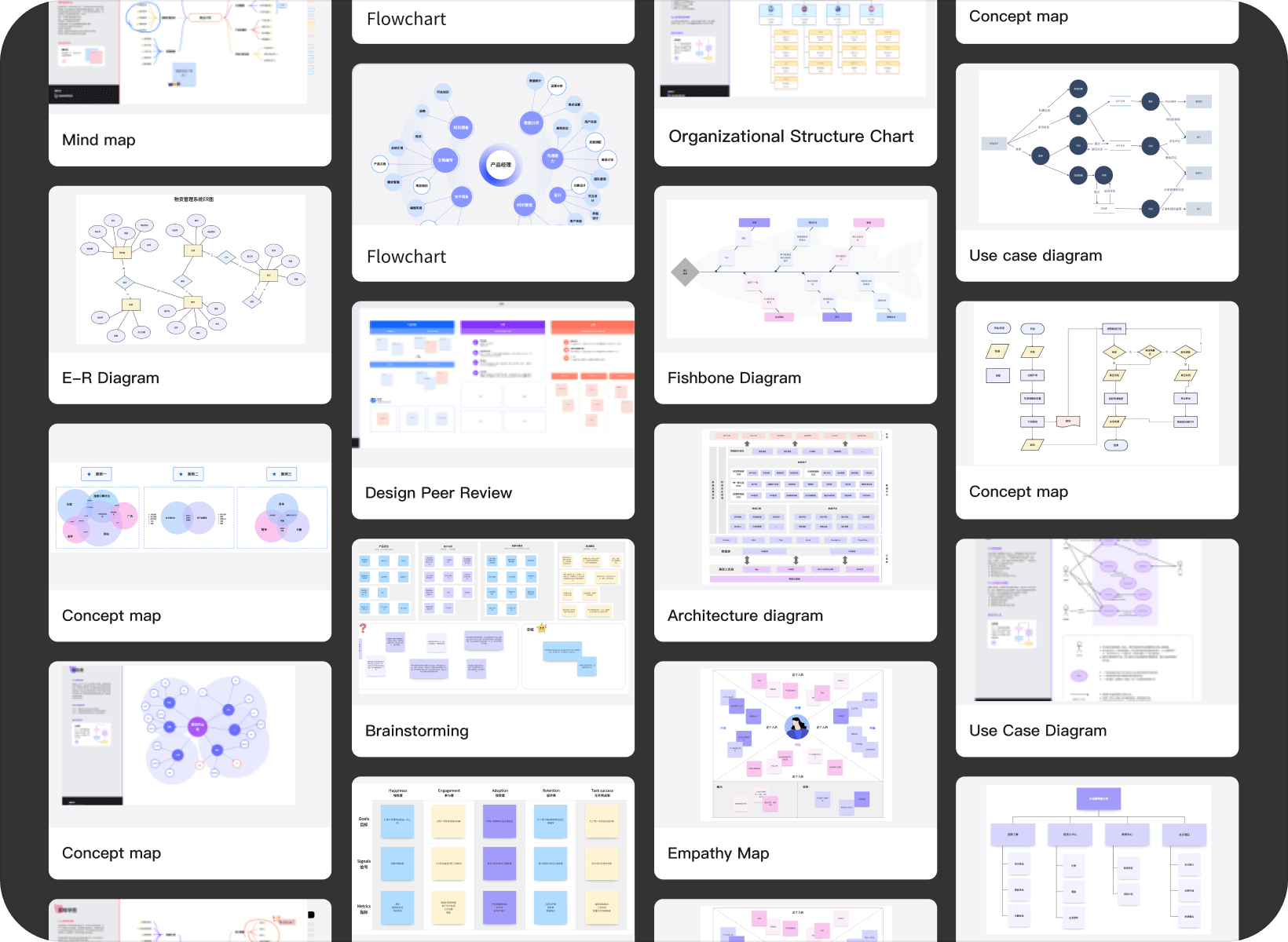
- ·Featuring a comprehensive library of industry-specific templates covering flowcharts, organisational charts, UML diagrams and more, enabling users to get started quickly and save time on conceptualisation.
- ·Based on the user's drawing habits and project type, intelligently recommend the most suitable template to enhance drawing efficiency and accuracy.
- ·Templates support customisation and secondary editing, flexibly meeting personalised requirements while balancing professionalism with convenience.
Cloud storage
Data security and reliability
- ·Auto-save, no manual intervention required, with project content saved in real time.
- ·Cloud-based encrypted storage ensures worry-free data security; supports real-time synchronisation across multiple devices.
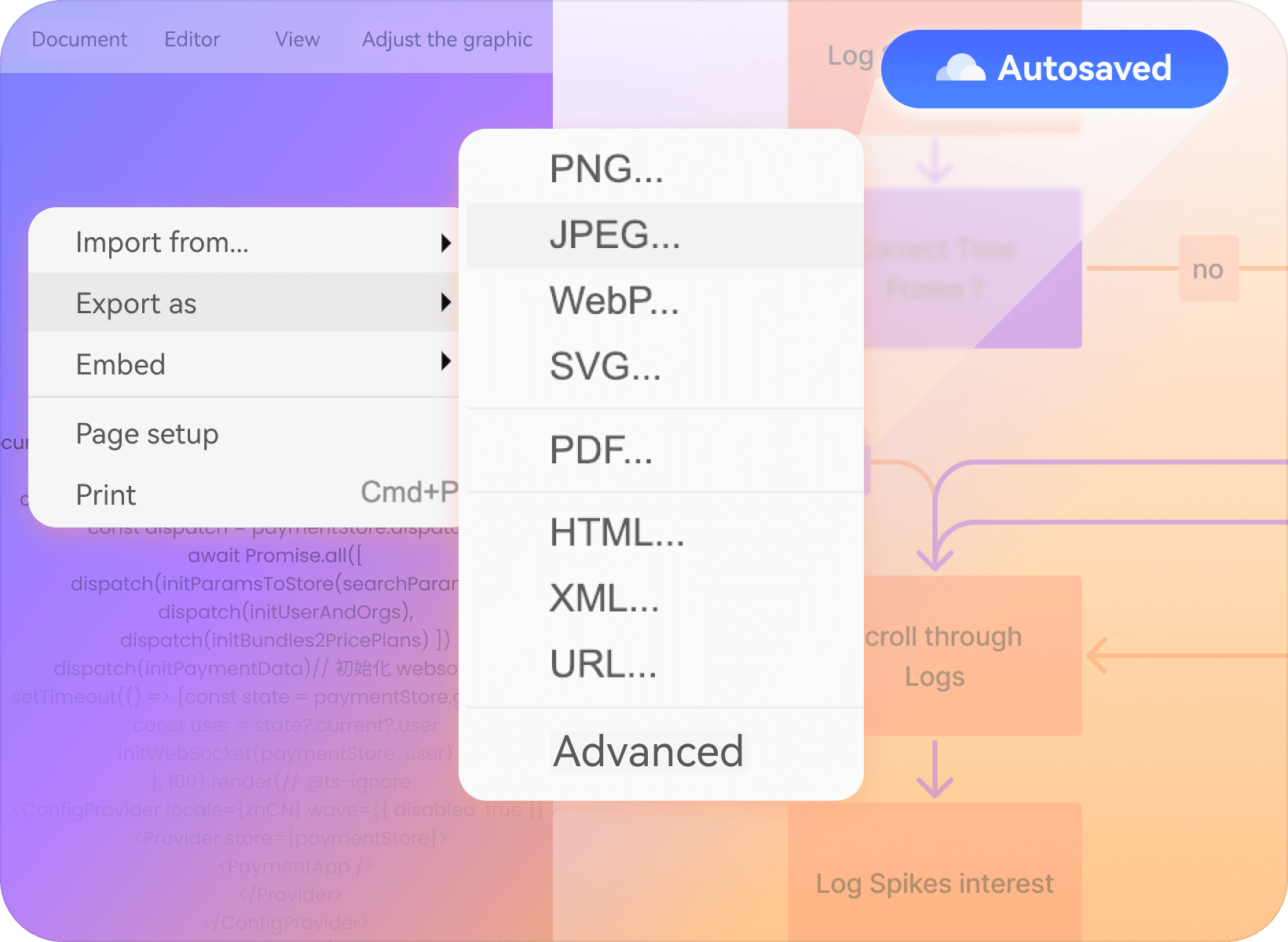
- ·Supports exporting to multiple formats including PNG, VISIO, PDF, and SVG, catering to diverse needs such as sharing, editing, and archiving, without the need to switch tools.
picture you fancy, Any style you choose
Diagram
Diagram
diagram
diagram
Diagram
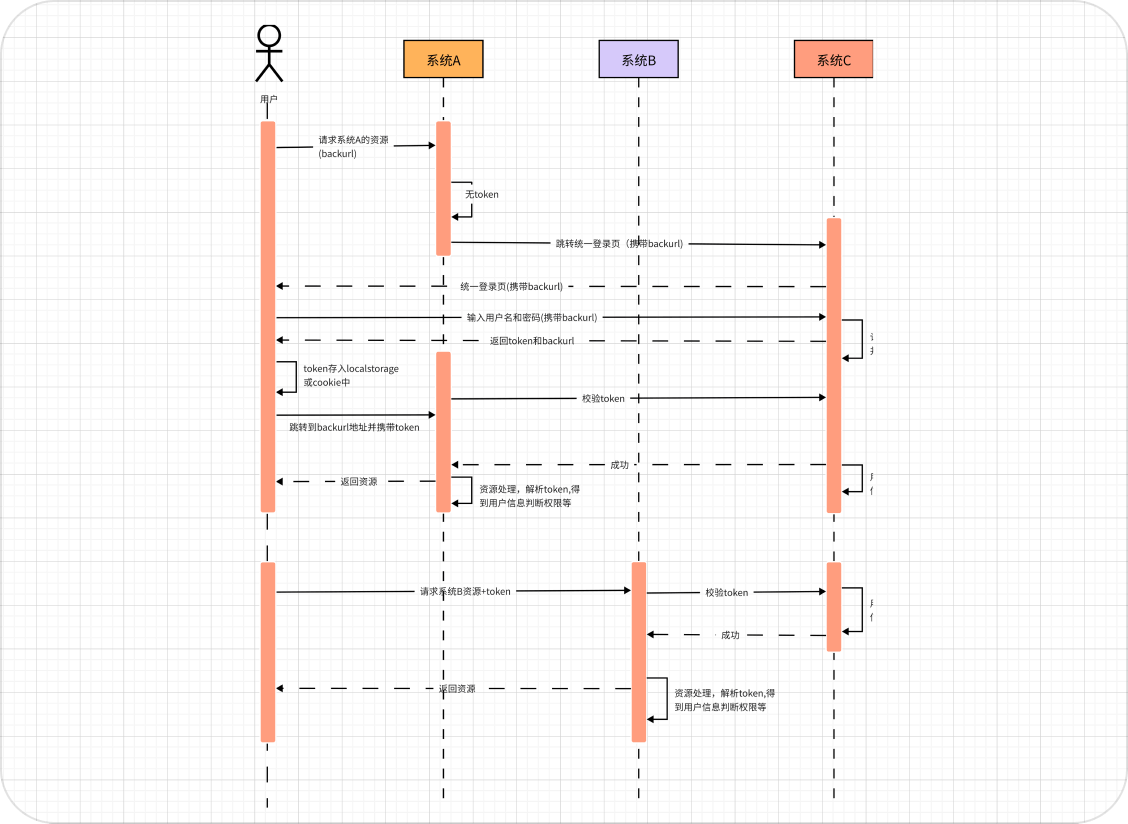
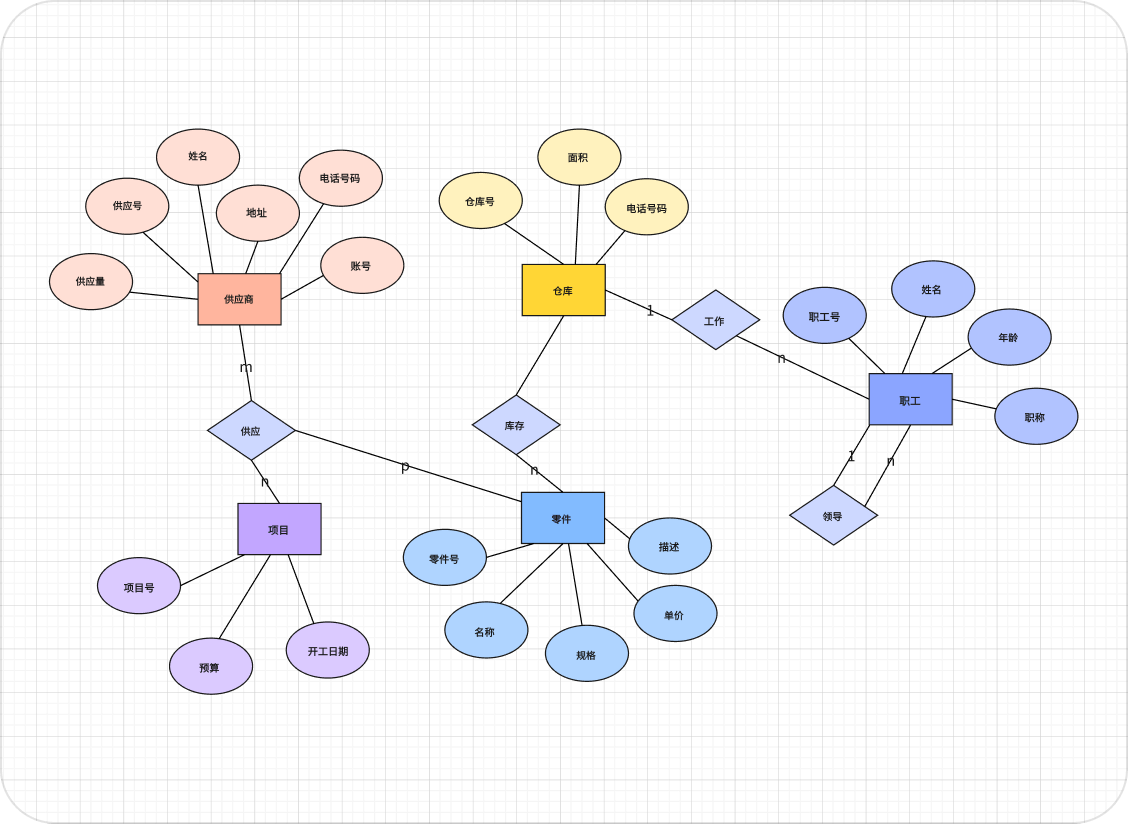
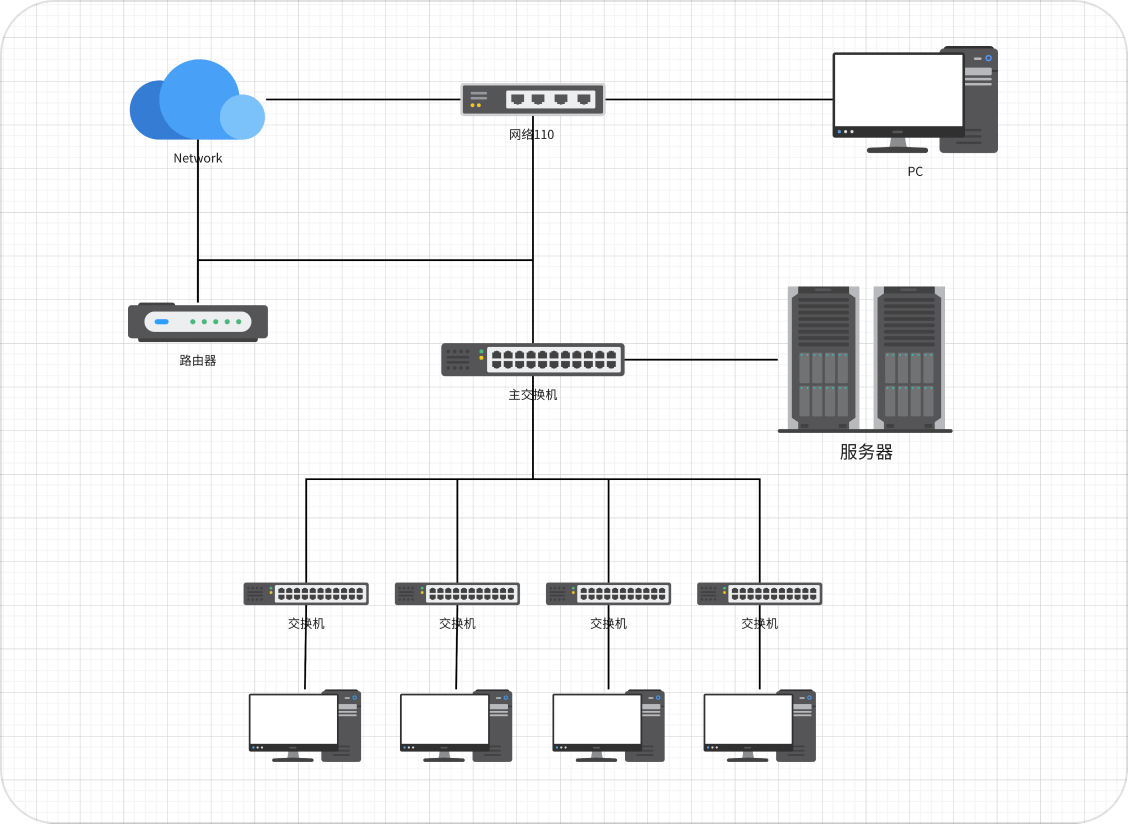
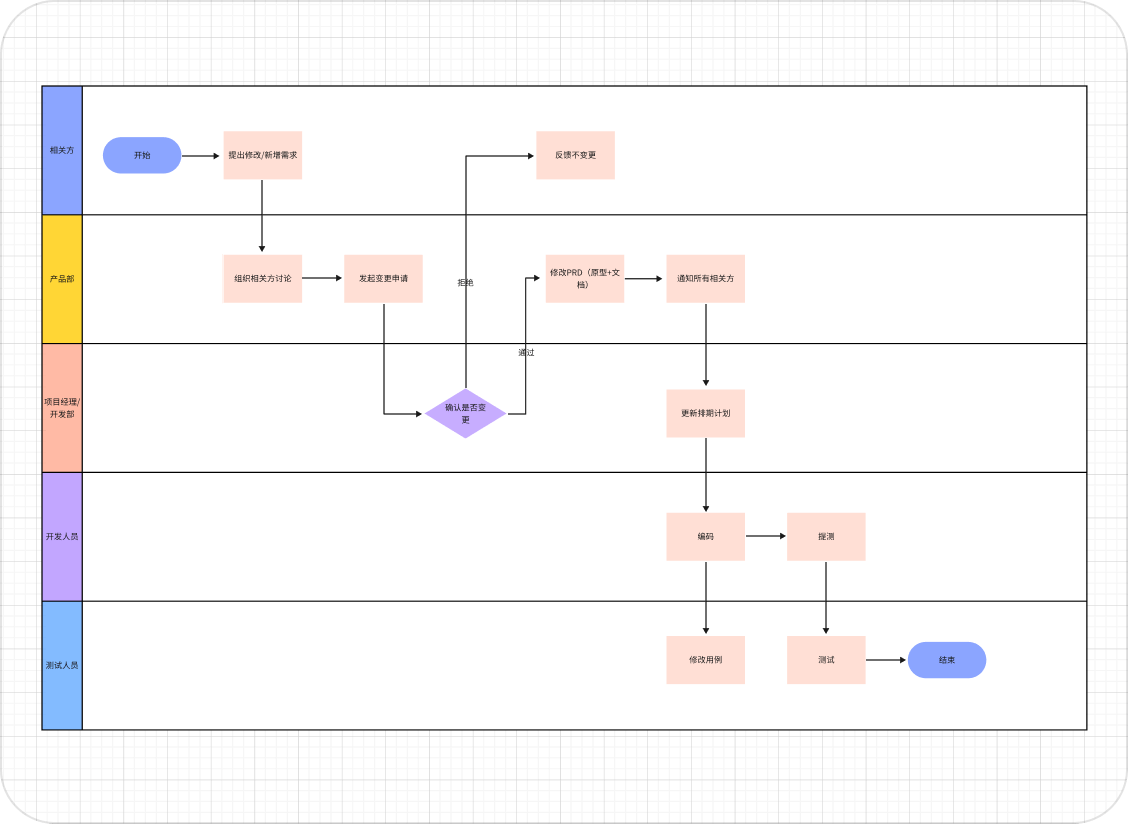
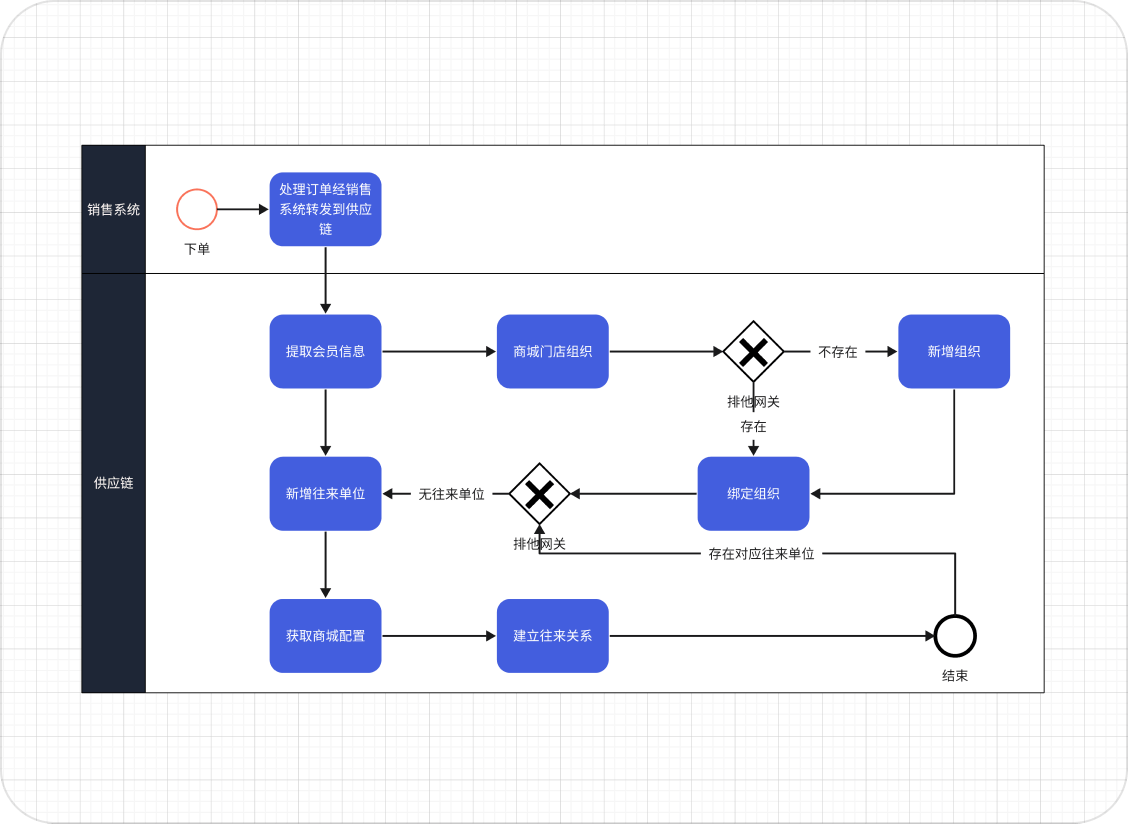
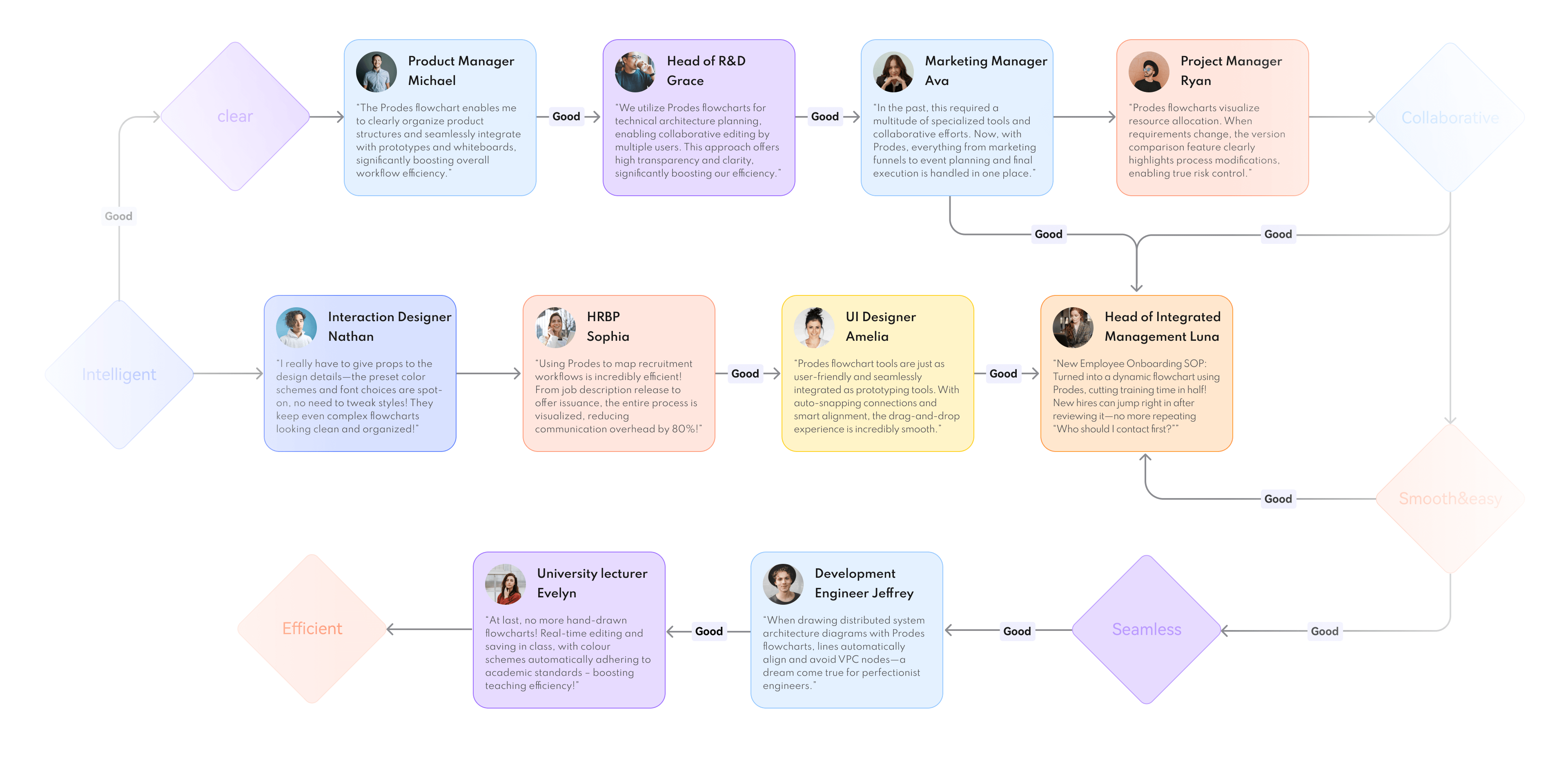
Anyone can draw Anywhere can be a canvas

 Product
Manager

 Development
Engineer
Development
Engineer

 Operations/
Marketing
Operations/
Marketing

 Academic
teaching

 Human
Humanresources
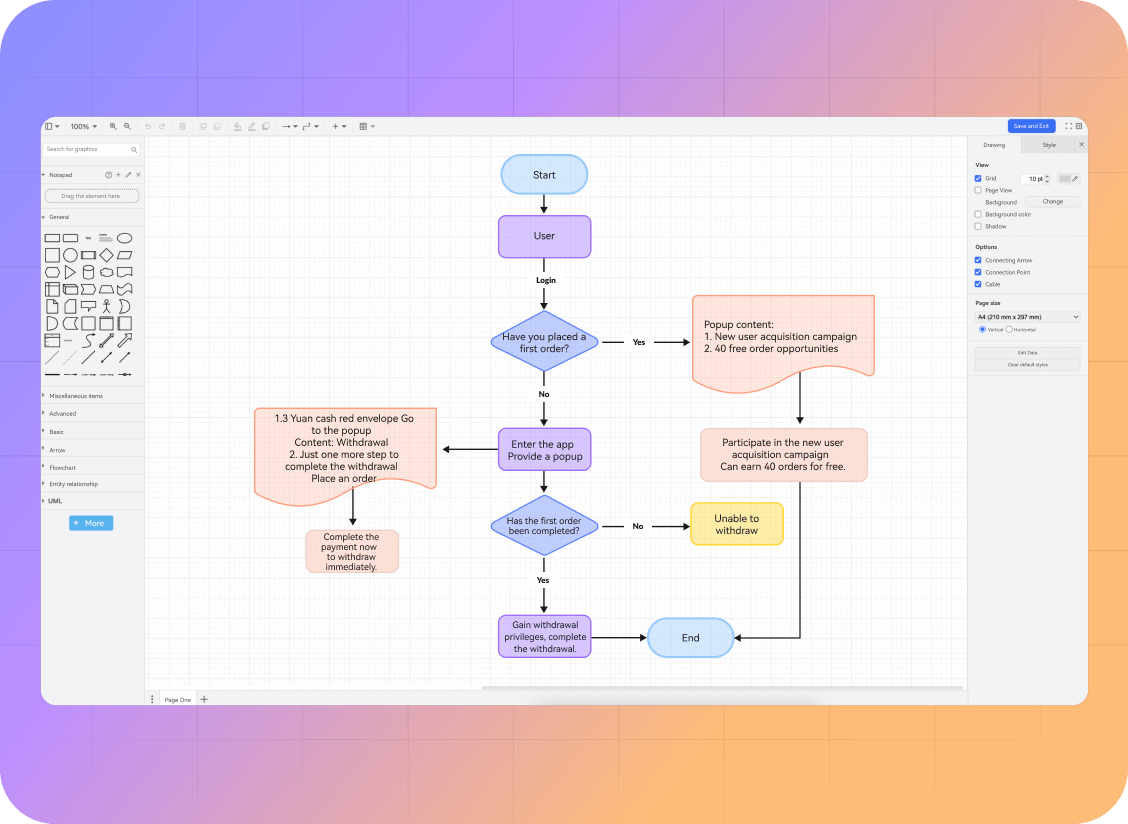
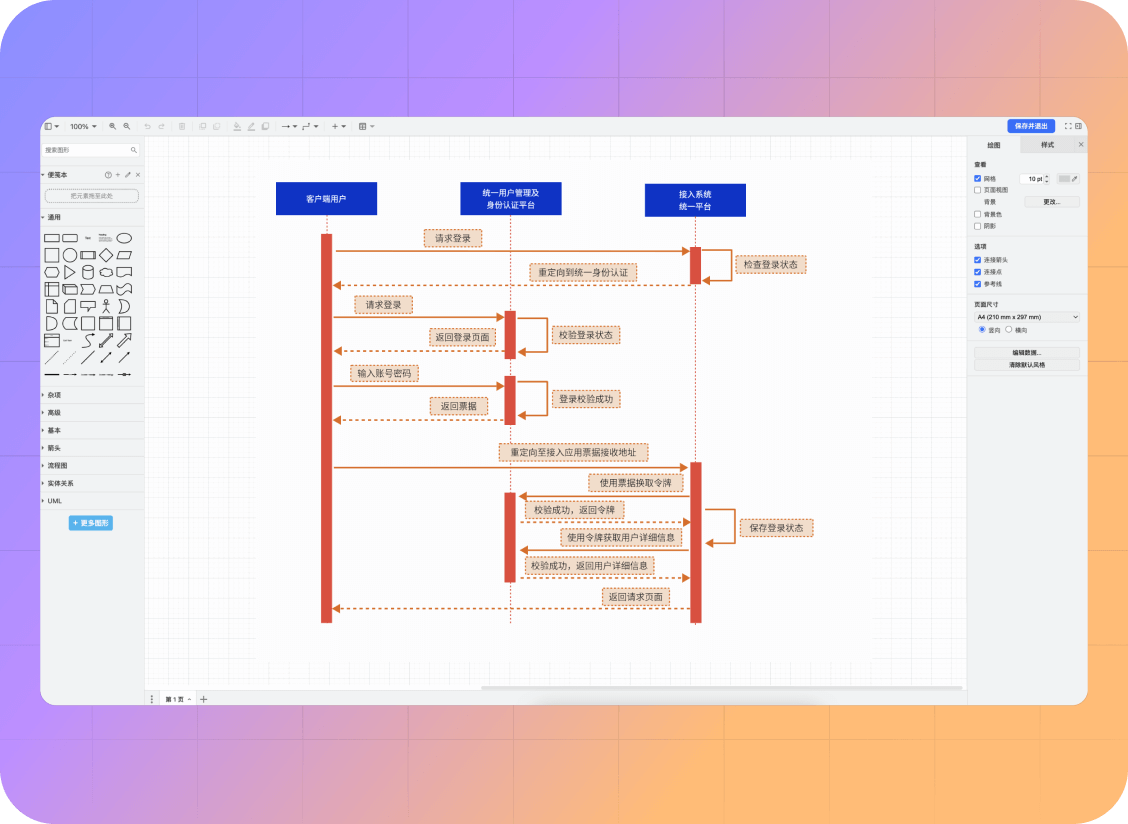
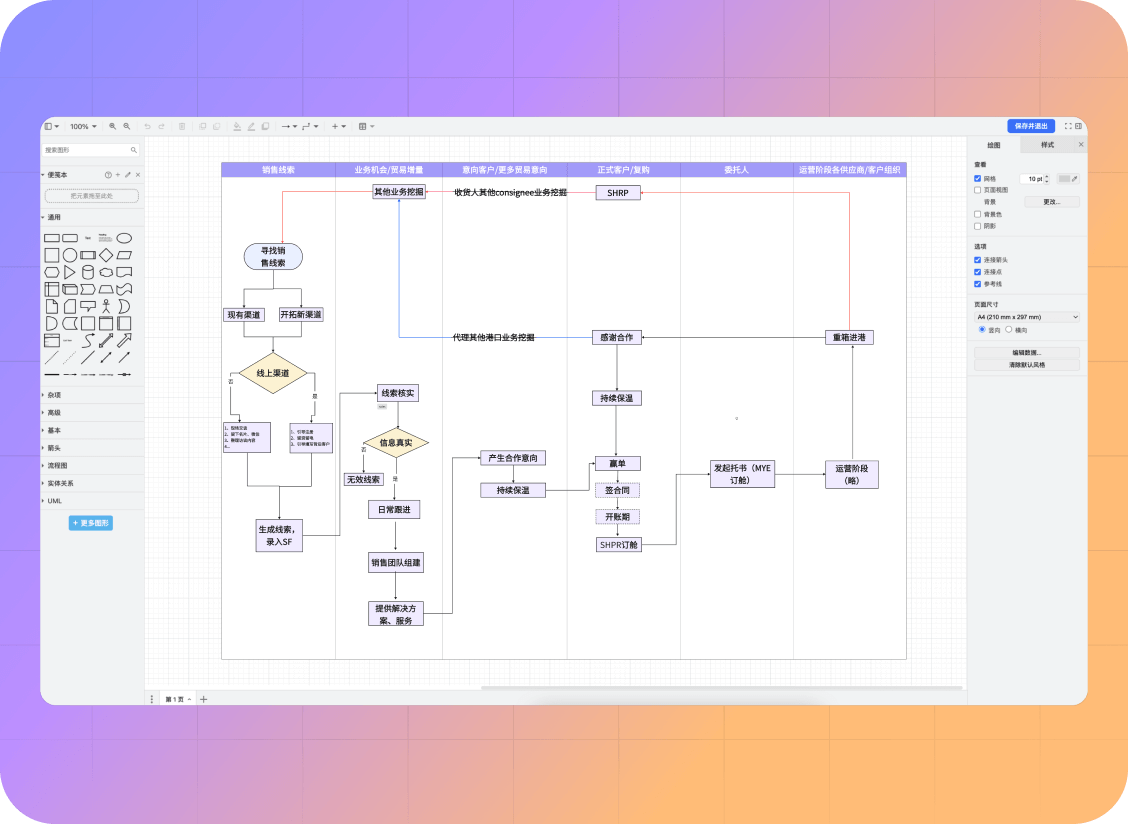
the Prodes Diagram
means you have chosen
Workflow
Prodes Diagram seamlessly integrates with MoDao Whiteboard, Prototyping, and
Collaboration
to form a unified workflow—from product structure
development to full implementation.
Get everything done in one place.

storage foundation
Relying on our stable and enterprise-grade secure cloud infrastructure, we ensure every flowchart is
saved
reliably and at lightning-fast speeds. Our robust backup
systems provide you and your
entire team with a truly
trustworthy data foundation.

Diagram Tool
Completely browser-based, no downloads or
installations required
Instantly ready to use, compatible with different
operating systems and devices
Empower your work with enhanced efficiency



User
Here's what they say about Prodes Diagram