
OnlineWireframe
Design
Platform
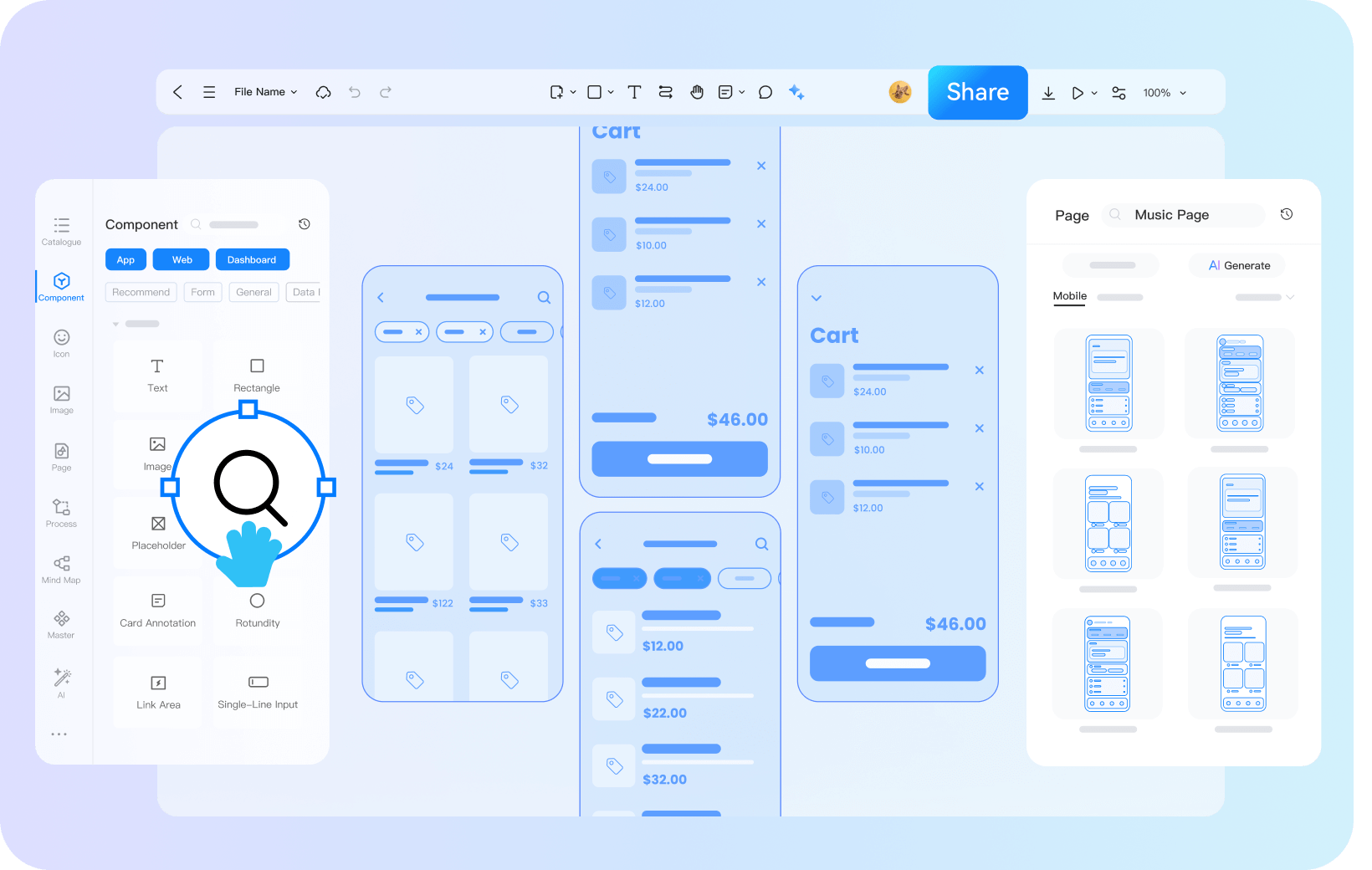
Prodes has a rich component library, where users can quickly convert their ideas into wireframes through simple drag and drop and settings
 Try for Free
Why Choose Prodes for Wireframing?
Rich Component Library
Building Diverse Wireframes

Massive Components
From basic text boxes and buttons to complex navigation bars, tables, and other common interface components, everything is readily available

Drag and Drop Operation
Components can be quickly laid out on the canvas with simple drag and drop operations, improving the speed of wireframe construction

Rich styles
The shape, border, color, etc. of buttons can be adjusted freely, and the placeholder style, icon style, etc. of text boxes can also be easily customized
Massive template materials
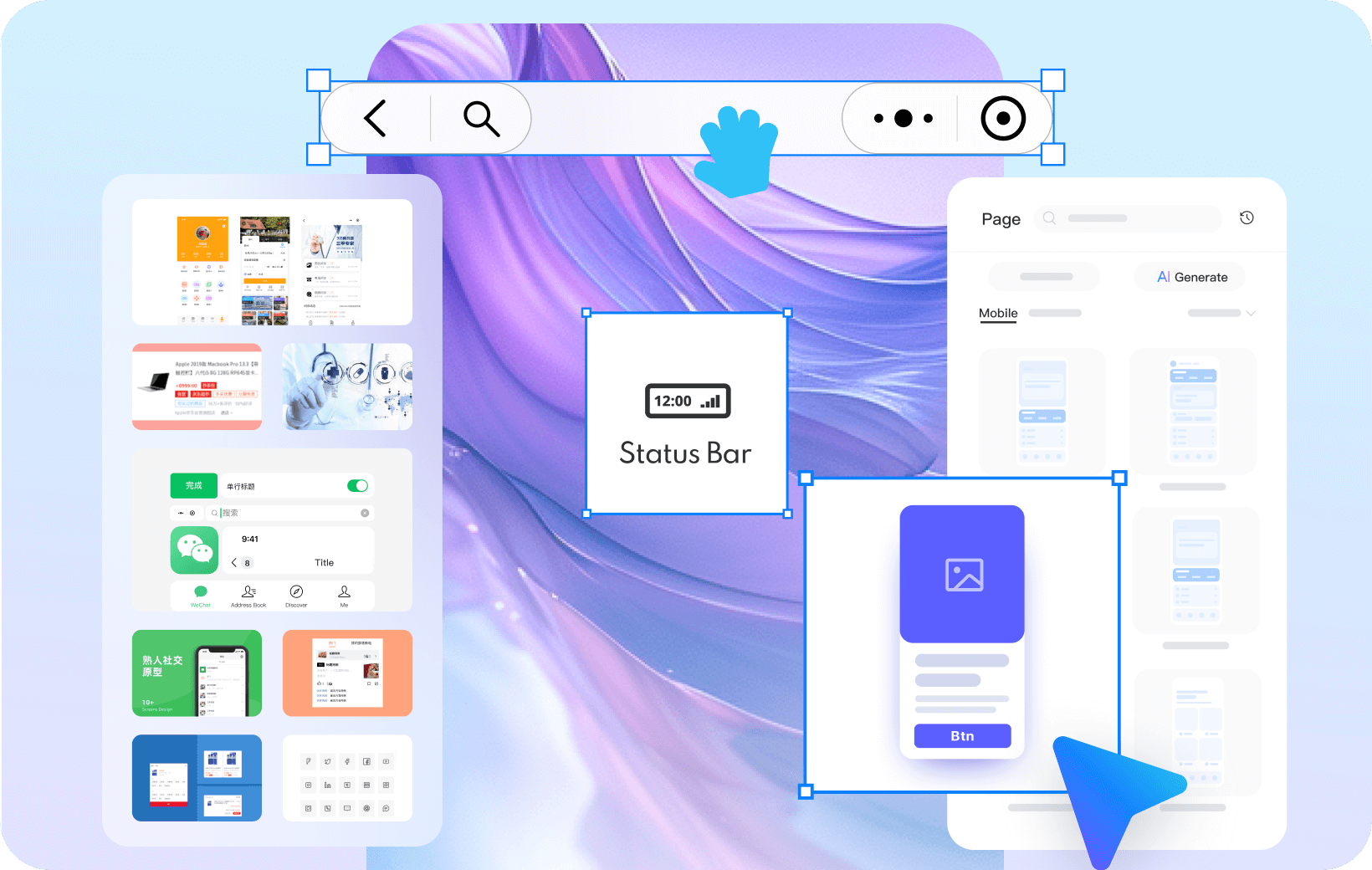
Inspire your team's creativity

Multi industry coverage
Covering multiple industries such as e-commerce, finance, new energy, and information services, it provides professional references for teams in different fields

Diverse style elements
Provide over a million materials and hundreds of thousands of wireframe materials, including various page layouts, interactive effects, component designs, etc
Real-time Collaboration
Efficient and Easy Feedback

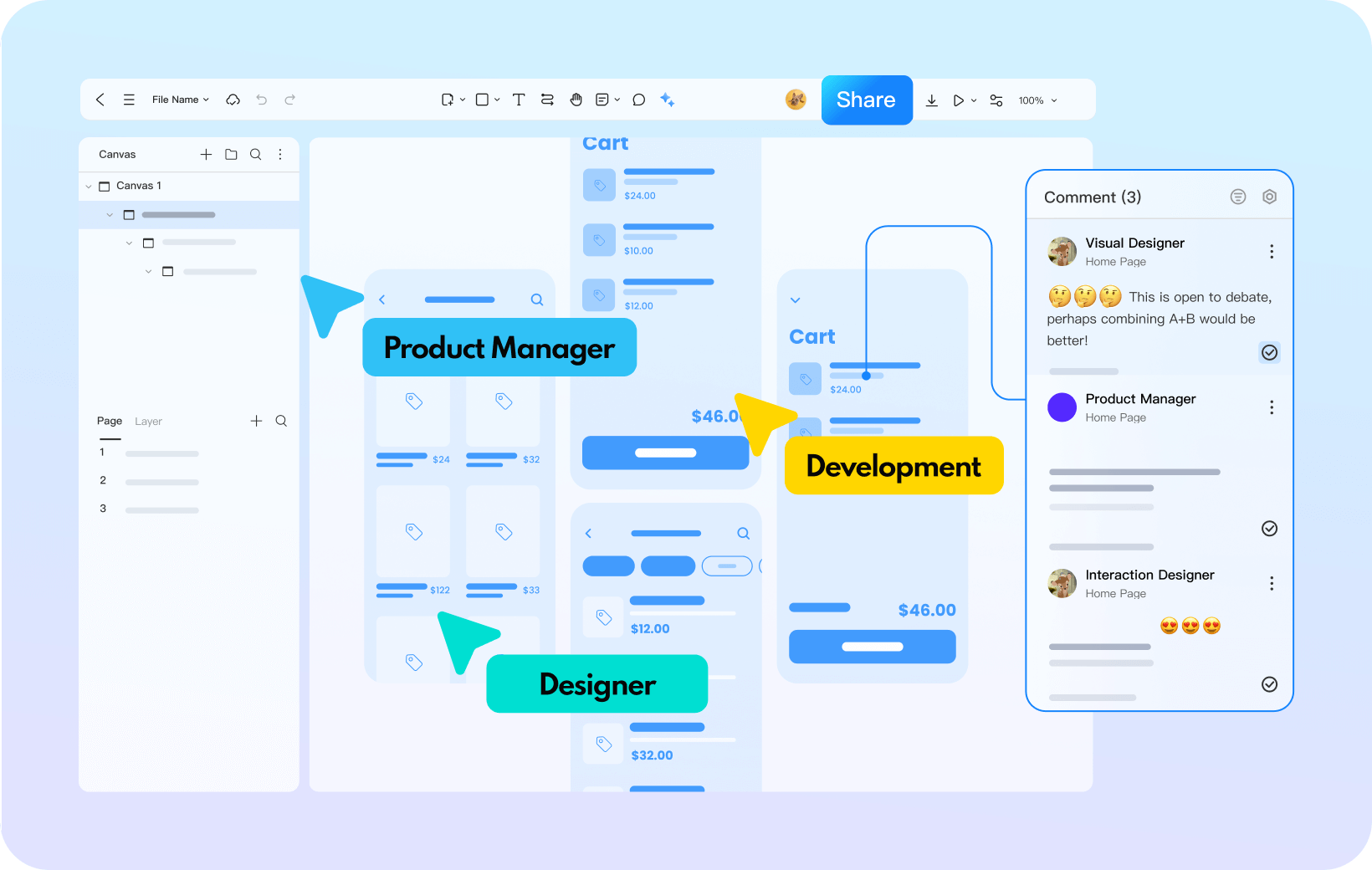
Multi person synchronous editing
Prodes supports multiple people to edit a wireframe online at the same time, and team members can enter the project on-site at any time as long as they have access to the internet

Real time comment communication
During the editing process, members can add comments, raise opinions, questions, etc. on specific elements, and the information is updated in real-time
Convenient Interaction
Easily Reproduce the Real Experience

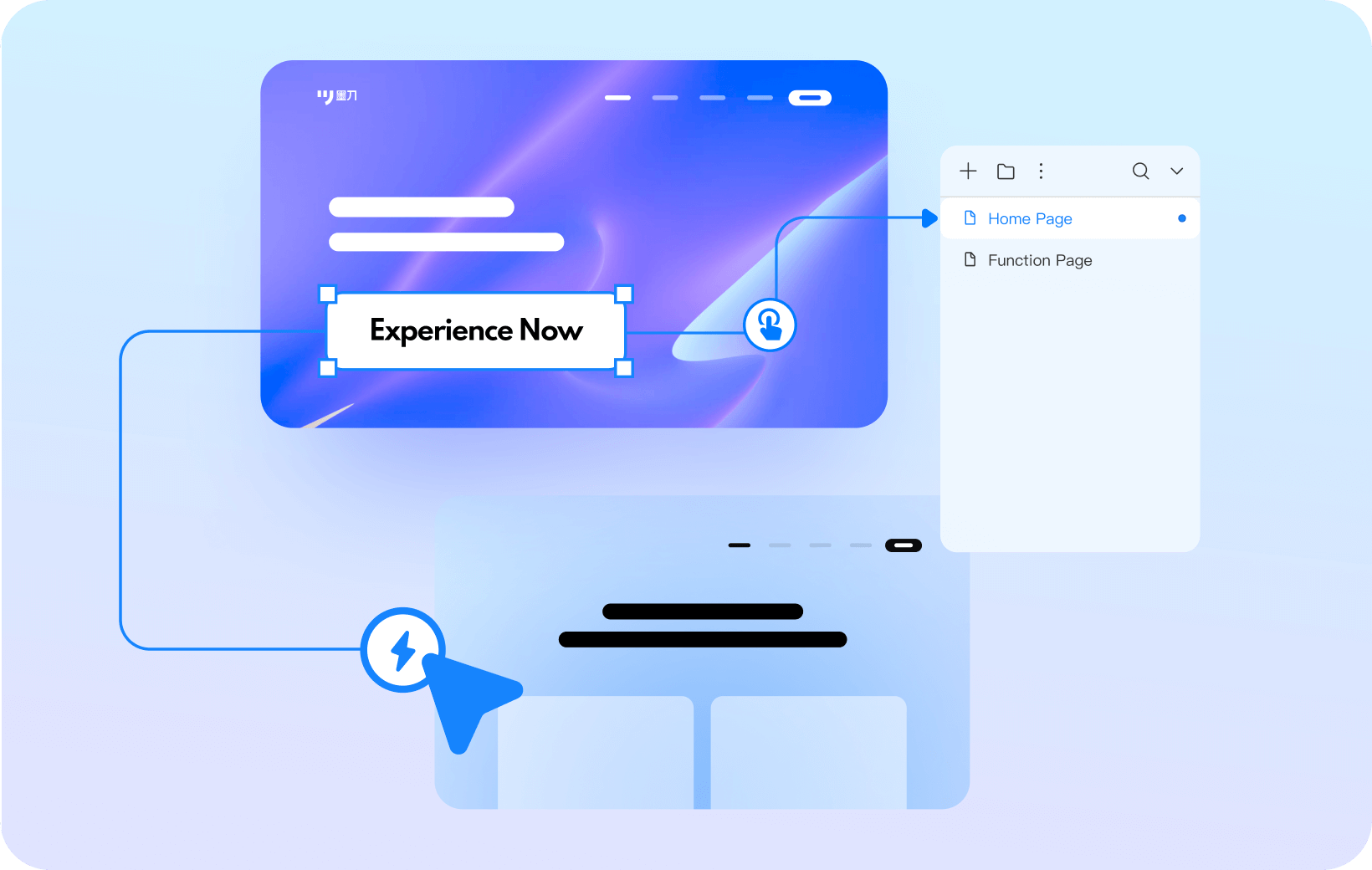
Simple Connection to Add Interaction
Through simple wiring operations, Ink Knife can add rich interactive effects to wireframes, such as clicking "next question" to jump to a survey questionnaire

Simulate real operation experience
After transforming the static wireframe into a prototype with initial interactive experience, you can intuitively experience the product operation process
Prodes Covers A Large Number of
Interface Design Scenarios
 APP
APP
 Dashboards
 Web
Web
 Mini-Program
 H5 Page
 Visualization
 Industrial HMI
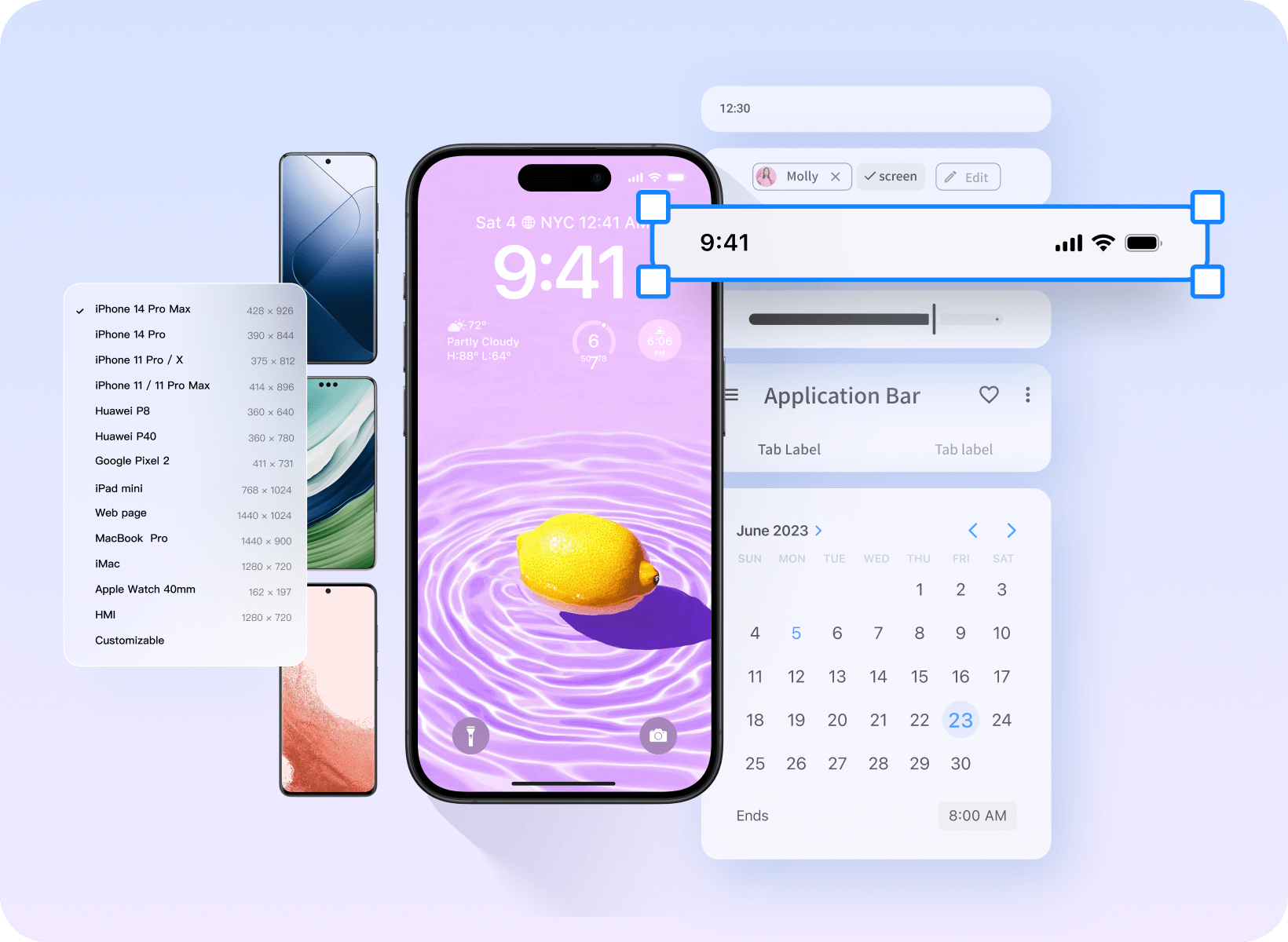
Adaptable to various device models
APP prototype is more realistic

Supports various gesture interactions

A thousand types of Android/iOS component icons

20+ Mainstream device shells
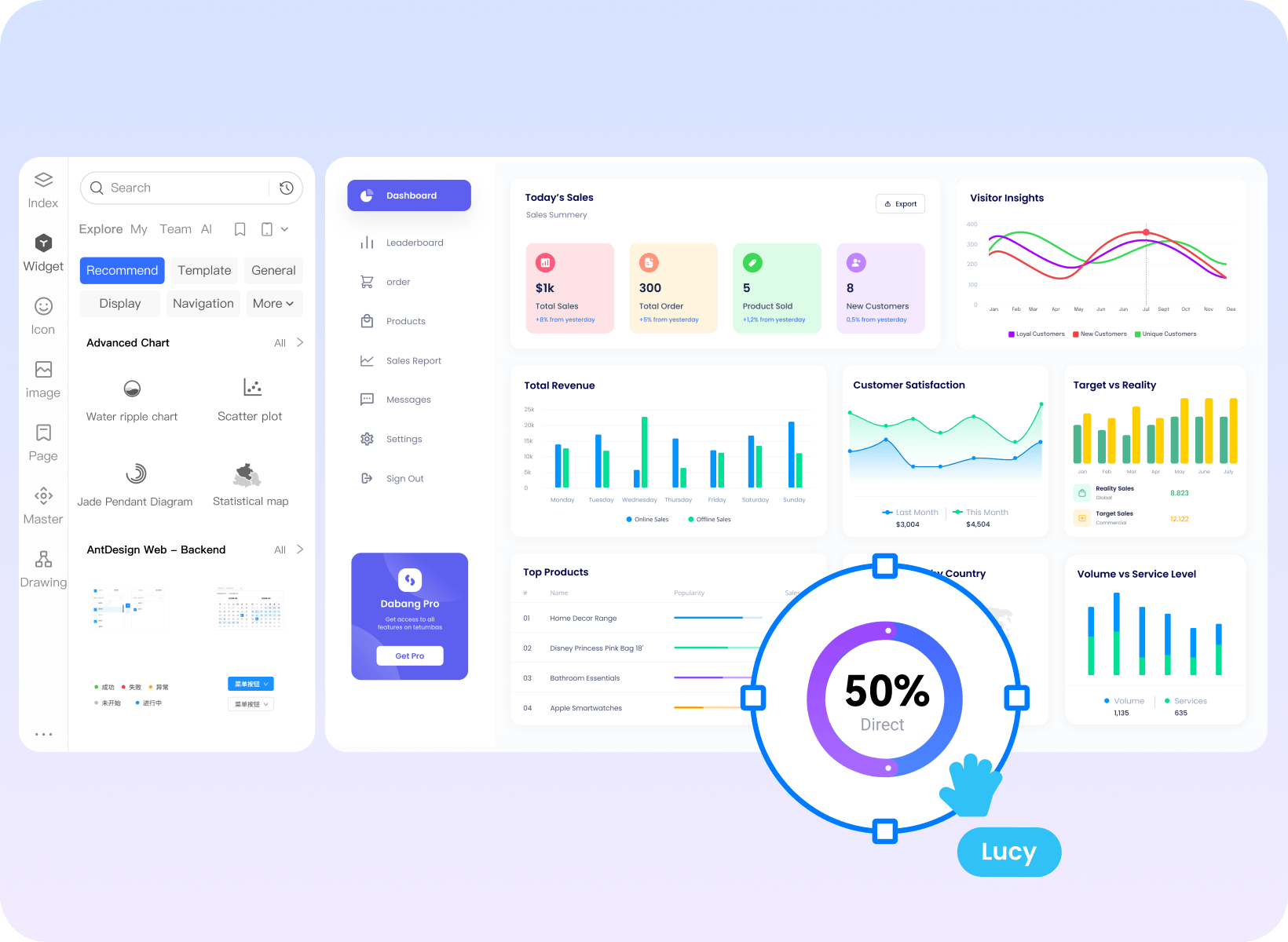
Batch-process standardised design
Backend prototyping efficiency doubled

Powerful master copy instance: one change affects all

Massive navigation, pagination, and chart components.

Provide design specification templates from major manufacturers

Clearly map out the website structure Effortlessly get started with web page prototypes

Use a mind map to organize the website sitemap.

High-frequency components such as navigation and buttons can be dragged and used directly.

Supports inserting videos, maps, hyperlinks, etc.
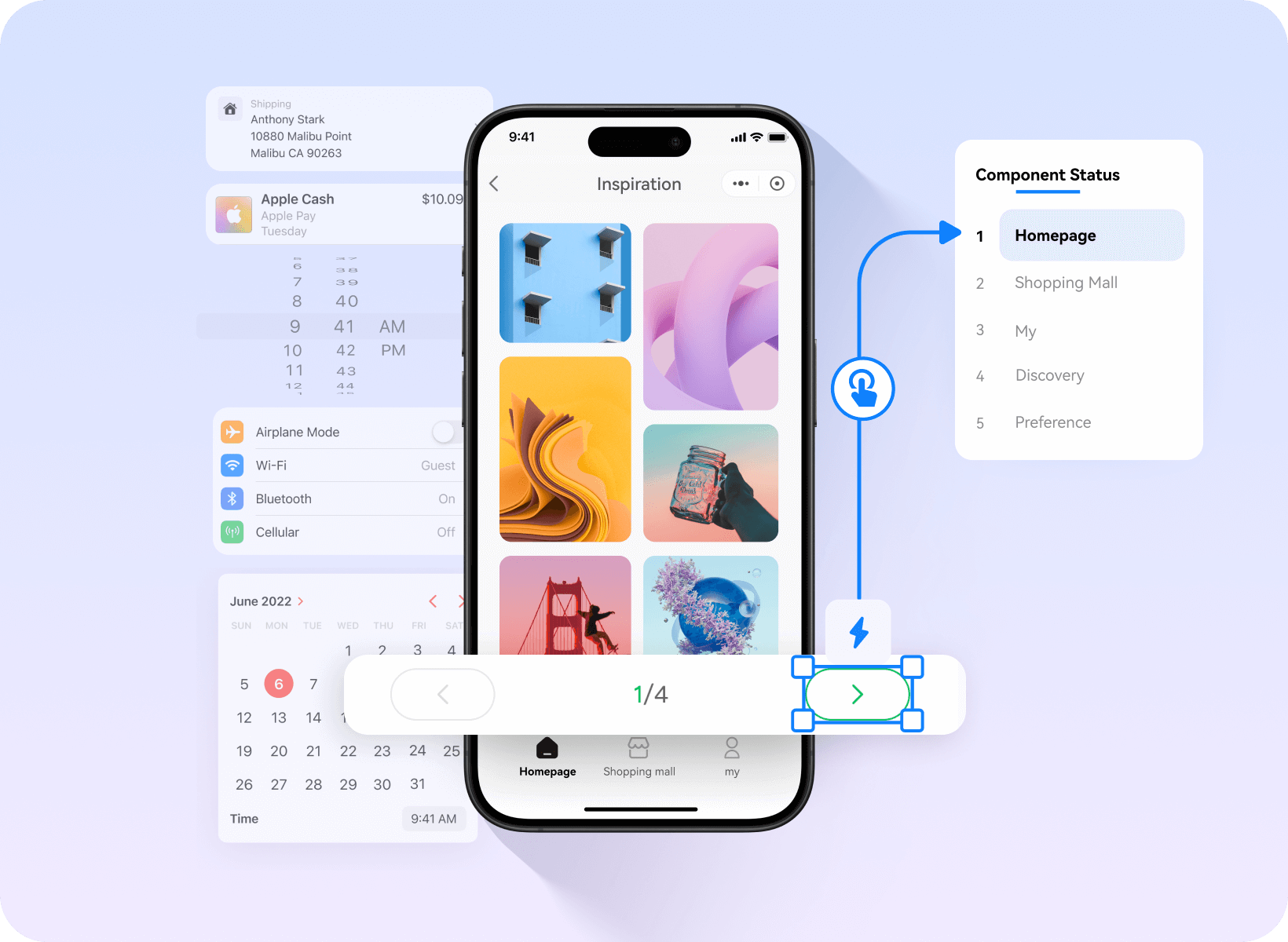
Customisable components
Create a mini-programme prototype
in 3 minutes

Rich WeChat and Alipay ecosystem components

A vast collection of commercially usable images and icons

Drag and drop to add mini-program interactions.
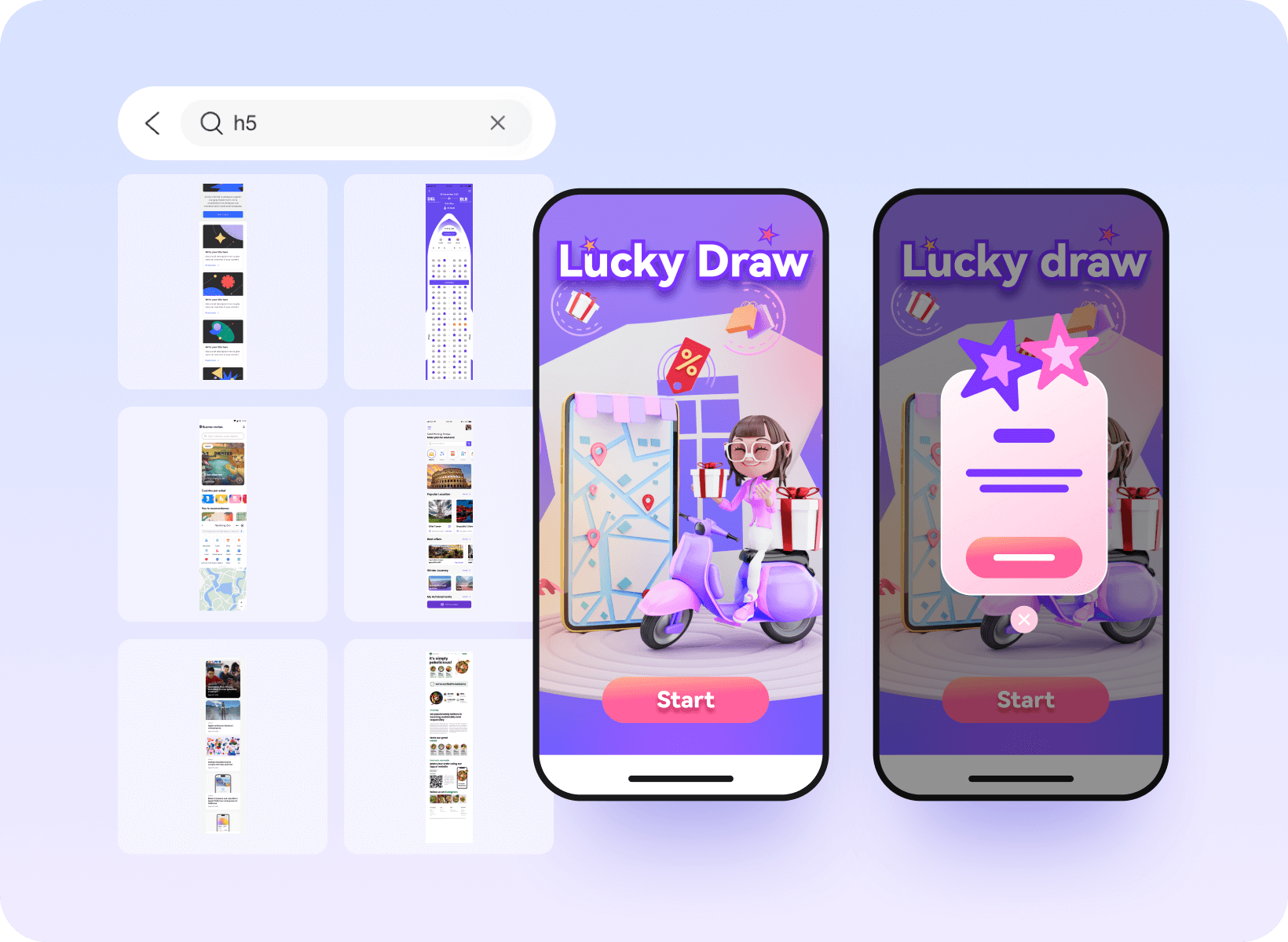
Industry-specific Component Templates
H5 Interactive Prototyping Made Simple for Beginners

E-commerce, gaming, tourism, and other massive templates

40+ Dynamic effects added with one click

Spinning wheels, prize draws and hundreds of other interactive components

Massive visualisation components
Drag-and-drop to complete large-screen prototypes

Hundreds of charts ready to use out of the box.

40+ Entrance and Exit Screen Animations

Rich industry templates and solutions
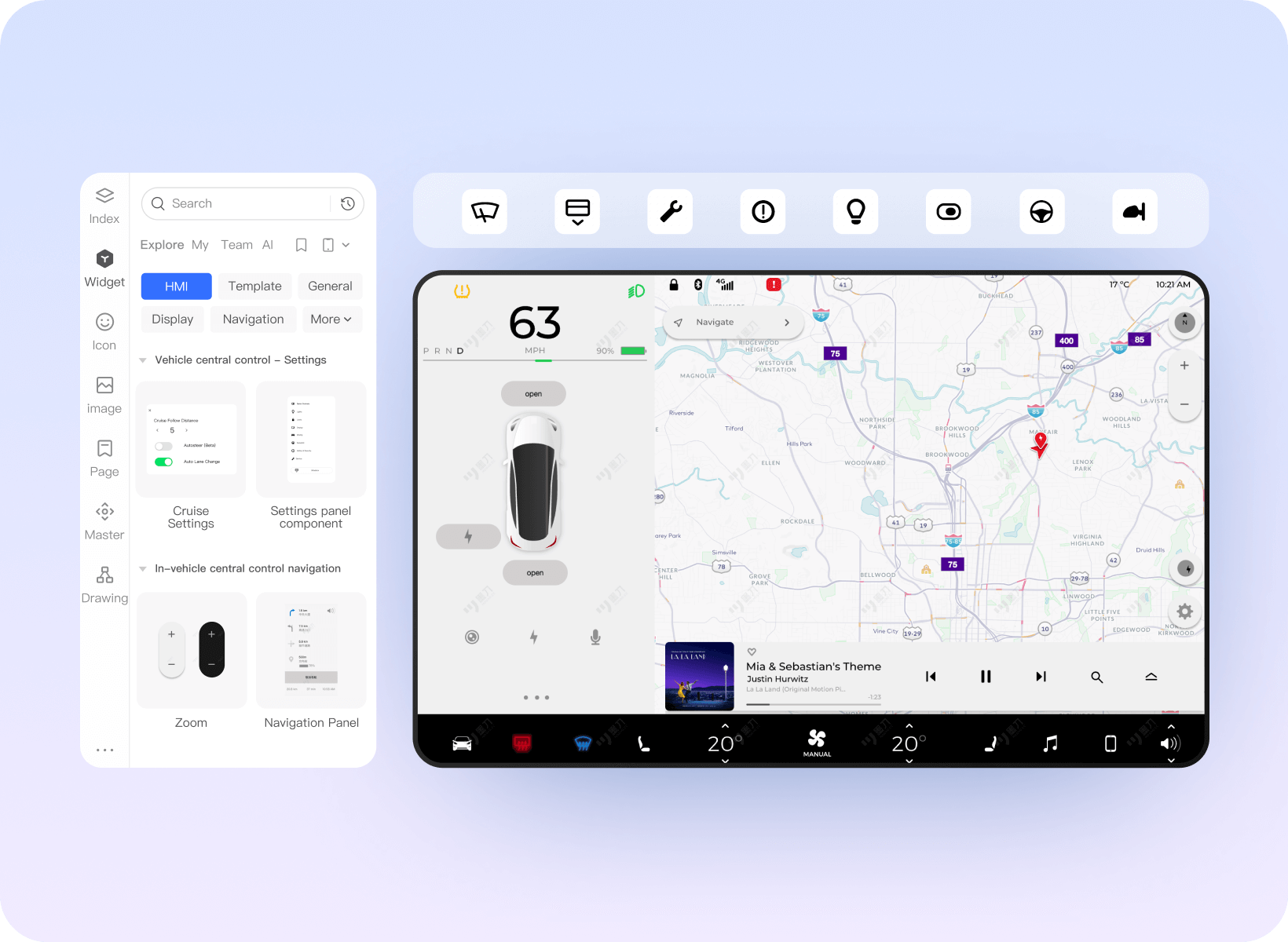
Supports multiple terminal types
Effortlessly complete HMI prototyping

Thousands of HMI-usable icons

10+ Gestures and Mouse Interaction Behaviors

Demonstrate and simulate the real experience of the HMI system.
More Professional Enterprise Services
Are Born for Efficiency
Integration of Production
Design and Research
Collect PRD documents, prototypes, design drafts, flowcharts, mind maps, etc
Flexible Team Management
Quickly grasp project progress, support operation logs, resignation handover, etc
Easily implement team architecture and permission management
Efficient Enterprise
Resource Migration
Compatible with Axure, Sketch, Adobe XD,
Photoshop and other files, one click
migration
Standardized
DesignAssets
One click upload of enterprise materials,
shared by all staff for quick reuse