 Try for Free
Empowered by AI, creativity swiftly comes to life
-
Generate interfaces, components or copy in a single command. Our AI assistant helps you overcome creative blocks and swiftly explore multiple design solutions.
-
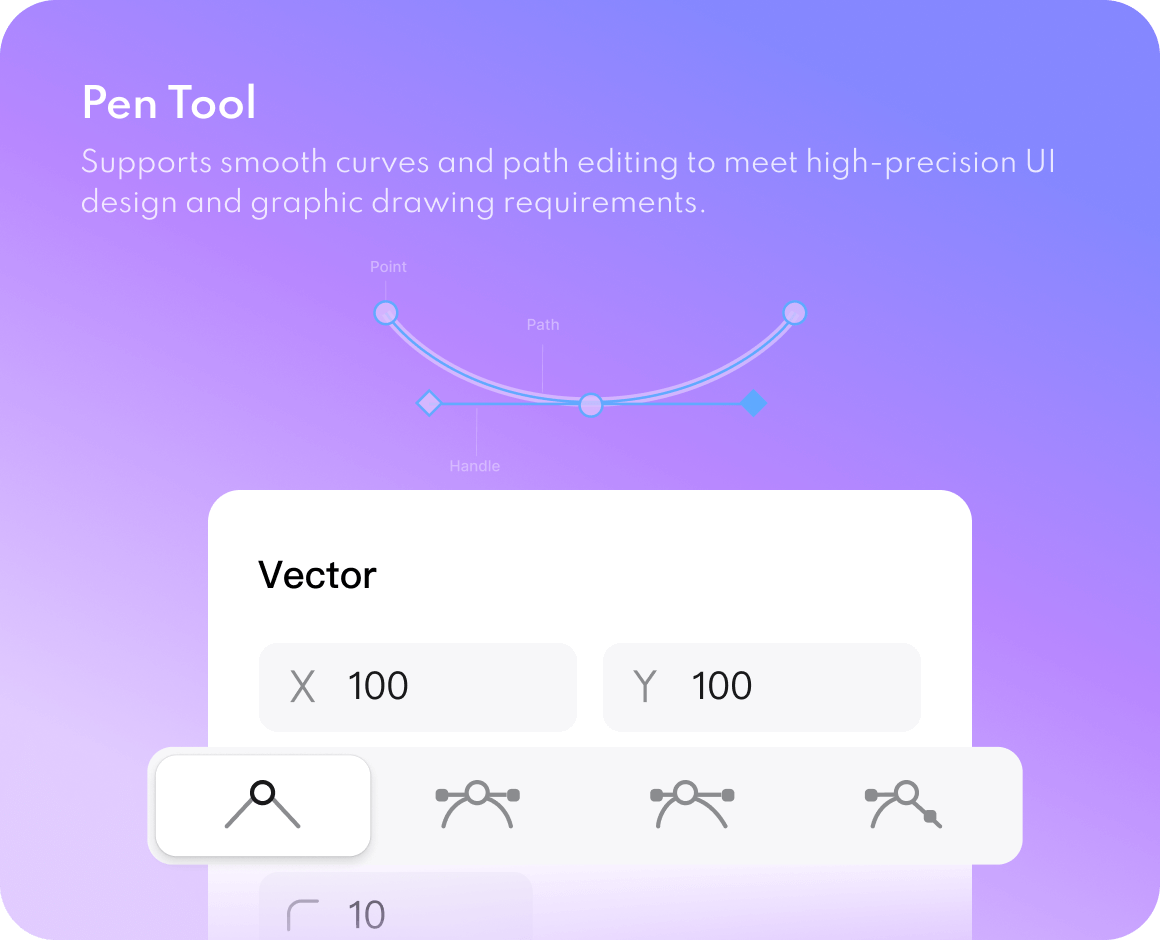
A comprehensive vector toolchain for flexible handling of icons and interface elements; Automatically adapts to multiple device screens, ensuring a consistent experience.
-
Featuring a comprehensive library of built-in templates and components, ready to use out of the box, significantly boosting design initiation efficiency.
AI-powered Inspiration Generation and Assistance
Professional vector design
Vast resources and templates
Build a rock-solid design system
-
Supports multiple variables including colours, text, and numbers. Modify once for global effect, effortlessly managing brand themes and design styles.
-
Create powerful data-driven components with variants and interactions, combined with Auto Layout for flexible and efficient interface construction.
-
Swiftly switch between different theme styles (such as dark/light mode) to double design efficiency without compromising standards.
Powerful variable system
Smart Components and Auto Layout
One-click theme switching
Redefine how to design together
-
Real-time collaborative editing with visible cursors and instant updates, as if working side-by-side at the same computer.
-
Team members may add comment threads and tag colleagues at any location, ensuring clear and intuitive feedback while eliminating chaotic communication.
-
All documents are automatically saved to the cloud, supporting granular member permission management to ensure data security and collaborative flexibility.
Real-time collaboration
Immersive Review and Annotation
Cloud Management and Permission Control
Collective team wisdom, empowering individual creativity
-
Publish frequently used components and styles with a single click, enabling team-wide sharing and reuse to ensure design consistency and minimise repetitive work.
-
Centralised management of enterprise-level design specifications and resources, supporting tiered permissions to consolidate and perpetuate brand digital assets.
-
Effortlessly integrate a vast array of third-party resource plugins, continuously expanding your design capabilities and unlocking boundless creative possibilities.
Team Resource Library
Corporate Asset Centre
Community Resource Centre
Ship pixel-perfect code. No handoff errors
-
One-click export to mainstream front-end frameworks such as Vue and HarmonyOS, significantly reducing manual development effort.
-
Design elements are automatically converted into development-ready resource files, eliminating the need for manual slicing and enabling rapid delivery.
-
Provides a developer mode view where code, styles, and dimensions are clearly visible at a glance, enabling pixel-perfect delivery from design to code.
Precision Direct-to-Consumer
Intelligent Image Cropping and Resource Export
Seamless integration of the R&D process
All-in-one UI design tool
accelerating your creative workflow
A comprehensive suite of production, research,
and design tools empowers professional design teams.






Why Choose Prodes Design
A smarter, smoother, and more focused way of working
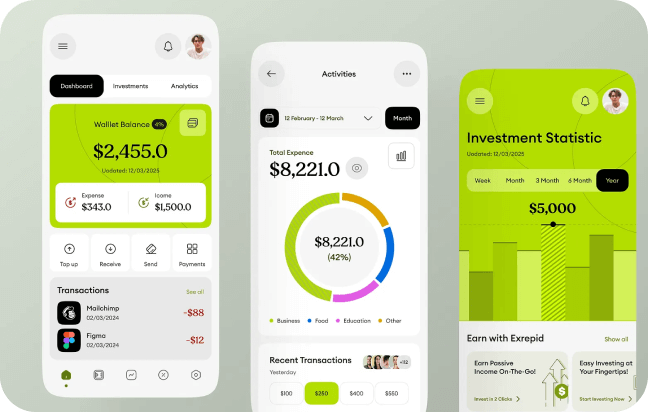
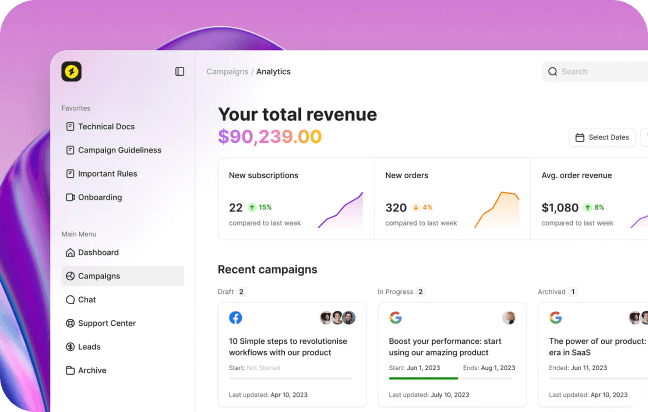
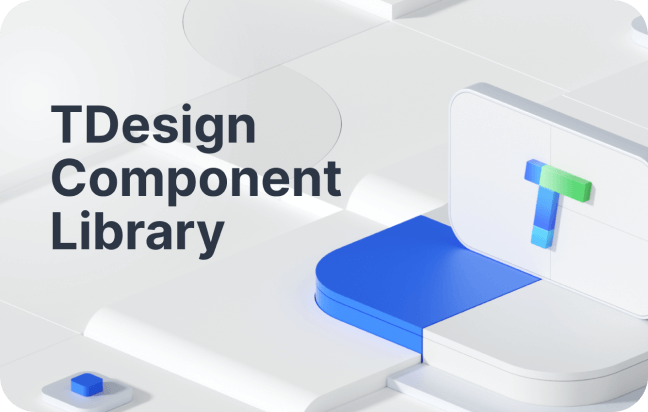
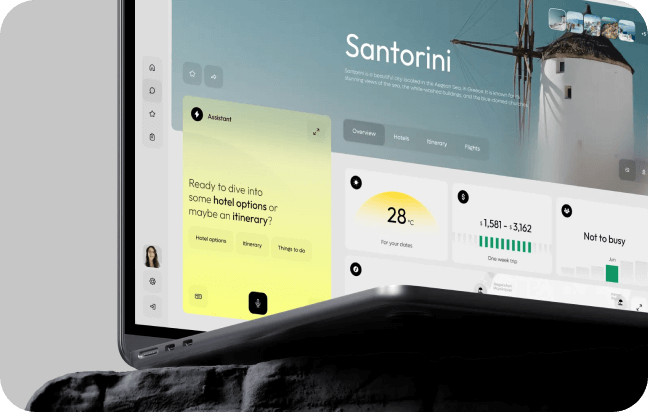
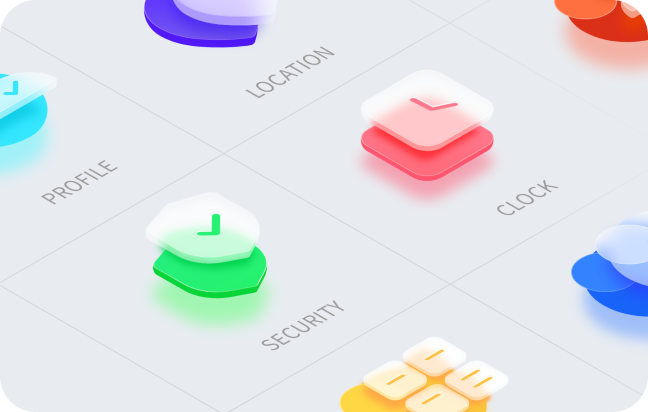
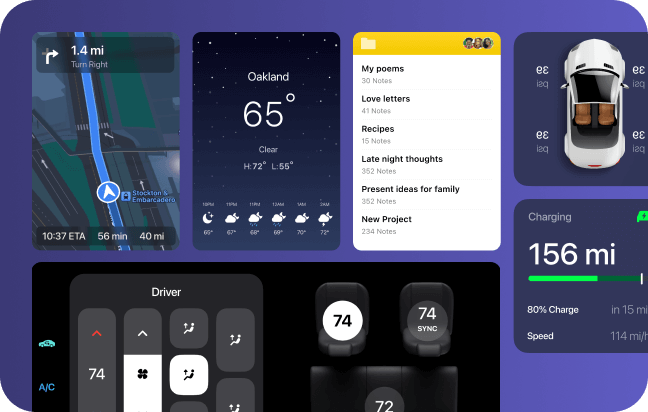
Massive resources
no need to start from scratch with design

You can easily add plugins within the editor to add color to your designs.
You can easily add plugins within the editor to add color to your designs.
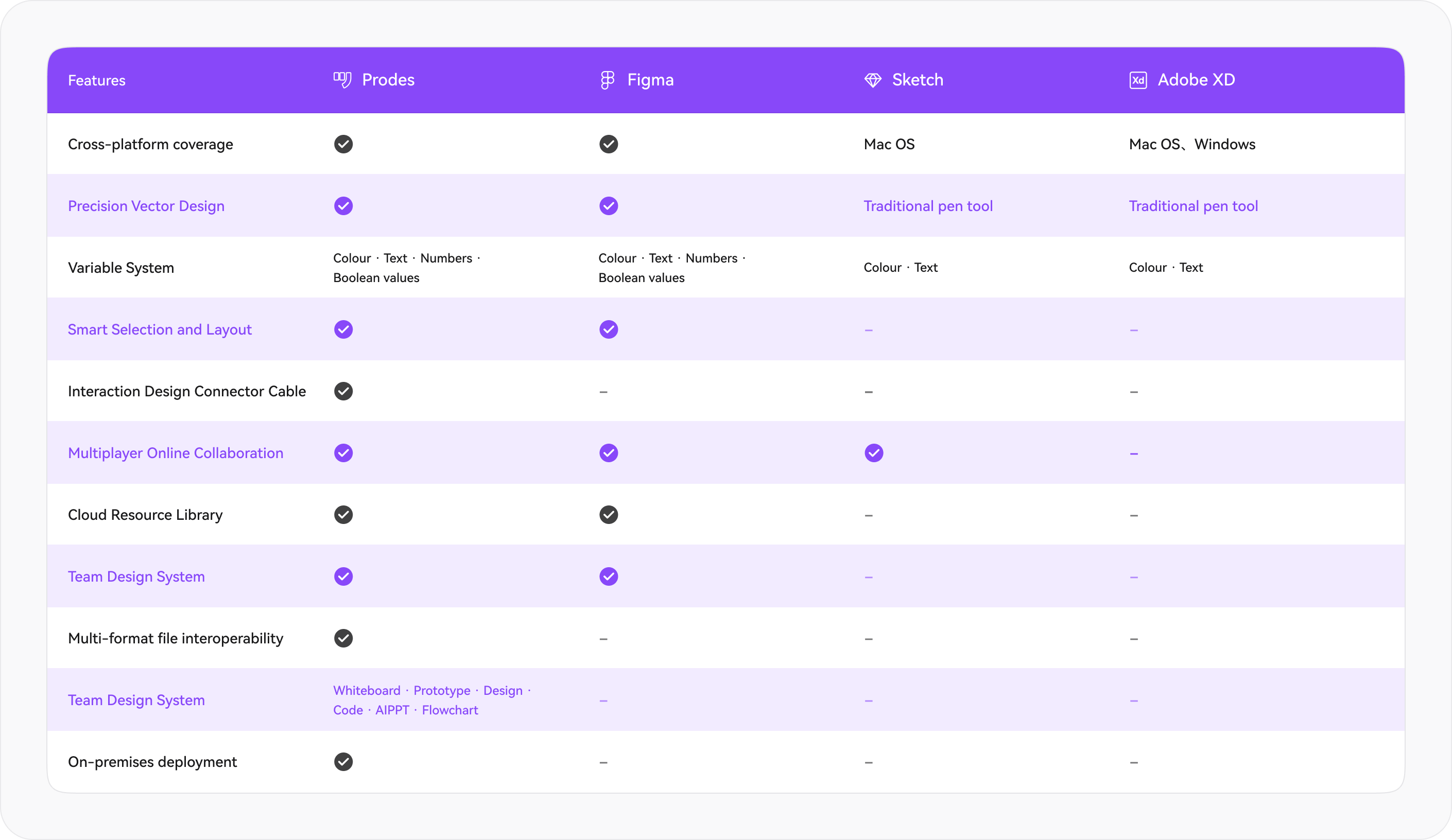
Tool Comparison Without Fear
Comprehensive Capability Comparison with Mainstream Design Tools
to Help You Choose the Most Suitable Solution
 Try for Free