Prodes Prototype
Making Prototype Design Easier
Say goodbye to drawing from scratch—generate prototypes from images/HTML/text with AI, paired with a vast asset library, 30+ interaction animations, 40+ real-device demos ,110,000+ component templates to help products launch faster.



Rapid Prototyping, easy to get started
-
Components are plentiful
Featuring tens of thousands of built-in components covering common product design scenarios, it meets diverse requirements while significantly boosting productivity. -
Easy to get started with
Drag-and-drop functionality is available, with a low learning curve enabling even novices to grasp it swiftly. Layouts can be arranged effortlessly, with creativity unrestricted. -
Batch processing
Supports component property replication, batch operations, and intelligent adjustments, eliminating the need for tedious individual adjustments for greater convenience and efficiency.
Advanced Interaction Design, Immersive Experience
-
Connections enable interaction
From static interfaces to dynamic interactions, simply drag and drop connections to add interactive events, clearly presenting page logic and interaction effects. -
Rich interactive effects
Simulates a variety of sophisticated dynamic effects with support for granular parameter adjustments, ensuring every nuance of interaction is rendered with exquisite detail and vitality. -
Nested dynamic components
Effortlessly achieve multiple dynamic effects and in-page animations, significantly enhancing the page's responsiveness and interactivity.
Team collaboration online, efficient communication
-
Real-time multi-user
collaboration
Supports real-time collaborative editing in the cloud for team members, enabling a fully integrated workflow encompassing review, assessment, and revision. -
Online comment interaction
Comment freely at any time, provide online feedback on issues, optimise communication processes, and enhance collaborative efficiency. -
One-click link sharing
One link handles everything, effortlessly sharing designs and delivering results. Real-time synchronisation breaks down collaboration barriers, enabling you to stay one step ahead with efficiency.
Realistic demonstration effects, presented instantly
-
Live demonstration, ultimate experience
Featuring over 40 real device skins, it delivers an intuitive demonstration of prototype interactions with a true WYSIWYG experience, offering an unparalleled prototyping experience. -
Multi-preview mode
Supports three modes: Overview, Presentation, and Annotation, precisely meeting the preview requirements of different roles. -
Offline demonstrations anytime,
anywhere
Supports exporting offline packages, enabling seamless presentations even in environments without internet connectivity, ensuring uninterrupted performance during critical events.
AI-powered, prototype design enhanced again
-
AI-generated prototype
Input your product requirements, and the AI will swiftly generate high-calibre prototypes based on extensive successful case studies and design expertise. -
AI Code Component
By intelligently generating corresponding code components based on key information such as functional descriptions, it fulfils more personalised prototyping requirements. -
AI Q&A
During the design process, should you encounter design challenges or operational queries, feel free to pose questions to the AI at any time for swift clarification.
Comprehensive coverage across all scenarios
meeting diverse prototyping requirements
 APP
APP
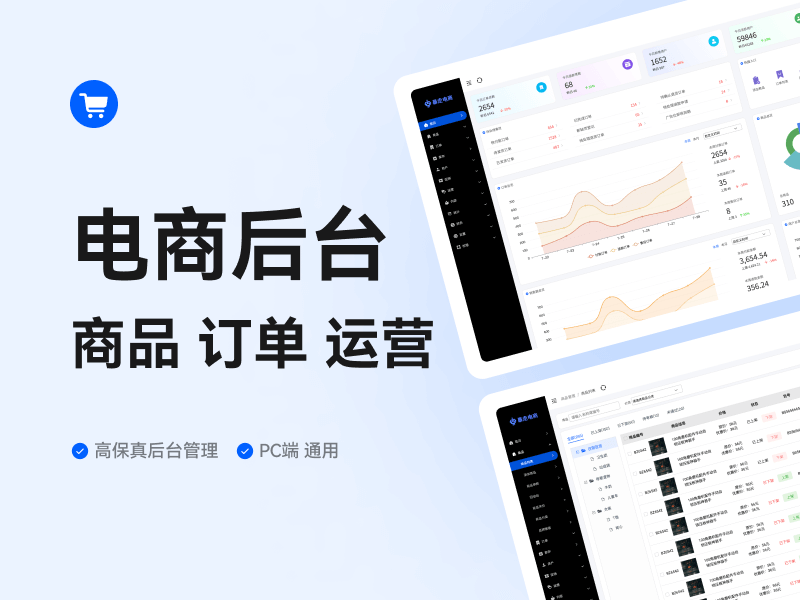
 Backstage
 webpage
 Mini Program
 H5 Page
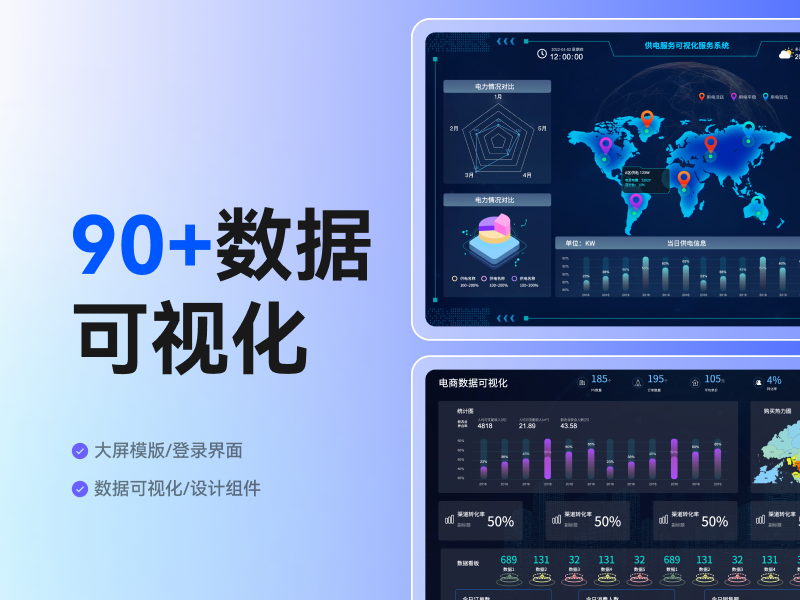
 Visualized Display Screen
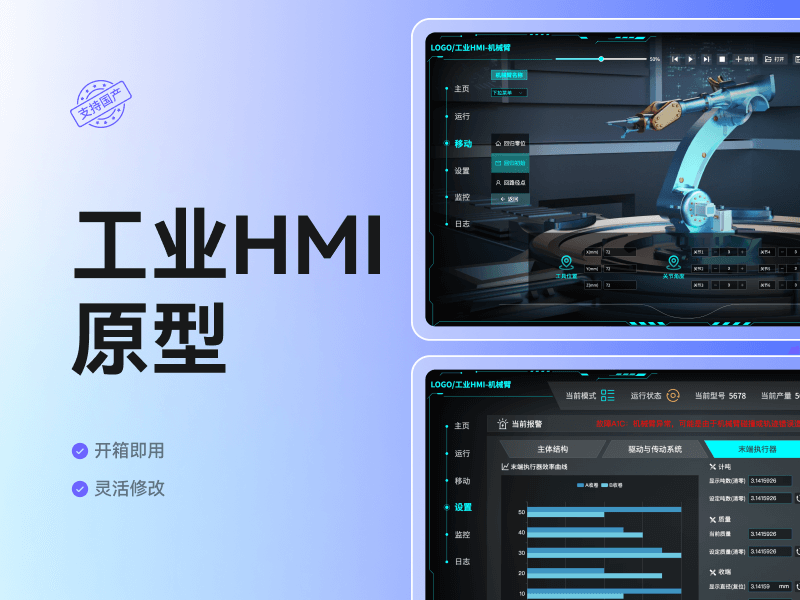
 Industrial HMI
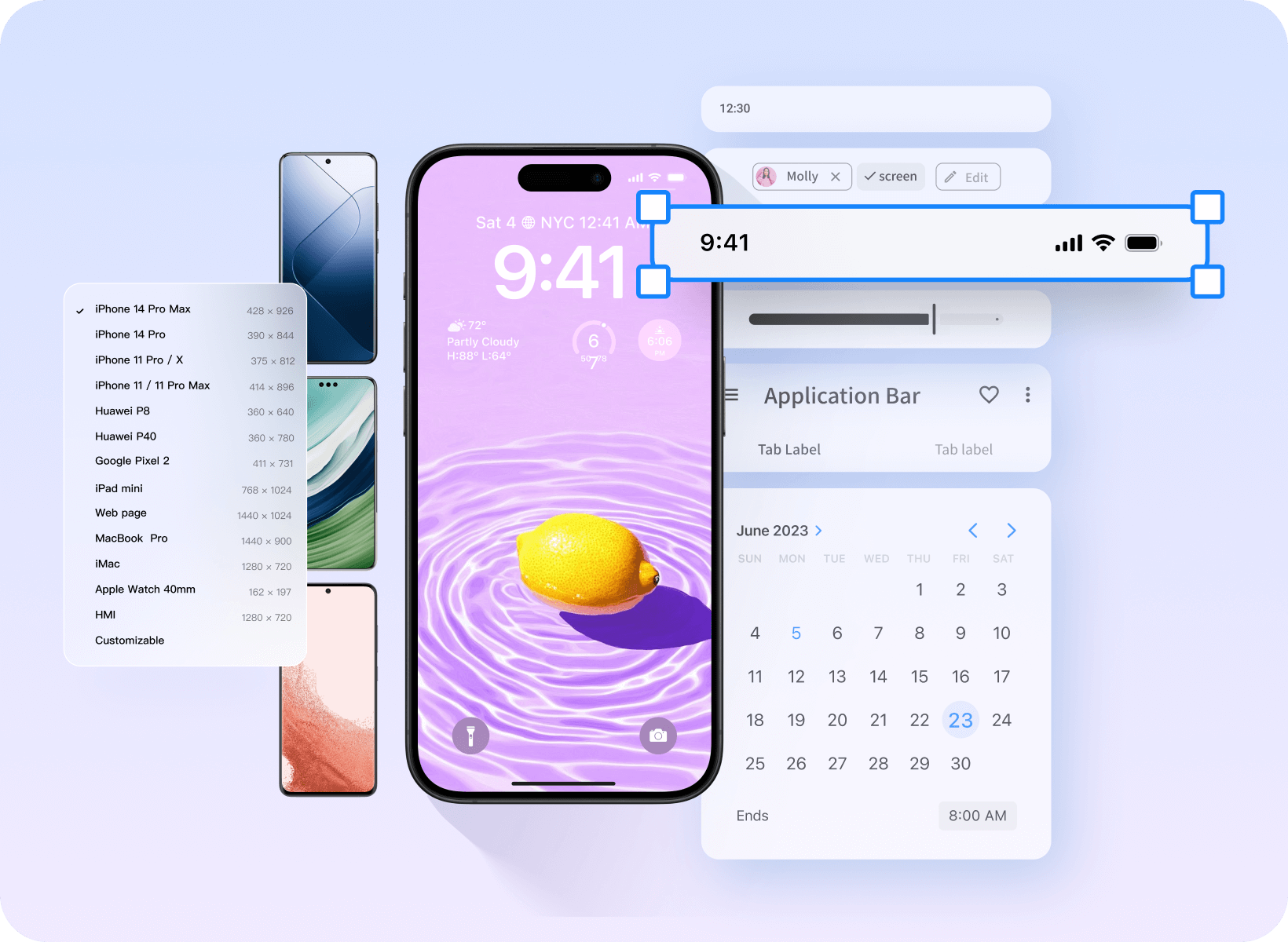
Adaptable to various device models
APP prototype is more realistic

Supports various gesture interactions
A thousand types of Android/iOS component icons
20+ Mainstream device shells
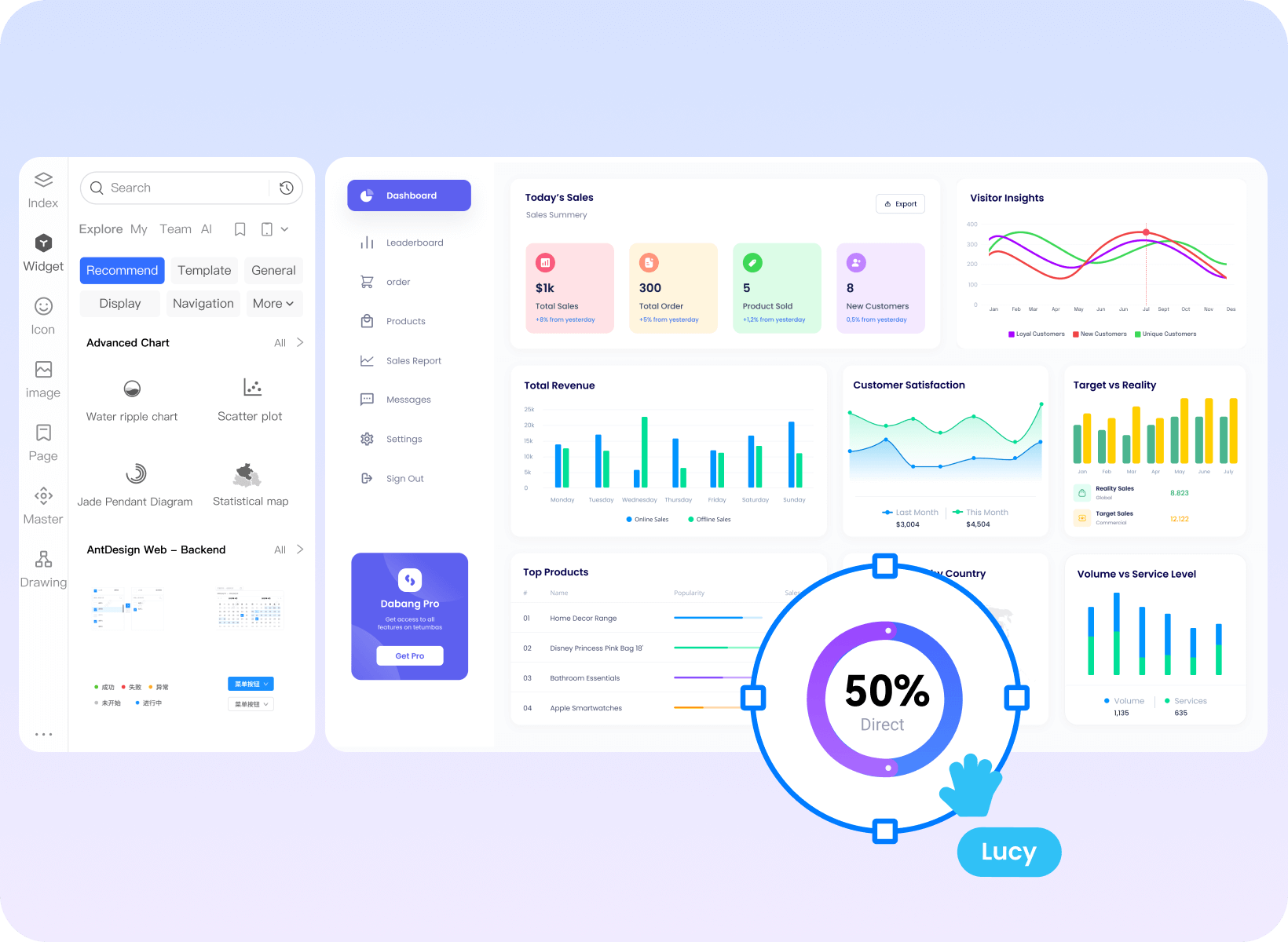
Batch-process standardised design
Backend prototyping efficiency doubled
Powerful master copy instance: one change affects all
Massive navigation, pagination, and chart components.
Provide design specification templates from major manufacturers
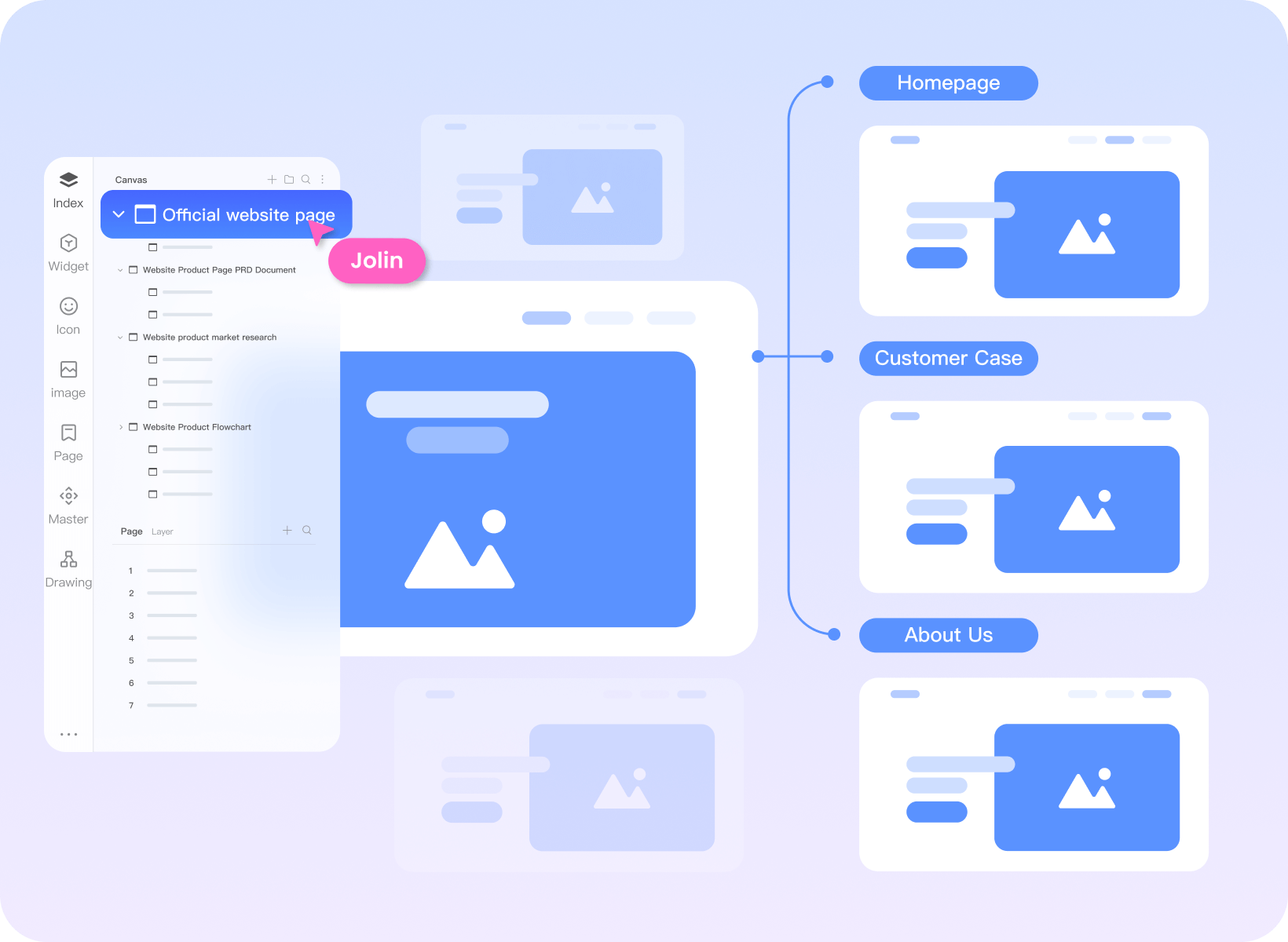
Clearly map out the website structure Effortlessly get started with web page prototypes
Use a mind map to organize the website sitemap.
High-frequency components such as navigation and buttons can be dragged and used directly.
Supports inserting videos, maps, hyperlinks, etc.
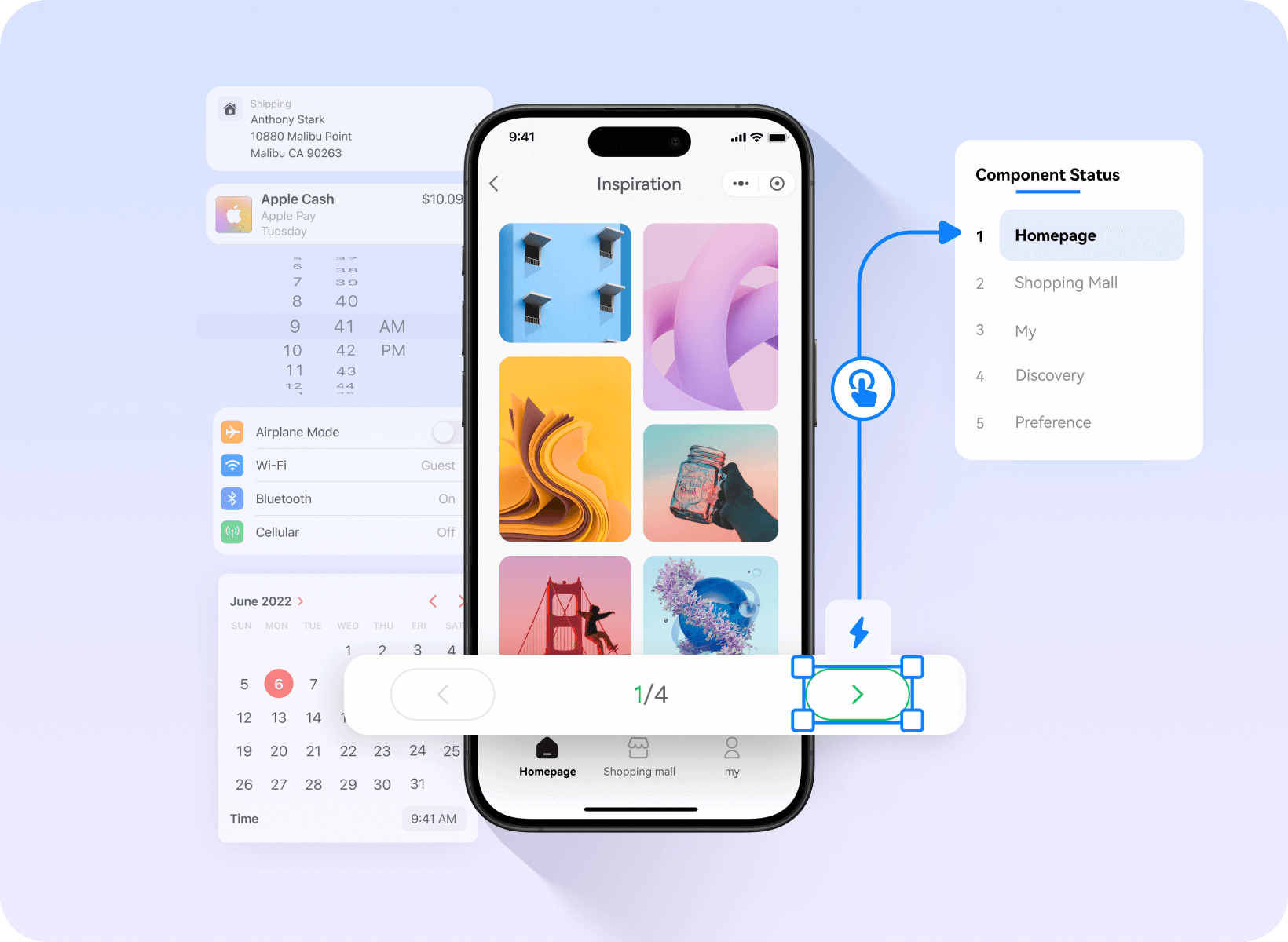
Customisable components
Create a mini-programme prototype
in 3 minutes
Rich WeChat and Alipay ecosystem components
A vast collection of commercially usable images and icons
Drag and drop to add mini-program interactions.
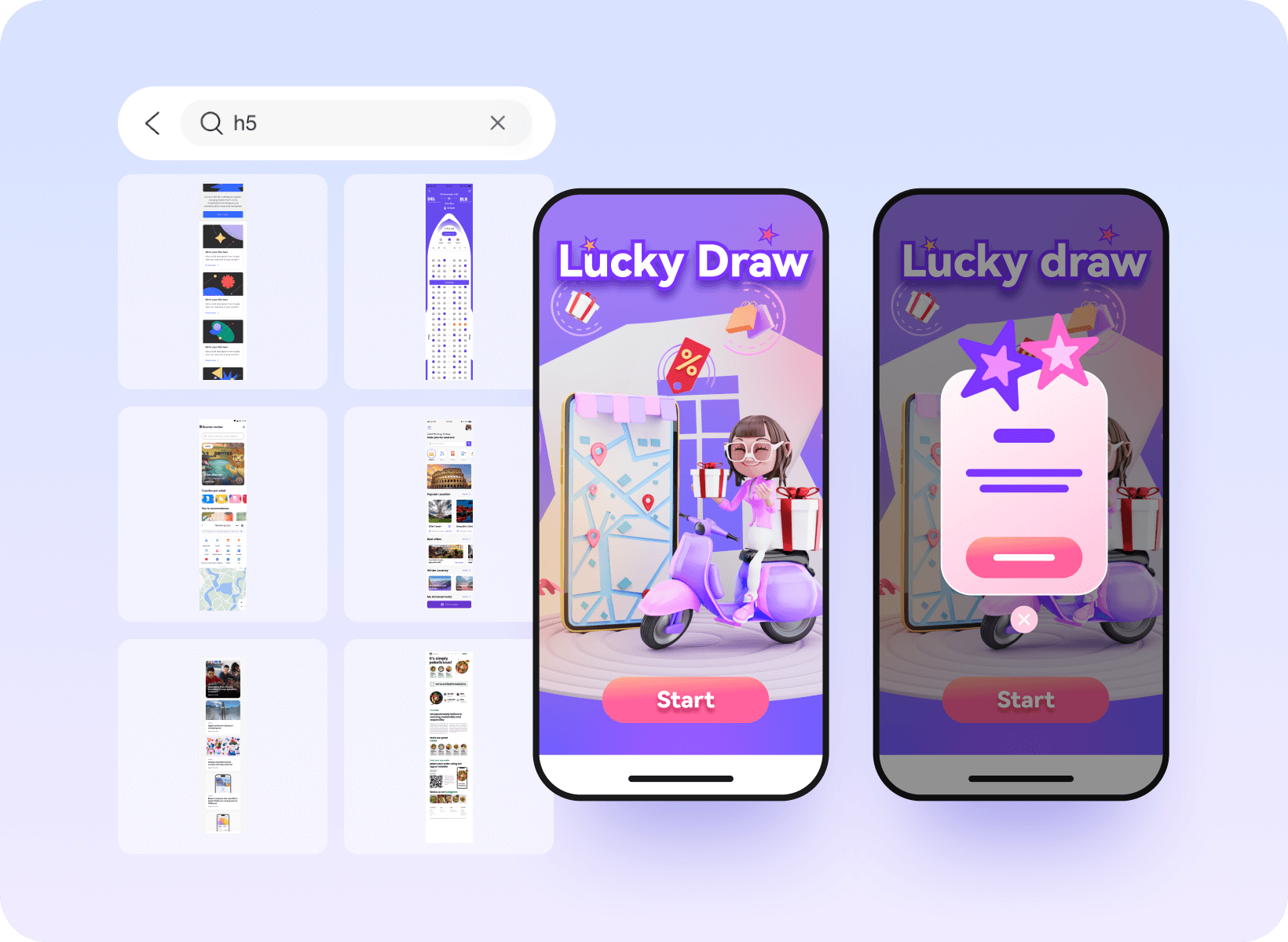
Industry-specific Component Templates
H5 Interactive Prototyping Made Simple for Beginners
E-commerce, gaming, tourism, and other massive templates
40+ Dynamic effects added with one click
Spinning wheels, prize draws and hundreds of other interactive components
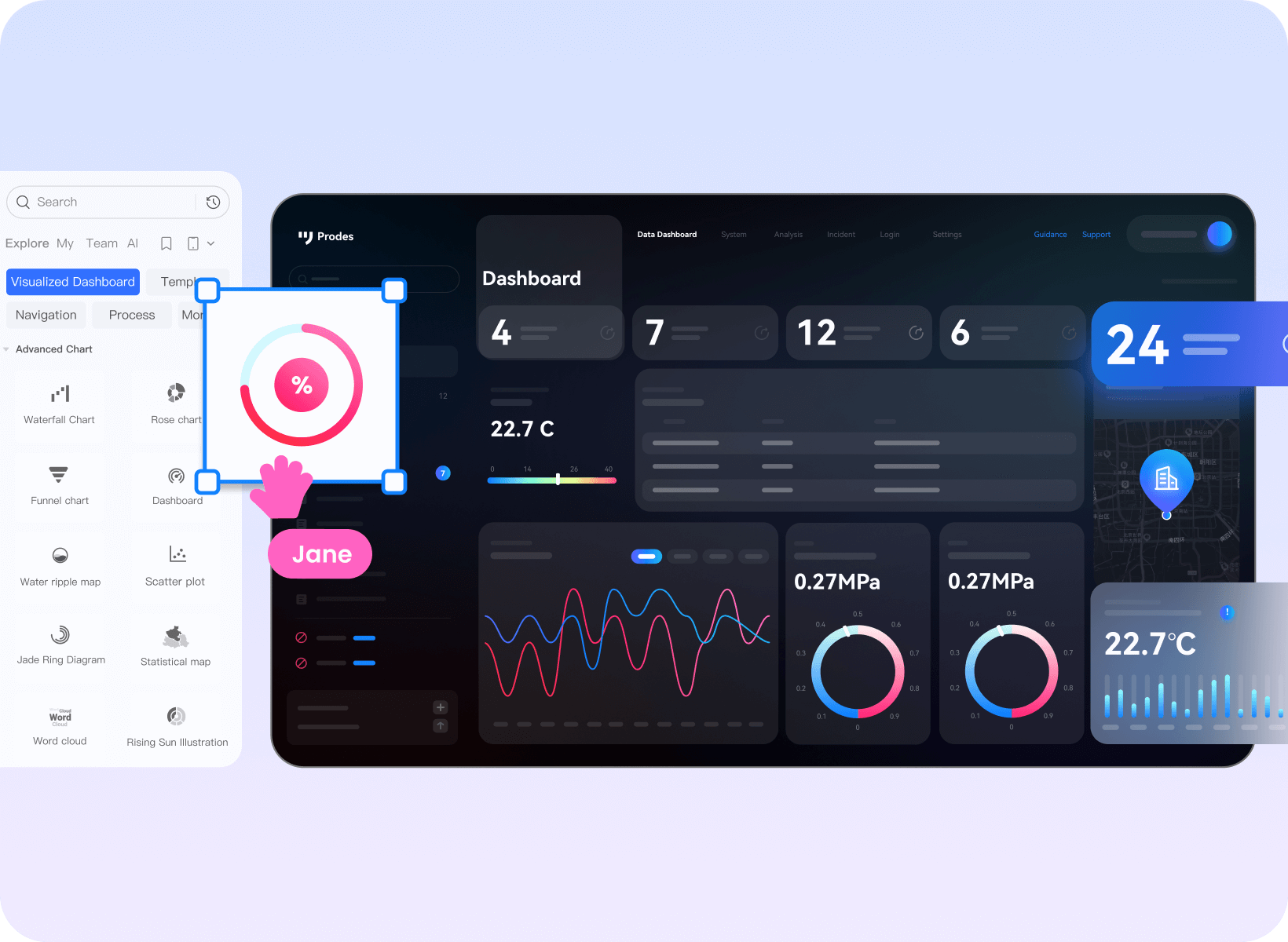
Massive visualisation components
Drag-and-drop to complete large-screen prototypes
Hundreds of charts ready to use out of the box.
40+ Entrance and Exit Screen Animations
Rich industry templates and solutions
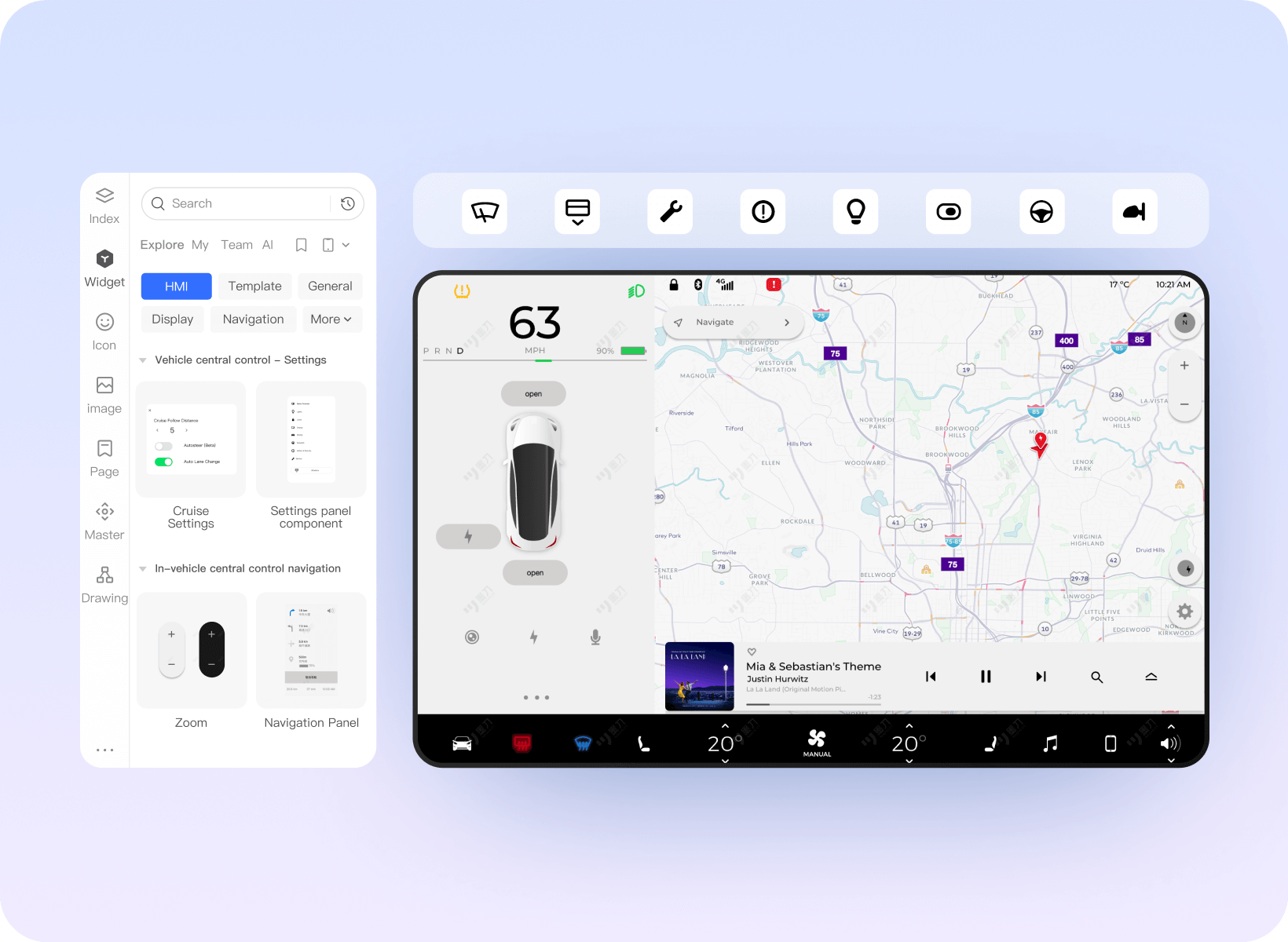
Supports multiple terminal types
Effortlessly complete HMI prototyping
Thousands of HMI-usable icons
10+ Gestures and Mouse Interaction Behaviors
Demonstrate and simulate the real experience of the HMI system.
Breaking with tradition
Making product collaboration more efficient
-
Seamless integration, effortless
migration
Supports Axure file import, enabling seamless migration of Axure projects to prodes without the need for redrawing. -
Secure hosting, worry-free
storage
Offer Axure hosting services to ensure secure file storage and resolve issues such as file loss and version confusion. -
Functional upgrades, experience
optimisation
Whilst inheriting Axure's core functionalities, Modao also boasts outstanding features such as its extensive template library. -
Real-time collaboration, efficient
communication
Unlike Axure's relatively isolated workflow, Mockplus supports real-time collaboration, enabling team members to synchronise modifications instantly.
-
Rich Components

-
Drag-and-Drop Interactions
-
Annotations
-
Diagrams
-
Mind Maps
-
Real-device Preview
-
Multiple Link Sharing
-
Real-time Collaboration
-
Comments
-
AI-generated Prototypes
-
Multi-format Export
-
Version History
- Rich Components
- Drag-and-Drop Interactions
-
Annotations

- Diagrams
- Mind Maps
- Real-device Preview
- Multiple Link Sharing
- Real-time Collaboration
-
Comments
- AI-generated Prototypes
- Multi-format Export
- Version History

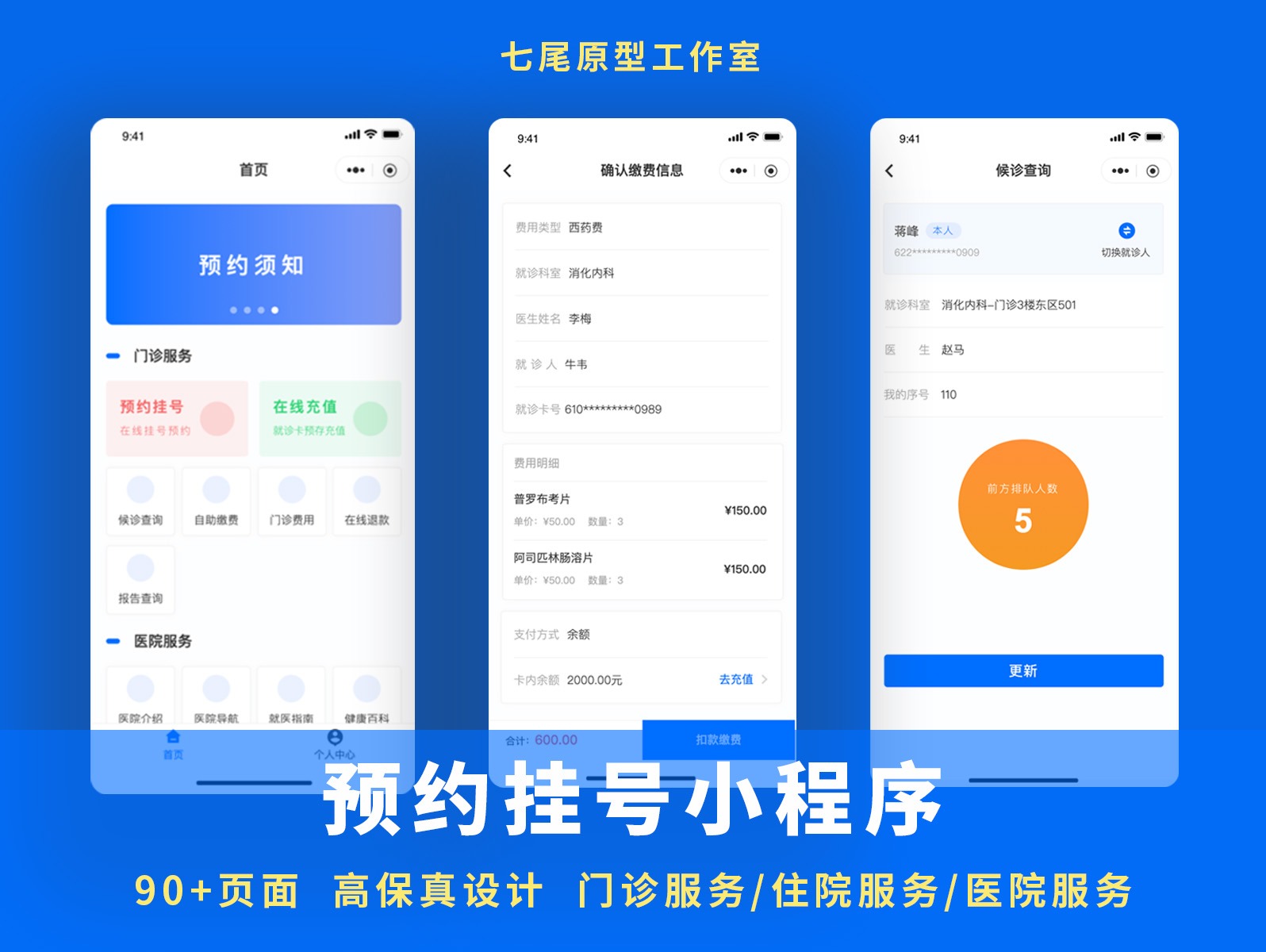
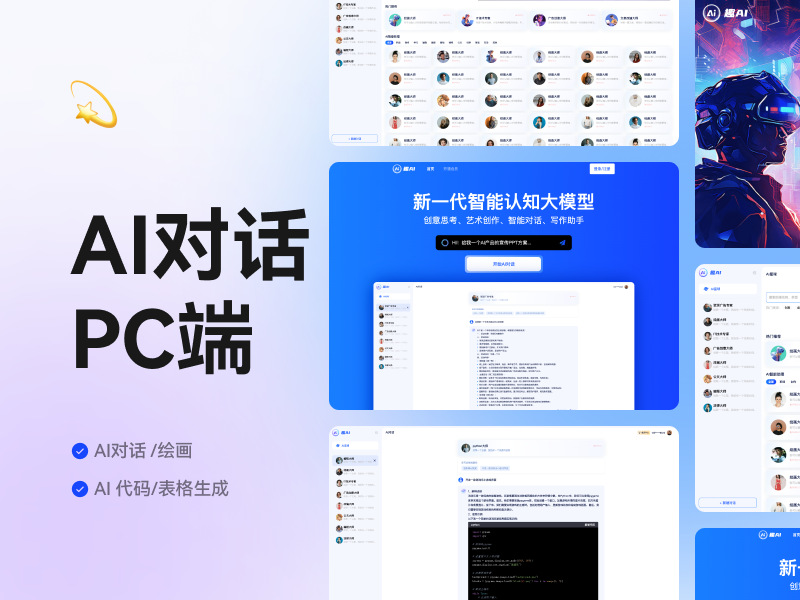


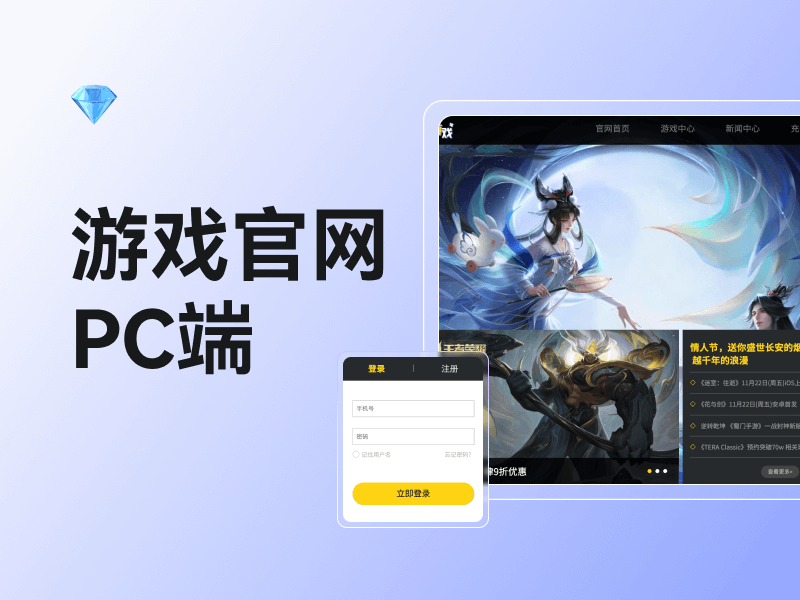
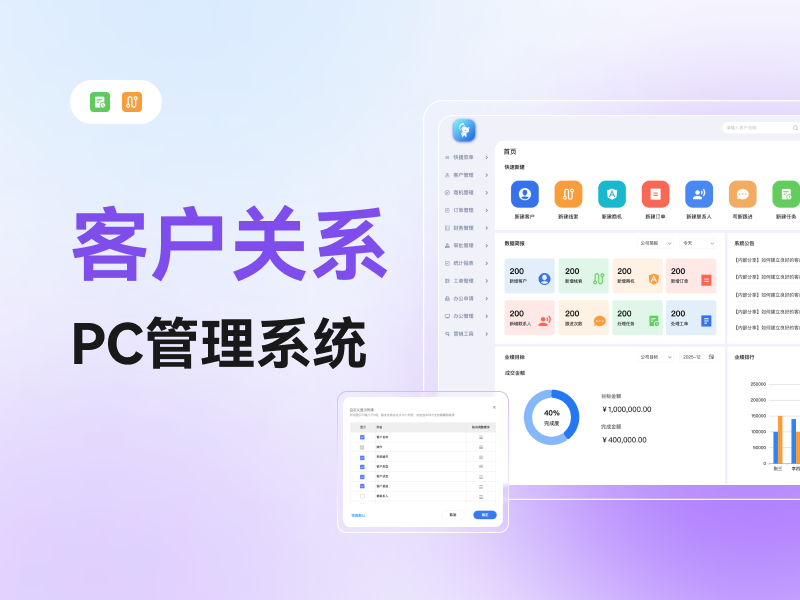
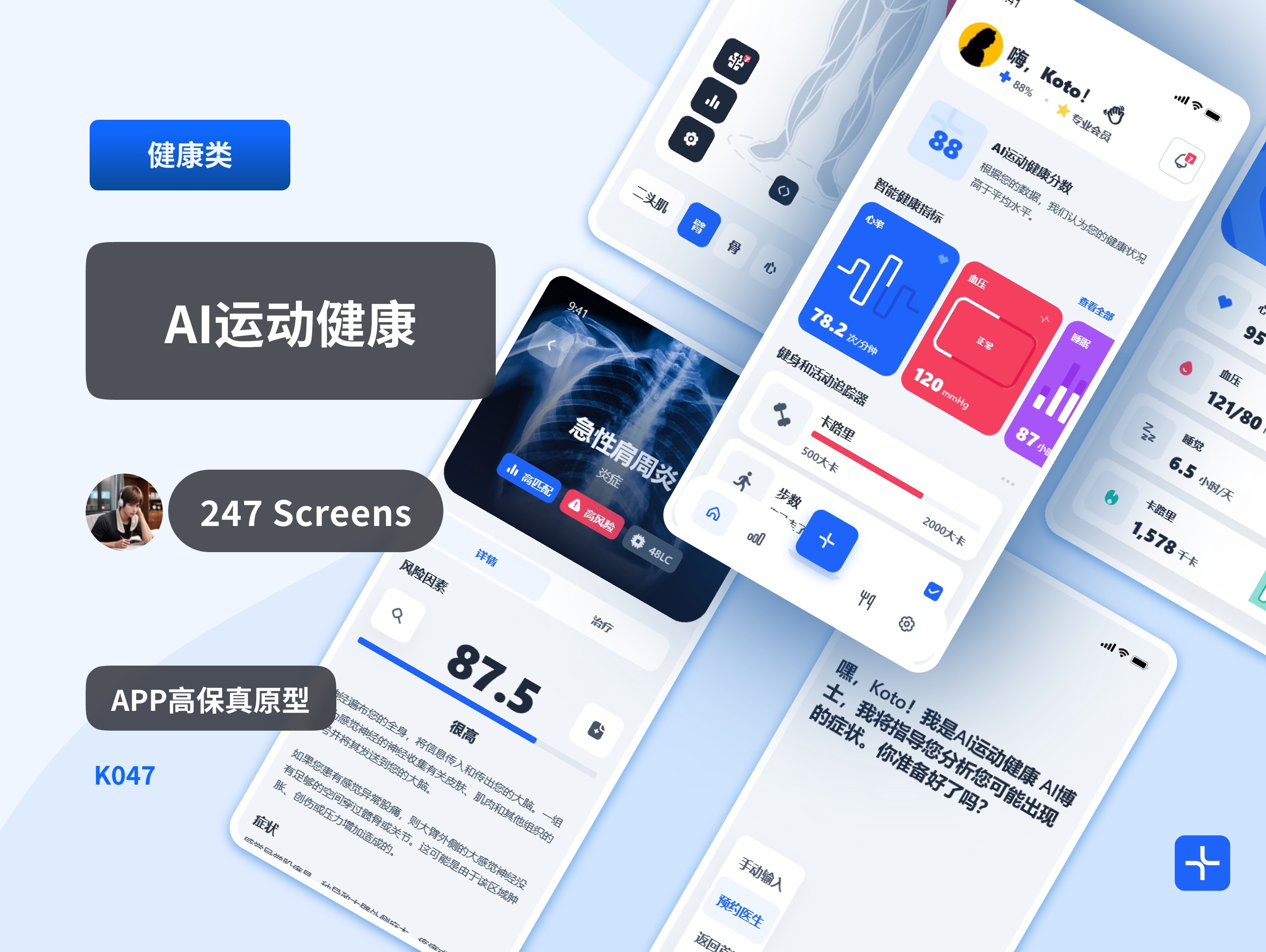

Vast library of prototype templates
Built-in trading platform
-
Abundant resources Time-saving and
effort-saving
Includes over 10,000 pre-built prototype templates and component assets, ready to use out of the box. Rapidly construct high-fidelity prototypes and save design time. -
Timely updates Continuous
iteration
Keeping pace with design trends, we regularly update our template resource library to meet individual requirements.