Online interaction design tool
No coding required—simply connect your screens
You can Easily create realistic, interactive prototypes
 Try for Free
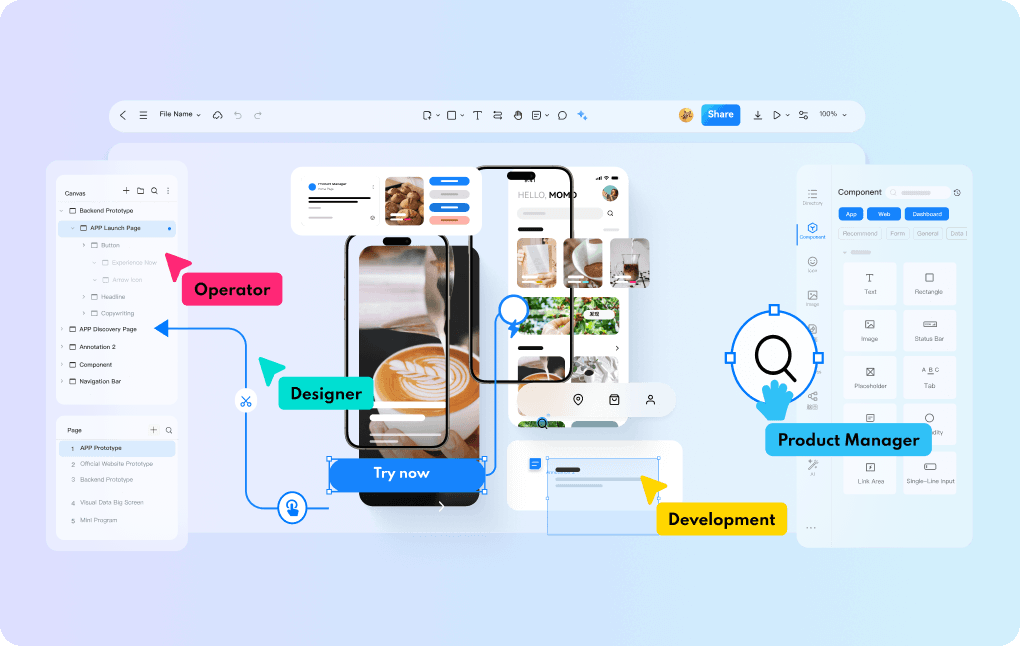
Why Choose to Prototype Interactions
with Prodes?
Easy Interaction
Experience the Simulation
Effect Visually

Interaction Creation Is Easy
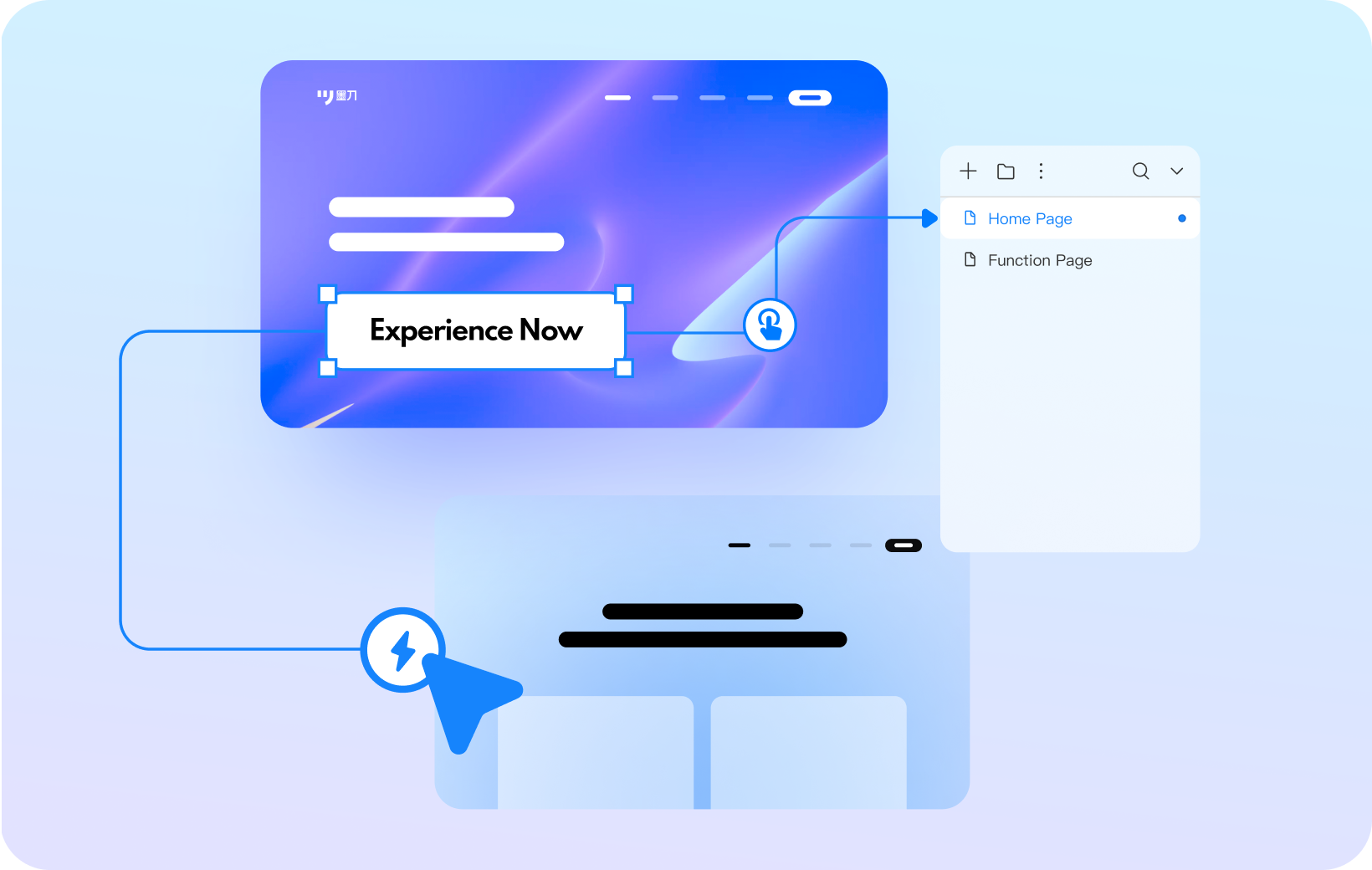
Create interactive prototypes through simple connections, with low operational difficulty and quick presentation of design ideas

Flexible Interactive Triggering
Provide diverse triggering conditions, such as clicking, hovering, etc., to easily achieve complex interaction logic

Convenient Dynamic Design
Built-in rich animation library, support for customizing animation parameters, easy to add smooth animation for components or pages
Huge Volume of Material
Easily Draw Prototype

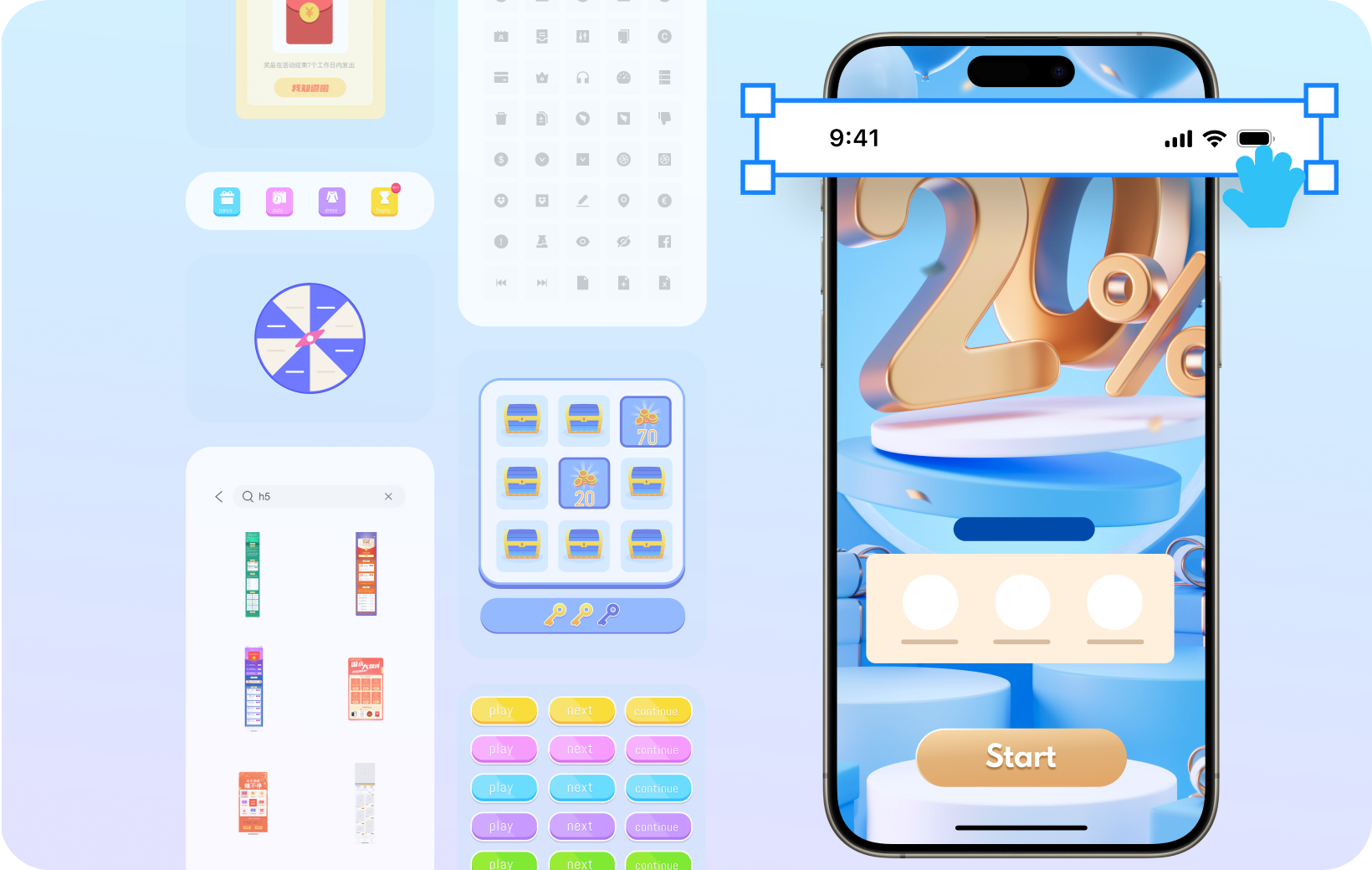
Huge Volume of Material
Provide navigation, buttons and other components used in high-frequency website design, drag and drop to quickly build prototypes

Enrich Industry Templates
Includes material from multiple industries such as e-commerce, social, travel, healthcare, etc
One Tool to Cover the
Whole Process of Interface Design

Full Link Creation
From organizing ideas, drawing wireframes, prototyping, interactive production to demonstration viewing, one Prodes is enough

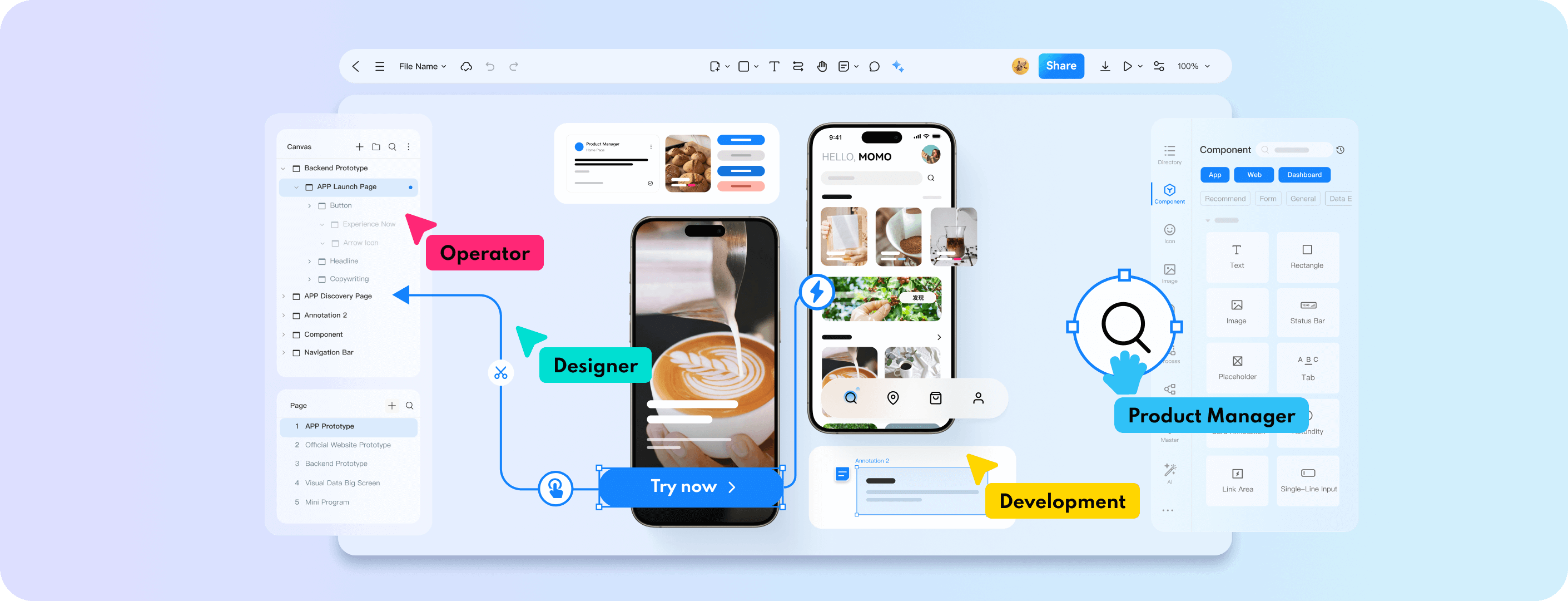
Real time collaboration
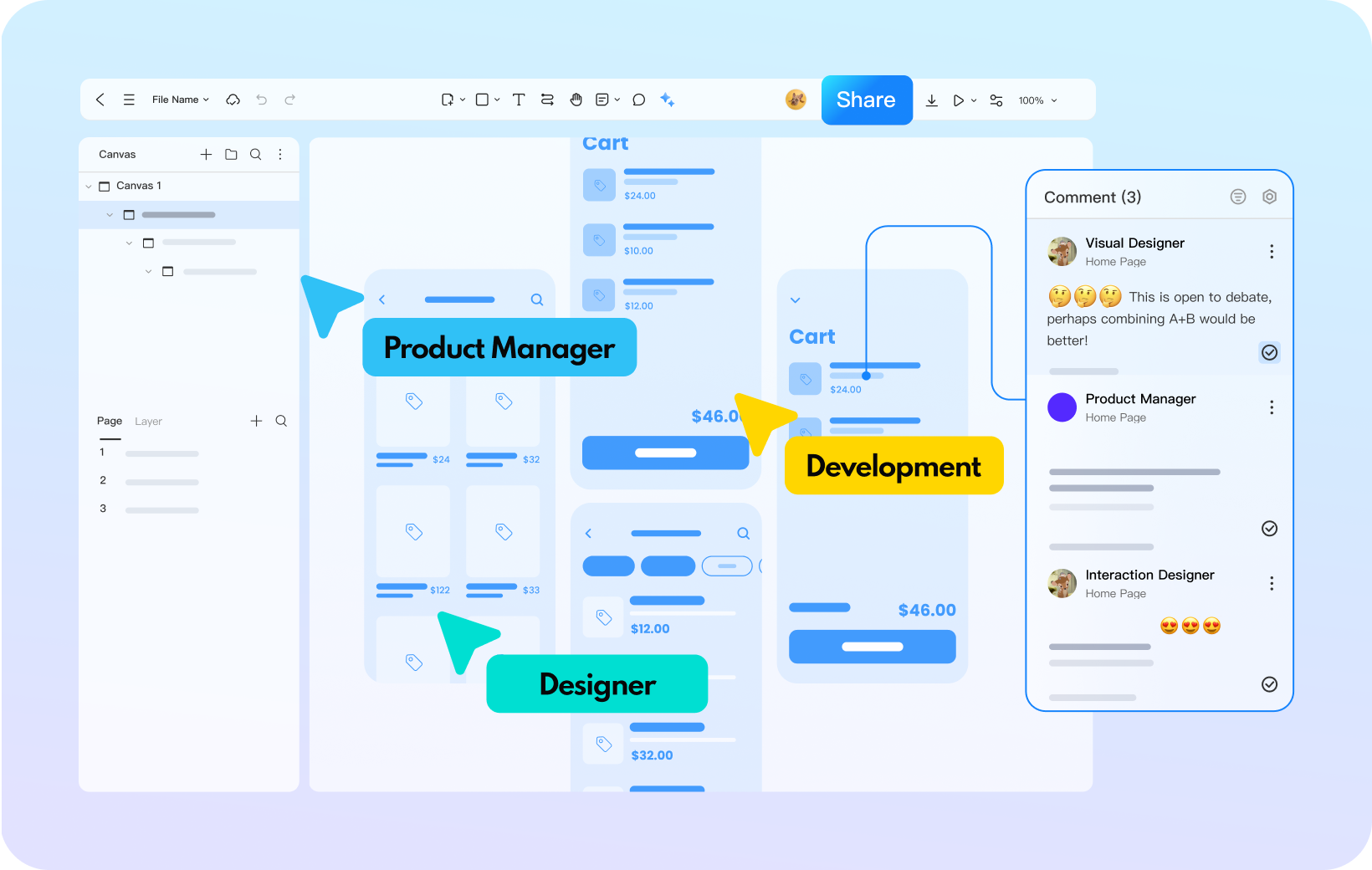
Support members to edit projects online simultaneously, with real-time synchronized updates of information, truly achieving seamless collaboration

Convenient review
With just one link, you can transfer the prototype file to team members, and also comment, collect feedback, and efficiently solve problems
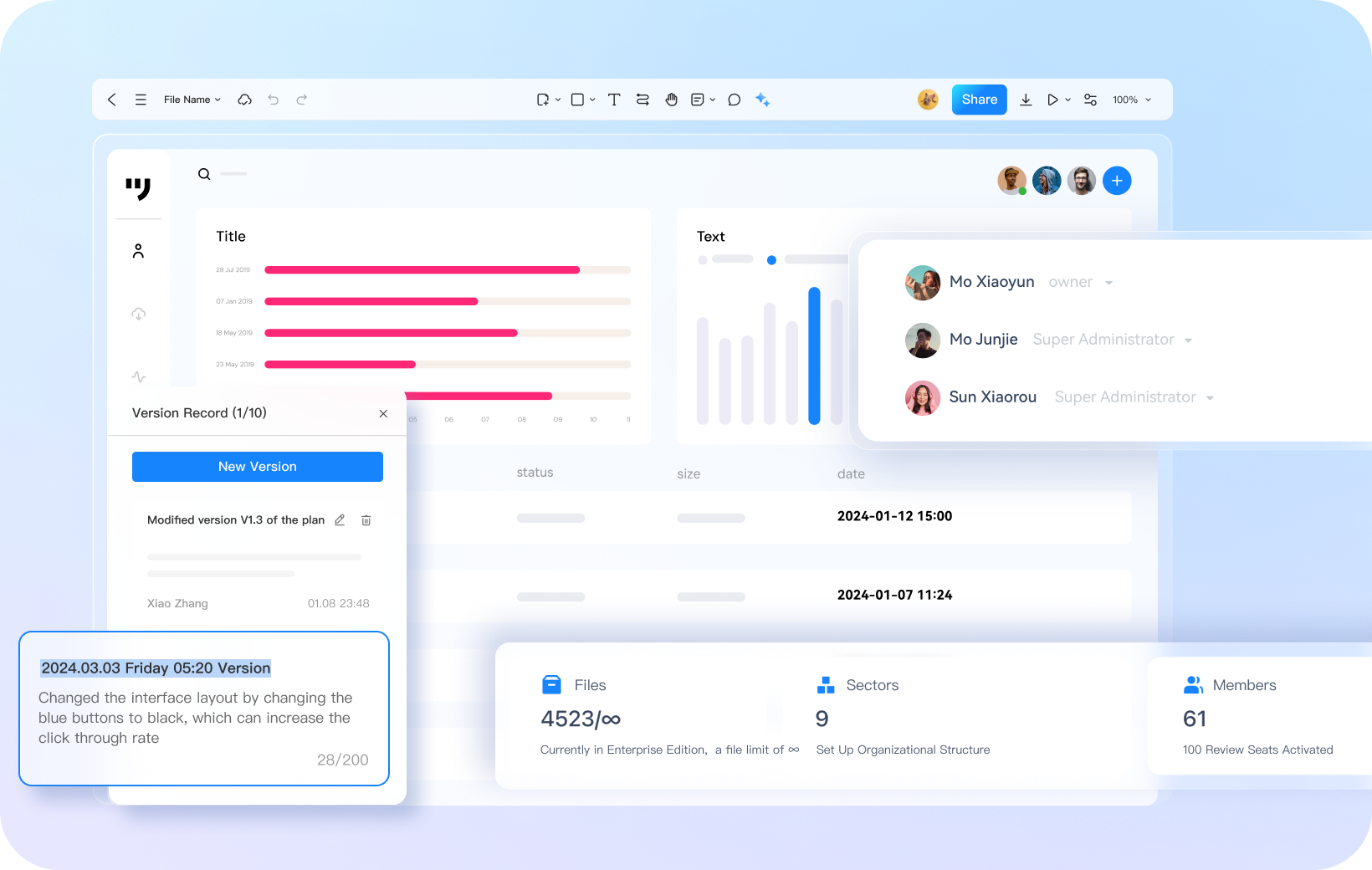
Team Management Is Orderly and Convenient

Flexible Control of Permissions
For enterprise spaces, three roles can be set: administrator, editable, and view only, achieving multi-level flexible management

Convenient Process Management
Make project control clear at a glance, visually present progress, and automatically save historical versions for easy retrospective and error correction
Prodes Covers A Large Number of
Interface Design Scenarios
 APP
APP
 Dashboards
 Web
Web
 Mini-Program
 H5 Page
 Visualization
 Industrial HMI

Adaptable to various device models
APP prototype is more realistic

Supports various gesture interactions

A thousand types of Android/iOS component icons

20+ Mainstream device shells

Batch-process standardised design
Backend prototyping efficiency doubled

Powerful master copy instance: one change affects all

Massive navigation, pagination, and chart components.

Provide design specification templates from major manufacturers
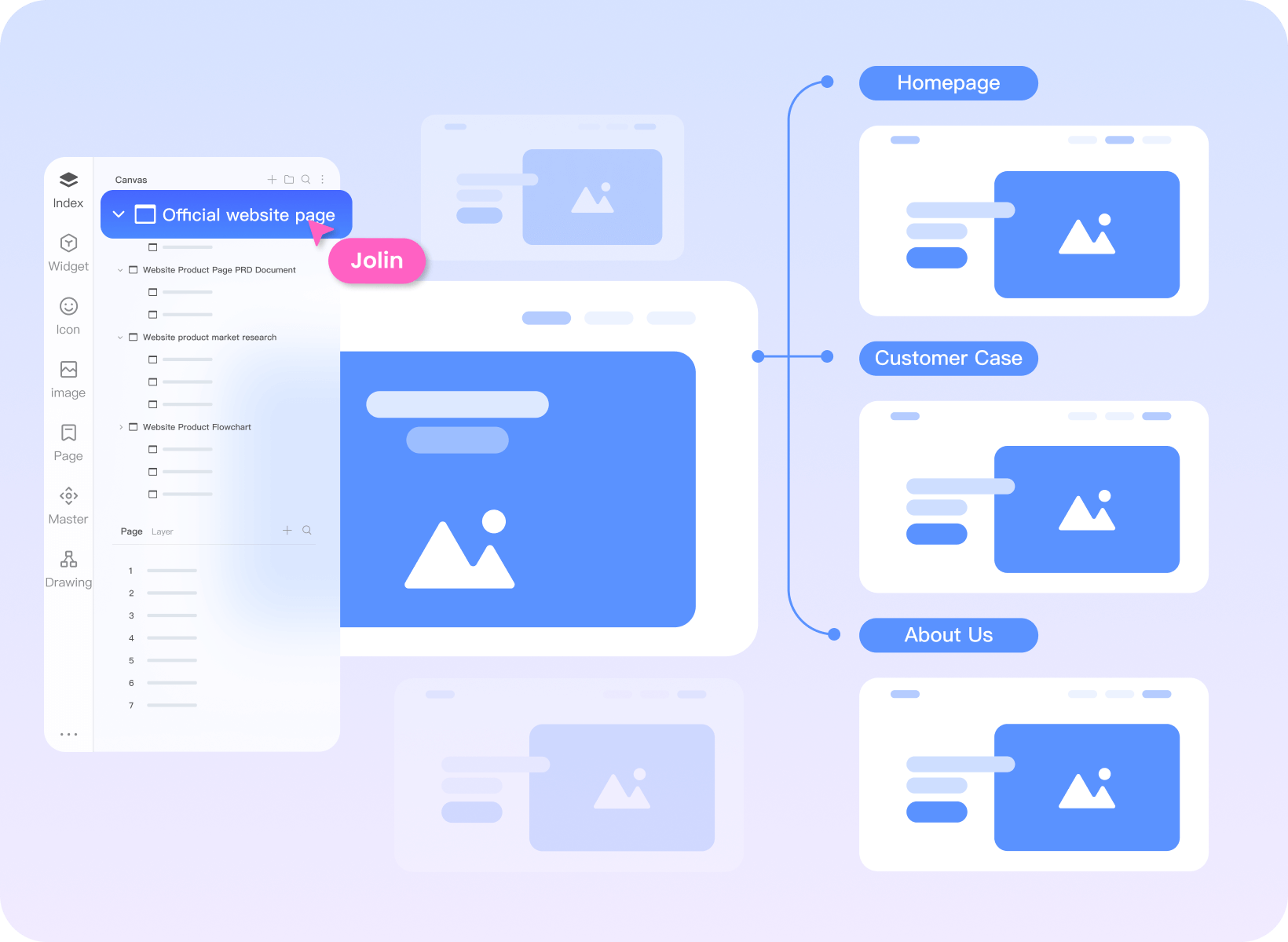
Clearly map out the website structure Effortlessly get started with web page prototypes

Use a mind map to organize the website sitemap.

High-frequency components such as navigation and buttons can be dragged and used directly.

Supports inserting videos, maps, hyperlinks, etc.
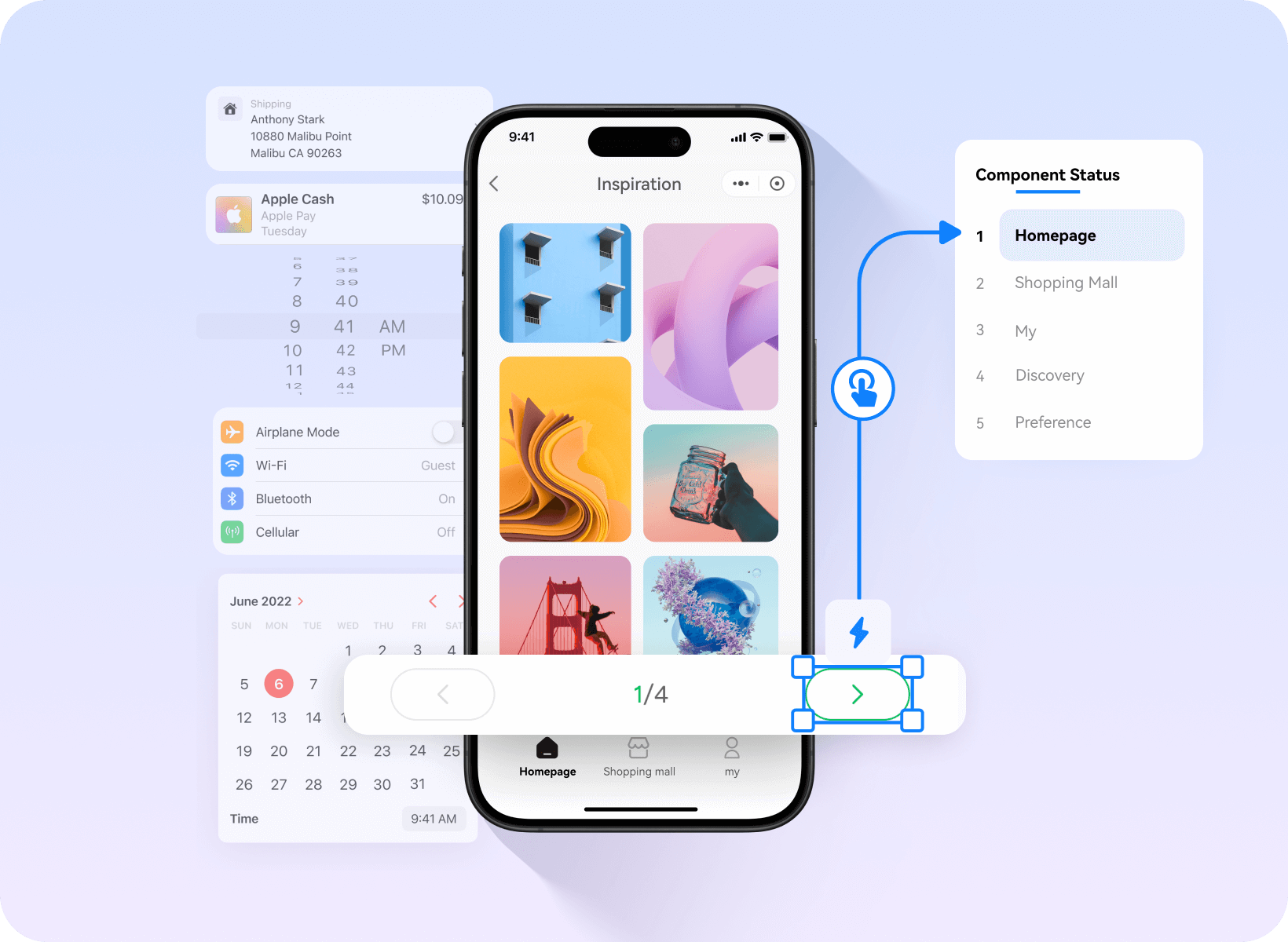
Customisable components
Create a mini-programme prototype
in 3 minutes

Rich WeChat and Alipay ecosystem components

A vast collection of commercially usable images and icons

Drag and drop to add mini-program interactions.
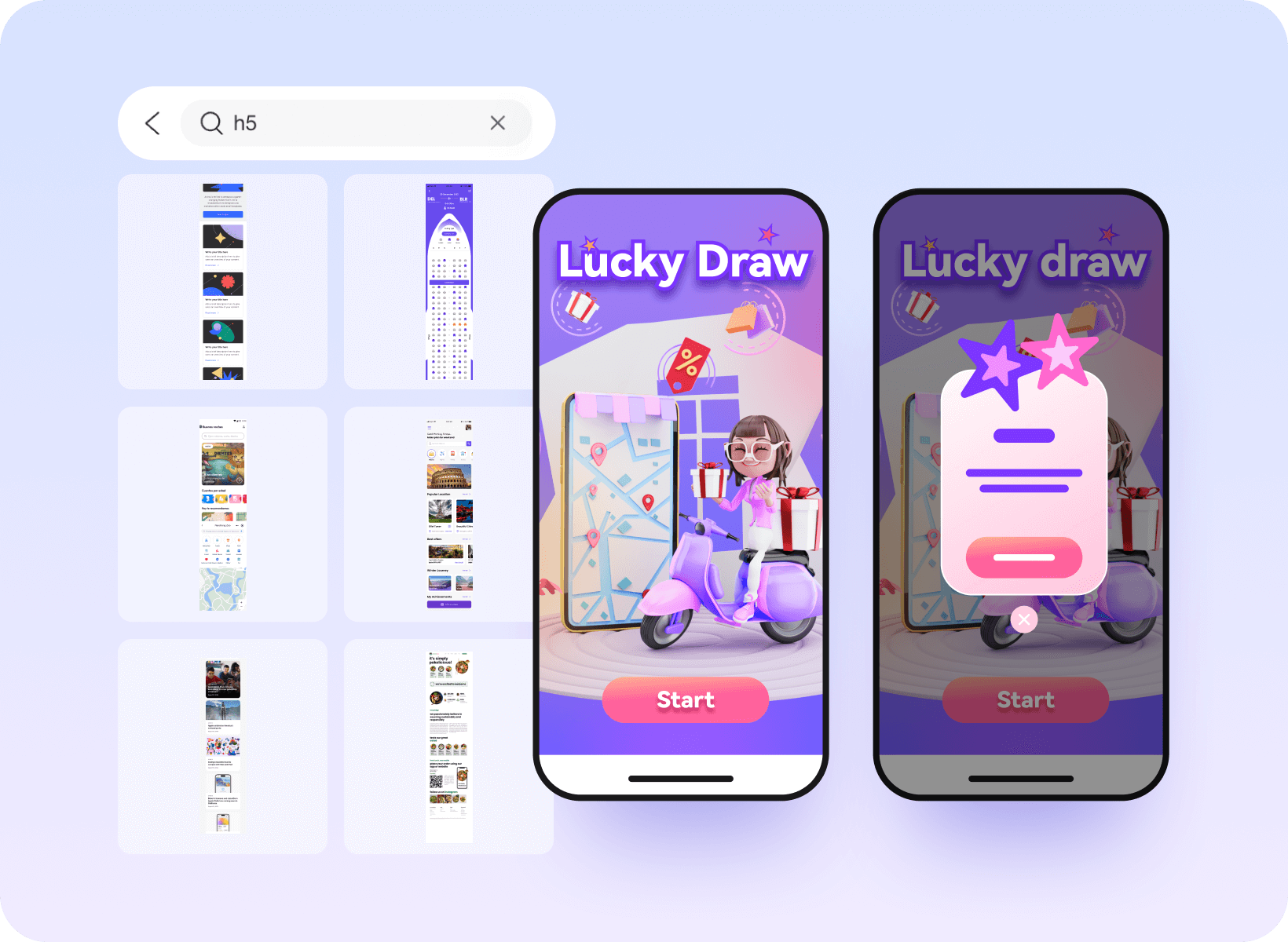
Industry-specific Component Templates
H5 Interactive Prototyping Made Simple for Beginners

E-commerce, gaming, tourism, and other massive templates

40+ Dynamic effects added with one click

Spinning wheels, prize draws and hundreds of other interactive components

Massive visualisation components
Drag-and-drop to complete large-screen prototypes

Hundreds of charts ready to use out of the box.

40+ Entrance and Exit Screen Animations

Rich industry templates and solutions
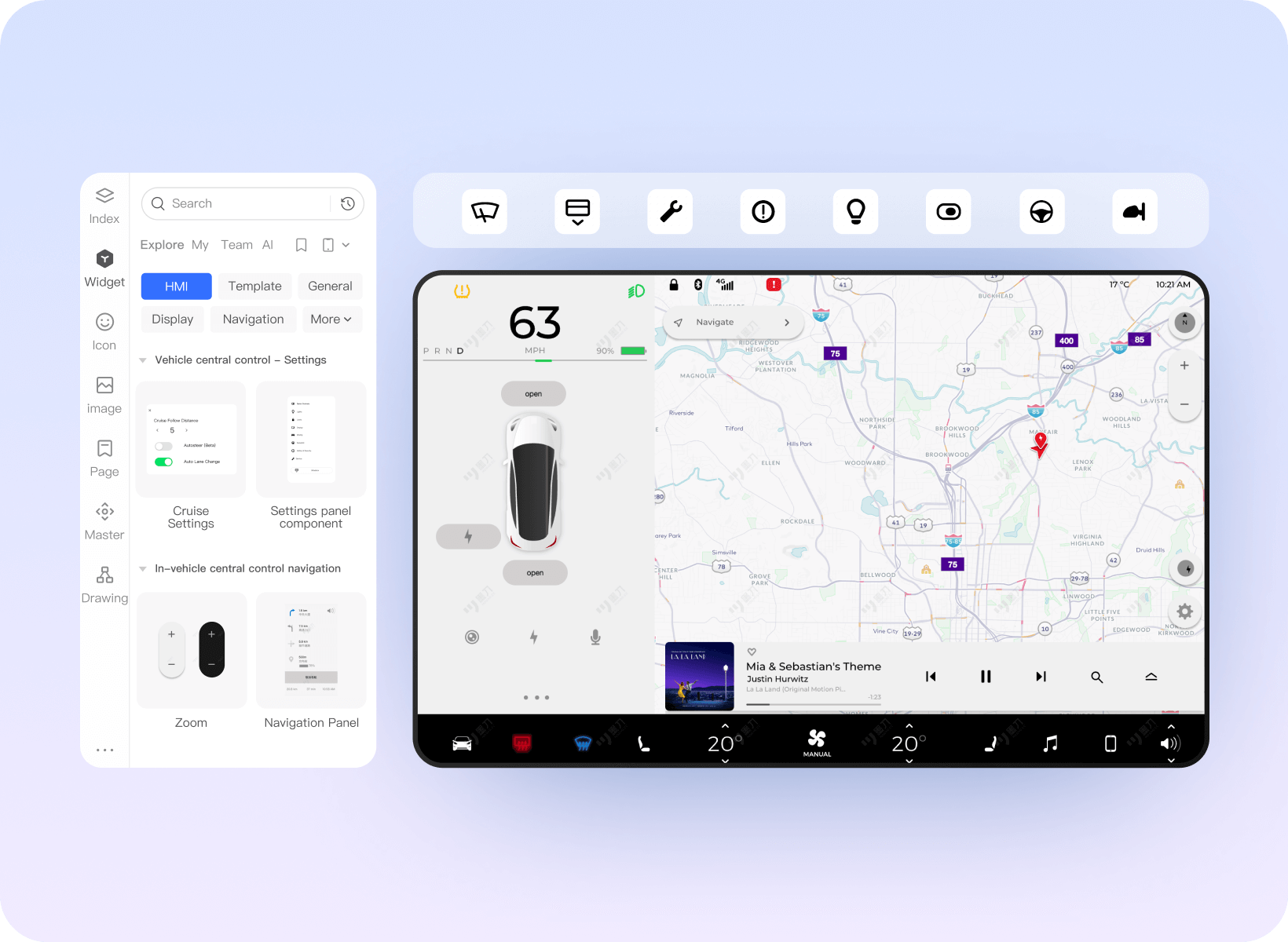
Supports multiple terminal types
Effortlessly complete HMI prototyping

Thousands of HMI-usable icons

10+ Gestures and Mouse Interaction Behaviors

Demonstrate and simulate the real experience of the HMI system.
More Professional Enterprise Services
Are Born for Efficiency
Integration of Production
Design and Research
Collect PRD documents, prototypes, design drafts, flowcharts, mind maps, etc
Flexible Team Management
Quickly grasp project progress, support operation logs, resignation handover, etc
Easily implement team architecture and permission management
Efficient Enterprise
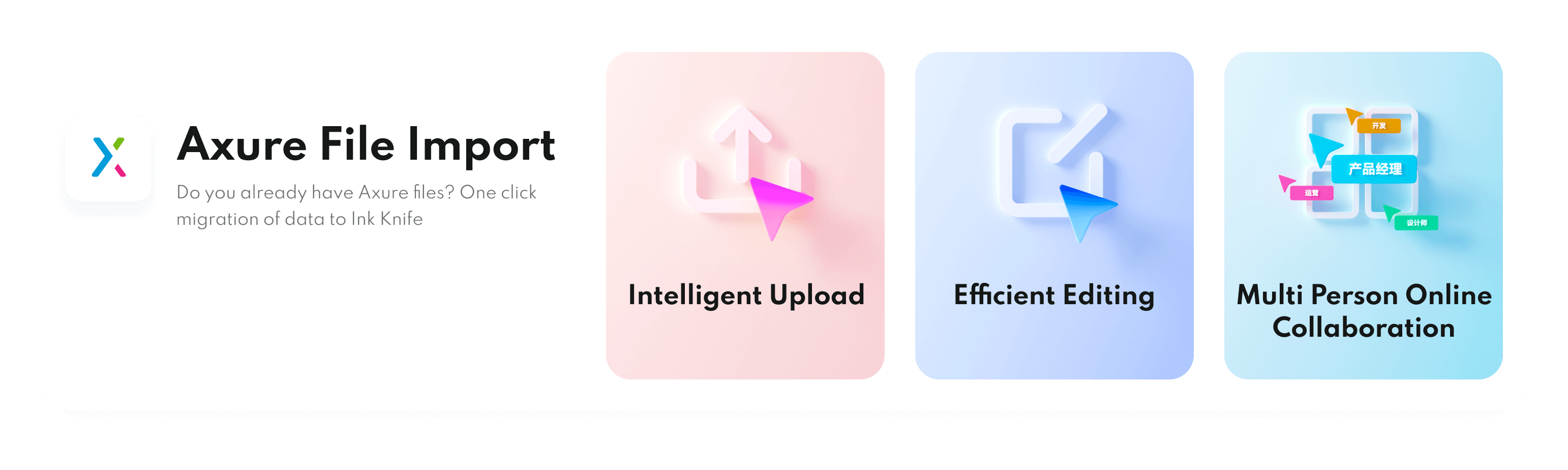
Resource Migration
Compatible with Axure, Sketch, Adobe XD,
Photoshop and other files, one click
migration
Standardized
DesignAssets
One click upload of enterprise materials,
shared by all staff for quick reuse